%20(1)-B86R08ZzwhPzS6UZbG3mSxRWPCwGwn.png)


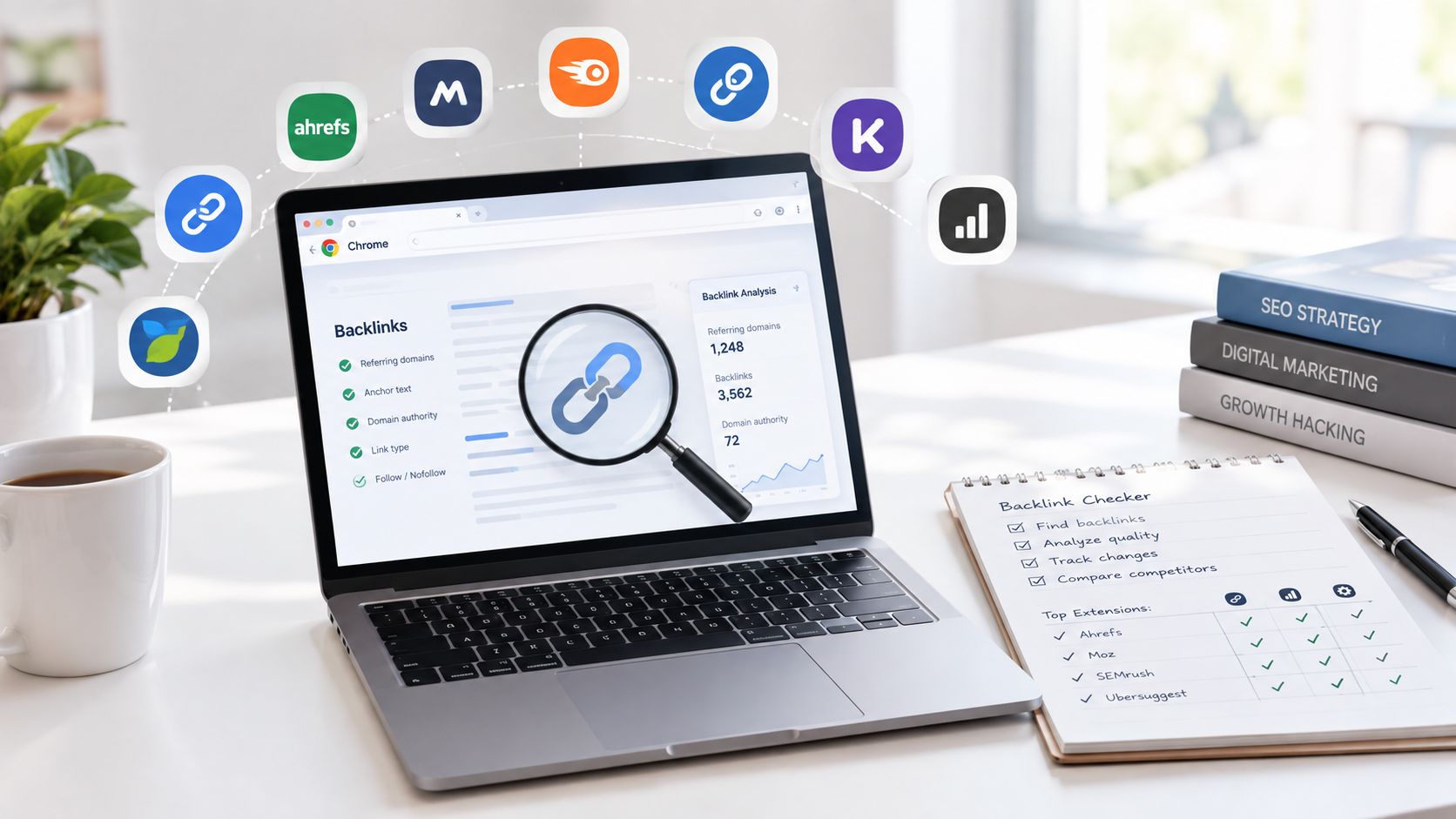
A toolbar is not a backlink audit. That's the mistake I see most often when people install a backlink checker Chrome extension and expect it to replace proper link research. A browser overlay can tell you something useful in the moment, while you're scanning a SERP or reviewing a page, but that's not the same job as building a defensible acquisition list, recovering lost links, or mapping competitor gaps.
In practice, the best extensions fall into different buckets. Some are for SERP triage, some for prospect qualification, some for link-quality screening, and some for technical inspection of the page you're already on. If I need deeper discovery, anchor analysis, referring-domain breakdowns, unlinked mentions, or broken-backlink recovery, I move into a full backlink report such as SemDash, because that's where the work stops being a quick glance and starts becoming a workflow.
What follows is the shortlist I'd use in a browser, with speed, link context, index depth, export or report handoff, audience, and failure points in mind. I'm not ranking them by hype. I'm ranking them by the job they perform when I'm prospecting, auditing, or sanity-checking a page before I invest time in a larger report.
Tabla de contenido
- 1. Ahrefs SEO Toolbar
- 2. Majestic Backlink Analyzer
- 3. SEOquake by Semrush
- 4. MozBar
- 5. Serpstat Website SEO Checker
- 6. Ubersuggest Chrome Extension
- 7. LRT PowerTrust
- 8. GrowthBar for Chrome
- 9. Mangools SEO Extension
- 10. MozBar Chrome Web Store Listing
- Top 10 Backlink Checker Chrome Extensions, Feature Comparison
- Choose the Fastest Check, Then Go Deeper
1. Ahrefs SEO Toolbar
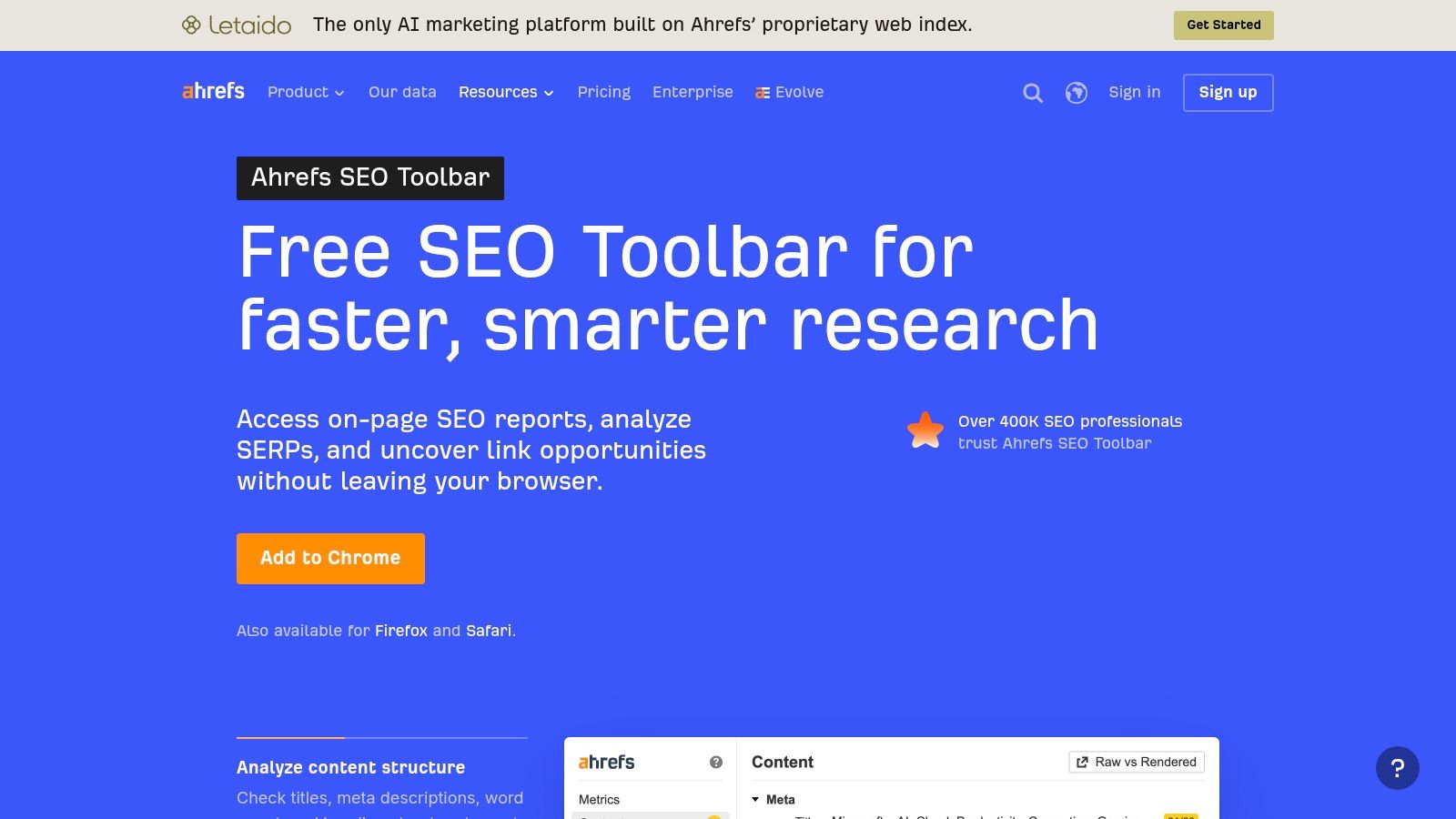
Ahrefs is the extension I reach for when I want fast inline metrics without leaving the SERP. The toolbar overlays page and domain backlink and referring-domain signals on results, then lets me check on-page links, broken links, internal and external links, and nofollow markers while I'm still browsing. For prospecting, that matters because I can reject weak pages quickly instead of opening a new tab for every result.
The value is the handoff. When a result looks promising, I can jump into Ahrefs Site Explorer for a deeper report, which is where the richer backlink lists live. That's also the main trade-off, because the extension itself is a shortcut, not the full research environment, and the deeper data depends on an Ahrefs paid plan. The browser layer is excellent for quick link vetting, but it doesn't replace a proper backlink workflow when I need exhaustive discovery.
Where it fits in my workflow
I use Ahrefs most often for SERP overlays y prospect qualification. If I'm scanning a list of competitor pages, the toolbar gives me enough context to decide whether a page is worth a deeper look. If I need the actual link graph, I stop treating the extension as the endpoint and move into the web app.
A practical advantage is how little friction it adds while browsing. That makes it useful for agency work where speed matters more than explaining every metric to a stakeholder. For broader link analysis and how I separate browser checks from full reports, I'd pair it with the deeper workflow described in this SemDash guide to backlink analysis software.
2. Majestic Backlink Analyzer
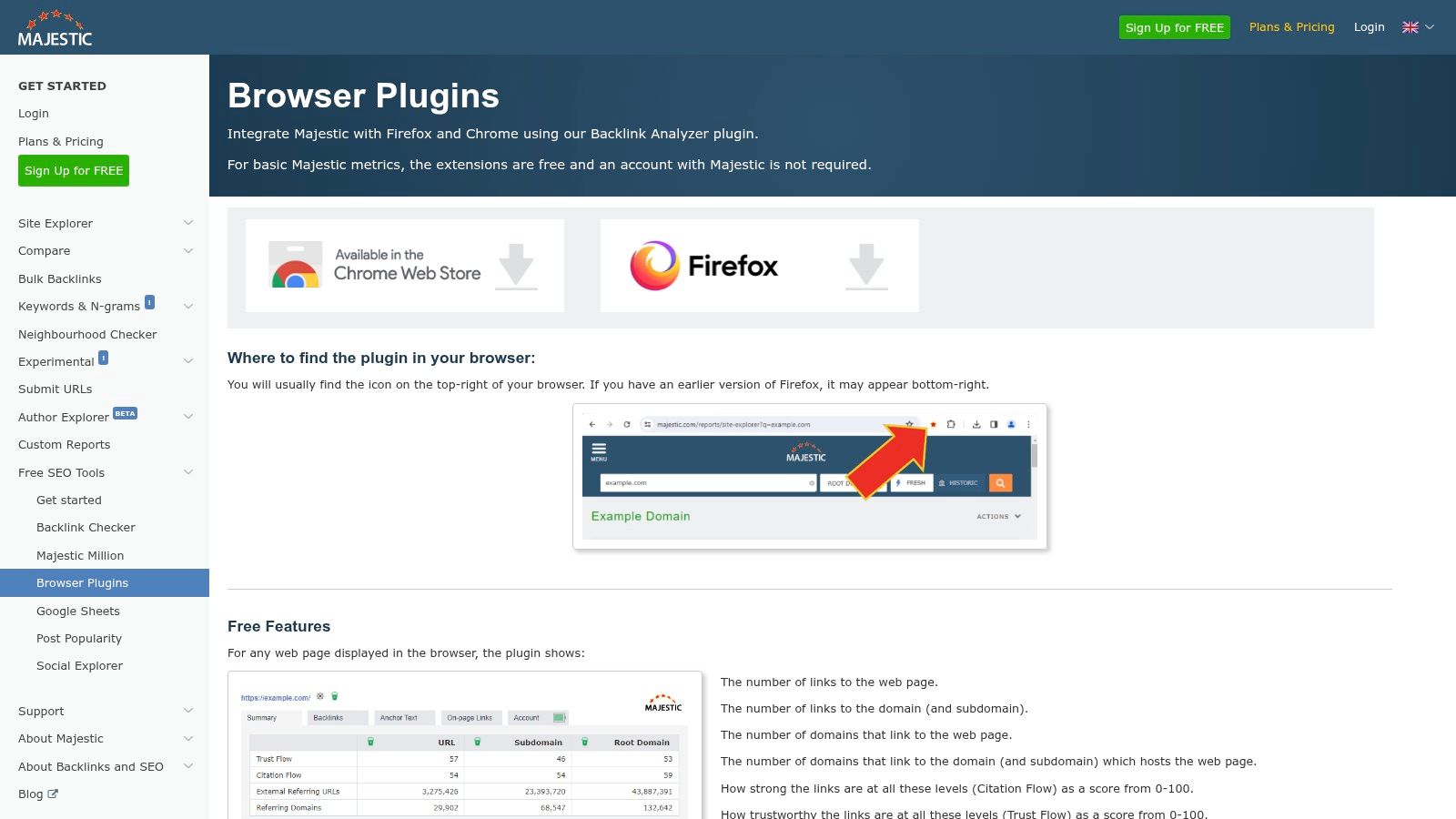
Majestic's extension is the one I use when the question isn't “How many links?” but “How trustworthy and topically relevant does this profile look?” It surfaces Trust Flow, Citation Flow, Topical Trust Flow, plus backlink and referring-domain counts from Majestic's index. That makes it better for quality screening than for casual browsing.
The browser experience is straightforward, though metric-heavy. If you're new to Majestic, the interface can feel dense because it shows you a lot of trust and link-graph context at once. That density is the point, though. When I'm qualifying prospects, I'd rather see a sharp relevance signal quickly than get a prettified dashboard that hides the quality cues I need.
Regla práctica: use Majestic when you want a quick read on authority and topical fit, not when you need a full backlink inventory.
Why I keep it in the stack
Majestic is useful because it's anchored in an independent crawler and index, which gives it a different angle from Ahrefs or Semrush. That matters when I'm comparing multiple sources and don't want one vendor's view to dominate the decision. It's especially helpful for outreach teams that need a fast relevance filter before a manual review.
If you already work inside Majestic, the extension is an efficient front door to deeper reports. If you're building out a cleaner comparison between tools, I'd also compare it with SemDash versus Majestic before deciding which ecosystem should handle the heavier reporting work.
3. SEOquake by Semrush
SEOquake is the extension I recommend when someone wants a free, lightweight overlay that still points back to a full platform. It adds page and SERP metrics, supports on-page auditing, and links into Semrush reports, including backlinks at the domain and page level. For a lot of daily work, that's enough to decide whether a result deserves attention.
What I like most is how fast it is for SERP triage. I can scan a page, glance at the overlay, and decide whether I'm looking at a strong competitor or a weak result with thin authority signals. The downside is predictable. The extension is useful, but the backlink depth lives in Semrush, so the browser layer is more of a filter than a research destination.
Mejor caso de uso
SEOquake works well when I need to cover a lot of ground quickly. If I'm checking rankings, comparing pages, or doing a broad pass over a niche, the extension keeps me from over-investing in any one result. That's valuable for teams that want a quick answer before handing a page off for deeper analysis.
The interface can feel busy because it tries to do a lot at once. That makes it better for practitioners than for absolute beginners, but it also means it can become a habit tool rather than a novelty. For a backlink checker Chrome extension, that's usually the right balance, quick enough to use daily, but still connected to a deeper report when the job demands it.
4. MozBar
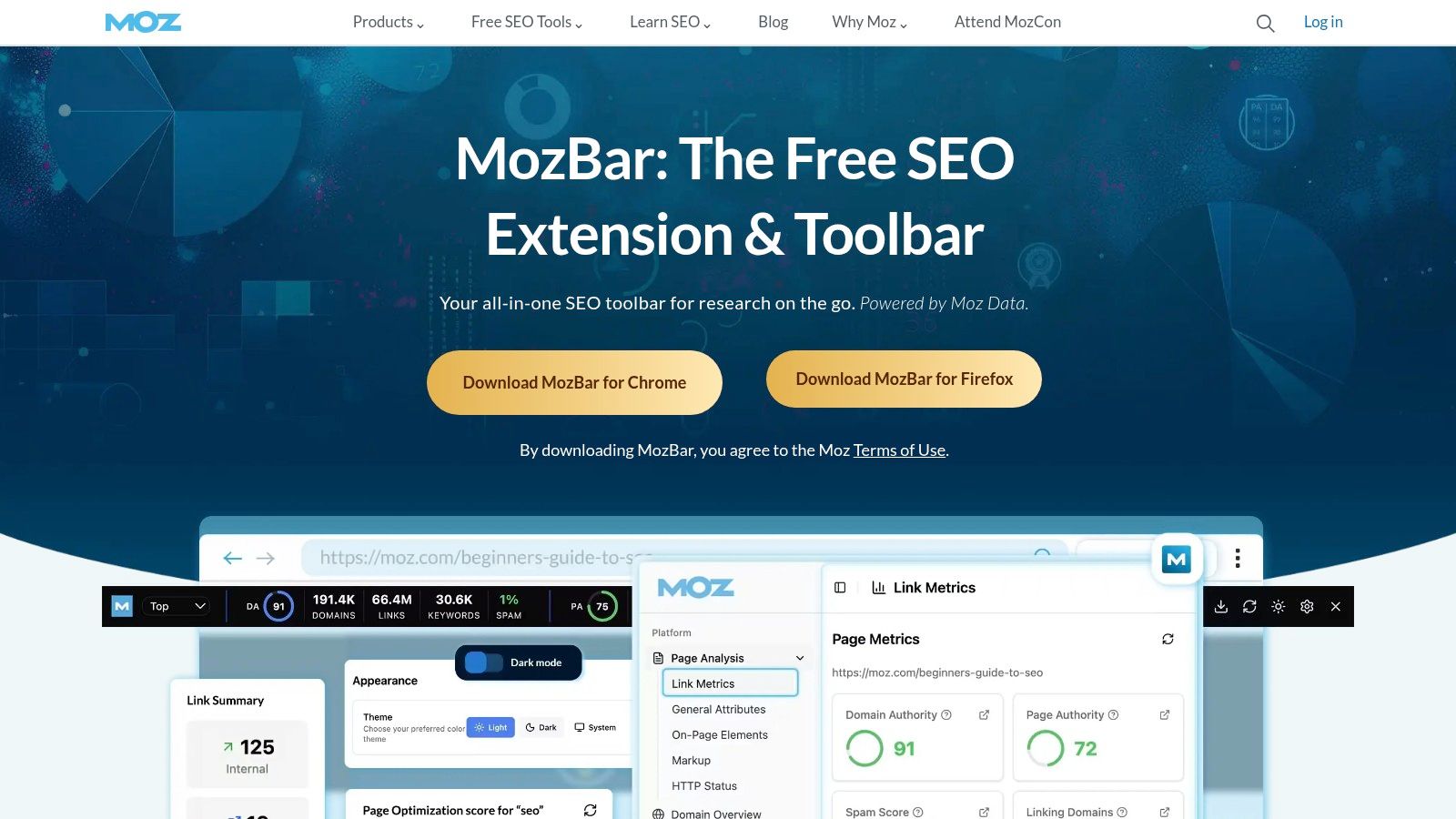
MozBar is the extension I hand to teams that want simple authority screening without much training. It shows Autoridad de Dominio, Page Authority, y Spam Score, then helps me spot follow and nofollow links or distinguish internal from external links on a page. That makes it a practical first-pass tool for link prospecting and page review.
MozBar's strength is clarity. It doesn't try to pretend it's a full backlink database inside the extension, and that honesty makes it easier to use. If I'm checking a SERP and need a quick sense of which pages look authoritative, it gets me there fast. If I need a full backlink list or historical depth, I know I'm heading into Moz Pro rather than expecting the toolbar to do everything.
What it's good for
I like MozBar when the team cares about familiar metrics and a quick yes-or-no on authority. DA and PA are not the same as a complete link analysis, but they're easy to read during prospecting. That's often enough to separate a page worth a deeper look from one I can ignore.
The other reason it survives in my stack is usability. Non-SEOs usually grasp it quickly, and that lowers the cost of training. If your workflow is more about screening than descubrimiento, MozBar remains one of the cleanest options in the browser.
5. Serpstat Website SEO Checker
Serpstat's extension is the one I use when I want a compact view that mixes backlink data with technical checks. It shows backlink and referring-domain signals, visibility metrics, on-page and technical checks, and traffic estimates, then hands off to Serpstat for deeper analysis. That combination makes it useful when I'm qualifying a prospect and don't want to split the job across multiple tools immediately.
The cross-browser support is a practical bonus if a team isn't Chrome-only. More important, the extension gives me enough context to decide whether the page needs a deeper backlink review or whether the issue is more technical than link-related. That's a distinction many browser tools miss.
Where it earns its keep
I think of Serpstat as a triage extension. It's not the cleanest browser UI on this list, because it surfaces a lot of information at once, but that density is useful when I need a broad snapshot. If I'm looking at a competitor page, I can spot link context and technical clues without opening several different tools.
The limitation is the familiar one. Depth depends on a Serpstat subscription, so the browser is a gateway, not the destination. If you need one extension that hints at both link strength and page health, though, this one earns a place in the shortlist.
6. Ubersuggest Chrome Extension
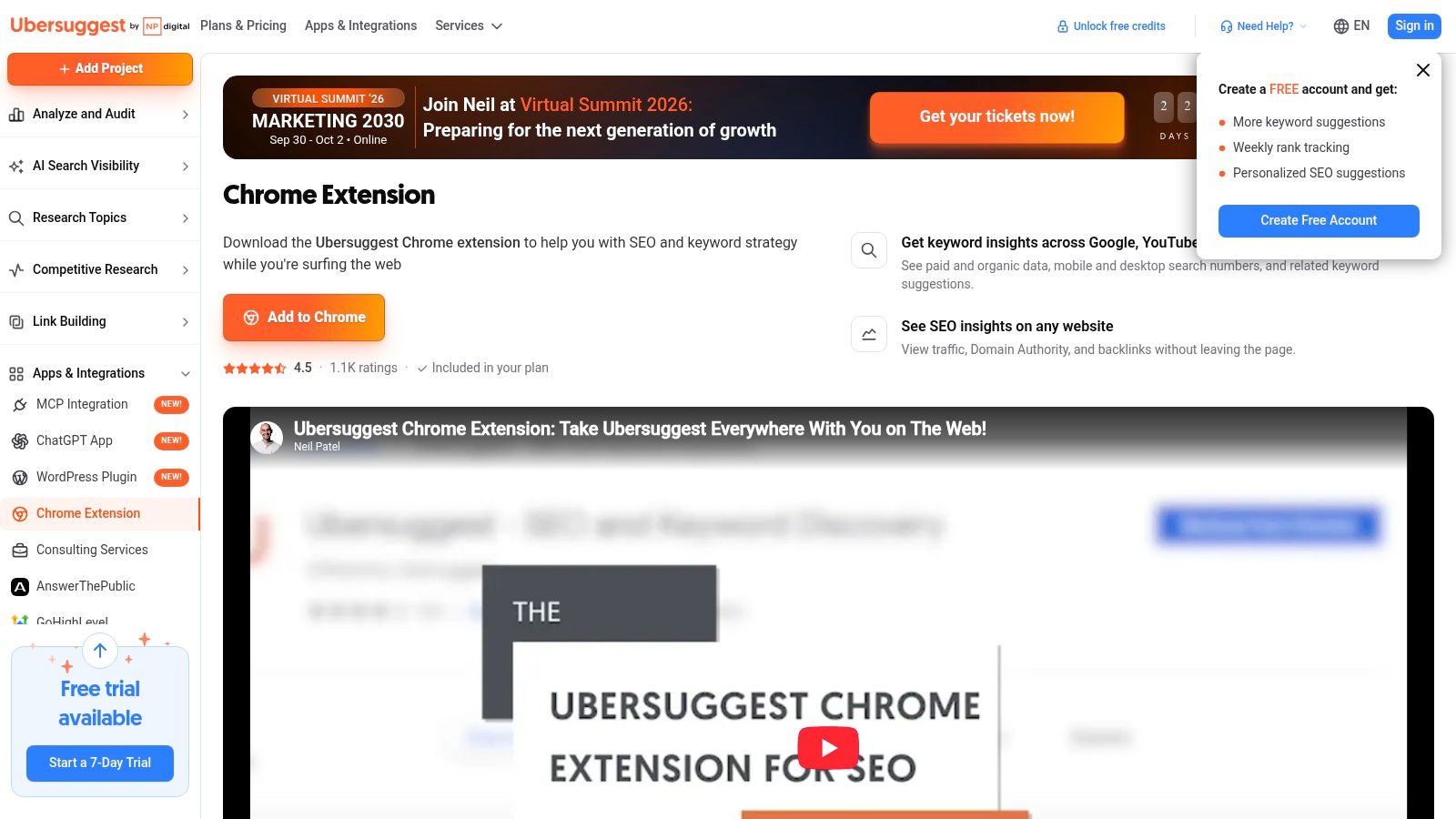
Ubersuggest is the approachable option. When I want a low-friction baseline read on backlinks and referring domains while I'm browsing, it's easy to live with. The extension overlays domain and page metrics, traffic estimates, and keyword data, then points me to the deeper backlink reports in the Ubersuggest web app.
That makes it useful for non-specialists, founders, and small teams that want a quick sense of what they're looking at without building a complicated research process. It's not trying to be the richest link index on the market. It's trying to make backlink context easy to understand.
Why I'd choose it
I like Ubersuggest when the user needs confidence, not complexity. The interface is clean enough that someone who doesn't live in SEO every day can still use it. That's not a minor advantage, because a tool people open beats a richer tool they never touch.
The trade-off is depth. If I'm doing serious competitor analysis or high-stakes outreach, I eventually need more detailed link data than the extension gives me. Ubersuggest works best as a fast front-end to a broader report, not as the report itself.
7. LRT Power*Trust
LRT PowerTrust is the extension I use when the question is risk. It surfaces PowerTrust scores for the active page and domain, which gives me a quick read on whether a prospect looks trustworthy or sketchy before I spend more time on it. That's especially helpful in outreach, where bad prospects waste time and can muddy the rest of the list.
The extension is intentionally narrow. It doesn't try to give you a full backlink inventory inside the browser, and that's fine. I prefer that restraint because it makes the tool better at pre-qualification than at pretending to be a complete audit system.
Use this when your first job is to say no faster.
The practical trade-off
LRT is strongest as a quality gate. If I'm reviewing a long list of domains, I can use it to filter out prospects that don't deserve further attention. That saves time, and it keeps the deeper audit from getting cluttered with obviously weak targets.
The downside is obvious. Once I need the link list, the browser score isn't enough. I still have to move into a full platform for detailed analysis, but the extension has already done the first cut, which is exactly what a good screening tool should do.
8. GrowthBar for Chrome
GrowthBar is built for people who want a single-pane snapshot instead of a technical dashboard. In the browser, it shows backlink previews, authority, traffic estimates, keyword cues, and basic content tools. That blend makes it friendly for marketers who need quick context, not a deep link-analysis workflow.
I see it as a bridge tool. It helps a user understand whether a site looks interesting, how much authority it appears to have, and whether there's enough signal to keep digging. For a lot of early-stage prospecting, that's enough to decide whether to continue.
Where it works and where it doesn't
GrowthBar is easy to use, and that matters more than people admit. A tool with modest data that gets used consistently will beat a richer system that sits untouched. That said, the backlink data is lighter than what you'd want for a serious link audit, so I wouldn't use it to make final calls on acquisition or recovery.
It's best for quick sweeps, not final judgments. If I'm working with non-SEOs or small teams that want one overlay with multiple cues in the same place, GrowthBar is a sensible fit. If I'm doing detailed competitor research, I still move into a fuller backlink platform once the browser pass is done.
9. Mangools SEO Extension
Mangools makes sense if you already live inside the Mangools suite. The extension gives you authority and SEO metrics, SERP overlays, and competitor snapshots, then opens the door to LinkMiner for full backlink work. That handoff is the reason I'd consider it, because the browser layer is clearly designed as a starting point rather than a dead end.
The UI is friendly and easy to use, which is a real plus for teams that don't want a steep learning curve. I've found that browser tools often fail because they feel like a second job. Mangools avoids that problem better than most.
Mejor opción
I'd use Mangools when the workflow is quick context now, deeper link analysis later. The extension gives enough detail to decide whether a page or domain is worth opening in the web app. That's useful for lightweight prospecting and for users who already trust the Mangools ecosystem.
The limitation is that inline link data stays high-level. If you need anchors, broader referring-domain discovery, or a fuller competitor breakdown, the work still happens in the app. As a browser extension, though, it does its job cleanly.
10. MozBar Chrome Web Store Listing
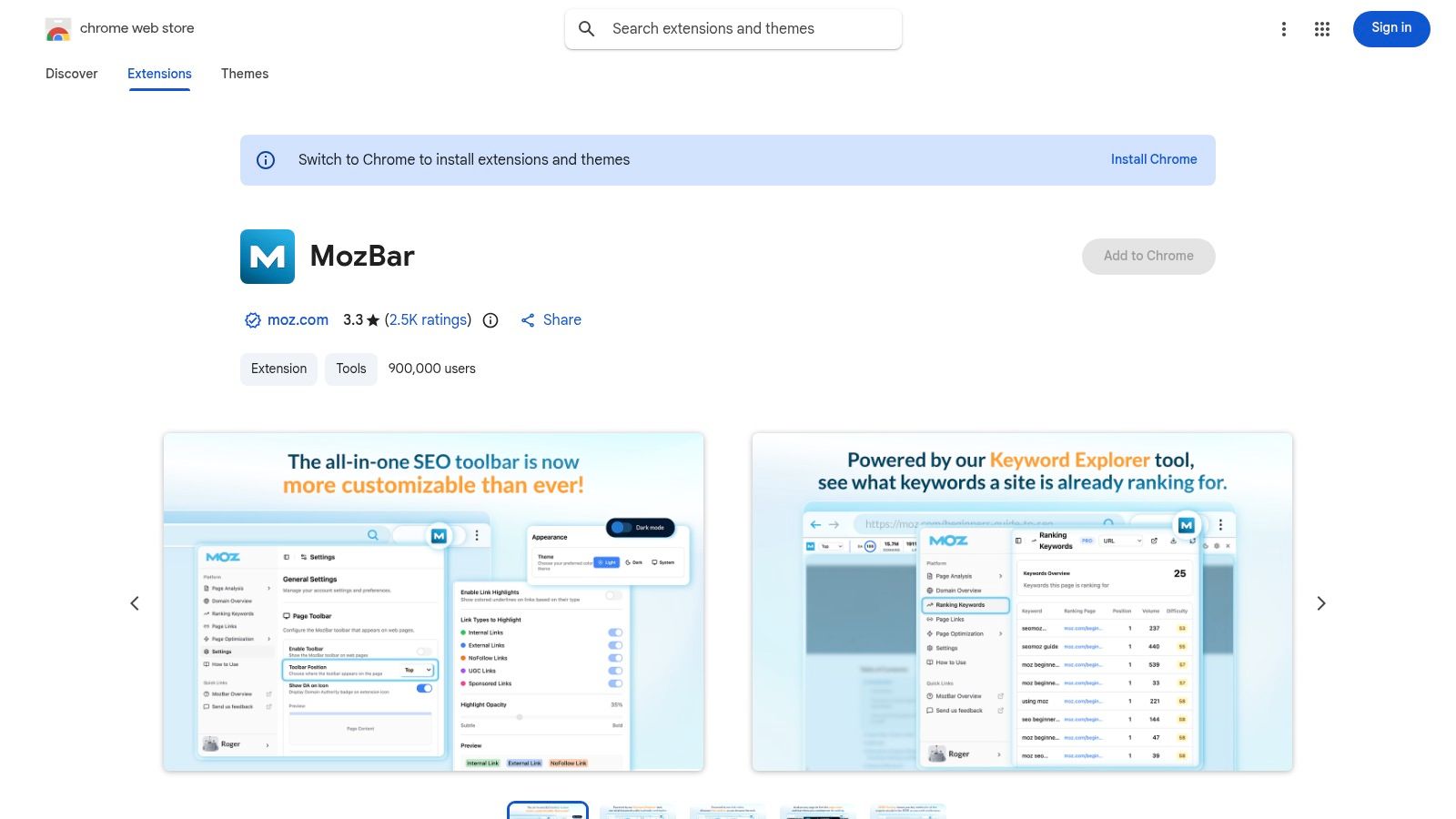
This is the version I point procurement and IT at when they need the canonical install page for MozBar. It's not a different product, it's the Chrome Web Store listing that shows version history, permissions, and update details in one place. For teams that standardize browser tools, that transparency matters.
I use the listing when I want to verify what's being installed before rollout. That's a different job from using the toolbar itself in a prospecting session, but it's still part of responsible tool selection. If an extension is going to live in a shared workflow, someone has to check the manifest-level details and make sure the team is comfortable with the permissions.
Why this listing matters
The listing is useful because it helps validate the extension before anyone installs it at scale. That's especially relevant for agencies, in-house teams, and anyone with a formal software review process. It also gives you a clean place to confirm that the extension still lines up with the MozBar product you expect.
Treat this as the governance version of MozBar. The toolbar does the SEO work, but the listing helps you decide whether the tool belongs in your stack at all.
Top 10 Backlink Checker Chrome Extensions, Feature Comparison
| Herramienta | Características principales | Data depth & quality (★) | Unique selling point (✨/🏆) | Público objetivo (👥) | Price / Value (💰) |
|---|---|---|---|---|---|
| Ahrefs SEO Toolbar | Page/domain backlink metrics, on‑page link highlights, broken‑link checks, SERP overlays | ★★★★★ | ✨ Inline Ahrefs metrics + one‑click pivot to Site Explorer, 🏆 large/up‑to‑date link index | 👥 Link builders, agencies, prospectors | 💰 Free ext; full lists require Ahrefs subscription |
| Majestic Backlink Analyzer | Trust Flow, Citation Flow, topical trust, backlink/referring‑domain counts | ★★★★☆ | ✨ Topical Trust Flow for relevance, 🏆 independent link‑graph signals | 👥 Outreach, link‑graph analysts | 💰 Free ext; deeper reports via Majestic plans |
| SEOquake (Semrush) | SEObar, on‑page audit, SERP overlay, bulk export, links to Semrush reports | ★★★★☆ | ✨ Fast, free SERP triage and bulk scanning | 👥 SEOs doing rapid audits, students | 💰 Free ext; deeper data with Semrush subscription |
| MozBar (Moz) | DA/PA/Spam Score, link inspector, highlight follow/nofollow | ★★★★☆ | ✨ Widely recognized authority signals (DA/PA) for quick authority checks | 👥 Marketers, link researchers, teams | 💰 Free ext; Moz Pro for full backlink/history |
| Serpstat Website SEO Checker | Backlink/referrer data, on‑page & technical checks, traffic estimates, multi‑browser support | ★★★★☆ | ✨ All‑in‑one snapshot (links + technical) across browsers | 👥 Technical SEOs, multi‑browser users | 💰 Free ext; full data via Serpstat subscription |
| Ubersuggest Chrome Extension | Backlink/referrer counts, authority score, traffic & keyword data, links to web app | ★★★☆☆ | ✨ Clean, approachable UI for non‑specialists | 👥 Small businesses, beginners, solo marketers | 💰 Free tier (daily limits); paid plans for higher limits |
| LRT Power*Trust (LinkResearchTools) | Power*Trust scores, optional SERP overlay, sort by trust | ★★★☆☆ | ✨ Quick trust/risk screening to pre‑qualify prospects | 👥 Outreach teams, risk‑conscious SEOs | 💰 Free ext; LRT subscription for audits |
| GrowthBar for Chrome | Backlink preview, authority & traffic estimates, keyword suggestions, content tools | ★★★☆☆ | ✨ Single‑pane competitive + content snapshot, very user‑friendly | 👥 Marketers, content creators, small teams | 💰 Freemium; paid after trial for advanced features |
| Mangools SEO Extension | Authority/SEO metrics, SERP overlays, handoff to LinkMiner for full backlink reports | ★★★★☆ | ✨ Smooth hand‑off to LinkMiner, simple UX | 👥 Mangools users, small agencies | 💰 Free ext; full features with Mangools subscription |
| MozBar (Chrome Web Store listing) | Install/permissions, changelog, version history, manifest transparency | ★★☆☆☆ | ✨ Procurement/IT transparency for rollout & governance | 👥 IT/procurement, teams standardizing tools | 💰 Free listing (same MozBar product) |
Choose the Fastest Check, Then Go Deeper
The cleanest way to choose a backlink checker Chrome extension is by the job you need done in the browser. Use a toolbar when you need immediate page or SERP qualification, because that's what Ahrefs, SEOquake, MozBar, Ubersuggest, and similar overlays do best. Use a specialist quality metric when the question is topical trust or risk, which is where Majestic and LRT Power*Trust earn their place. Use an all-in-one browser snapshot when you need link context plus technical clues, which is where Serpstat has an edge.
The bigger mistake is stopping at the extension when the task requires a deeper backlink report. If you need referring-domain discovery, anchor and page analysis, competitor gaps, unlinked mentions, o broken-backlink recovery, the browser view is only the first pass. That's where a full platform matters, because a real workflow needs more than a metric badge on a search result.
For that deeper layer, I'd move into SemDash when I need domain- and page-level backlink research, Brecha de backlinks, and its índice de 2,7 billones de enlaces to support discovery and comparison work. That's the point where the question changes from “Does this page look worth my time?” to “What links can I win, reclaim, or replicate?” A browser extension can help me answer the first question fast, but I still validate the second one in the report before I make a decision.
The best process is simple. Start with the fastest extension that matches your immediate task, then confirm the important calls in a full backlink environment before outreach, cleanup, or reporting goes live.
If you're comparing browser shortcuts against deeper link research, SemDash gives you the reporting layer that extensions can't. It's built for backlink discovery, gap analysis, and recovery work, so you can move from a quick SERP check to a defensible link plan. Visit SemDash and test it against the backlink workflow you're already using.