%20(1)-B86R08ZzwhPzS6UZbG3mSxRWPCwGwn.png)


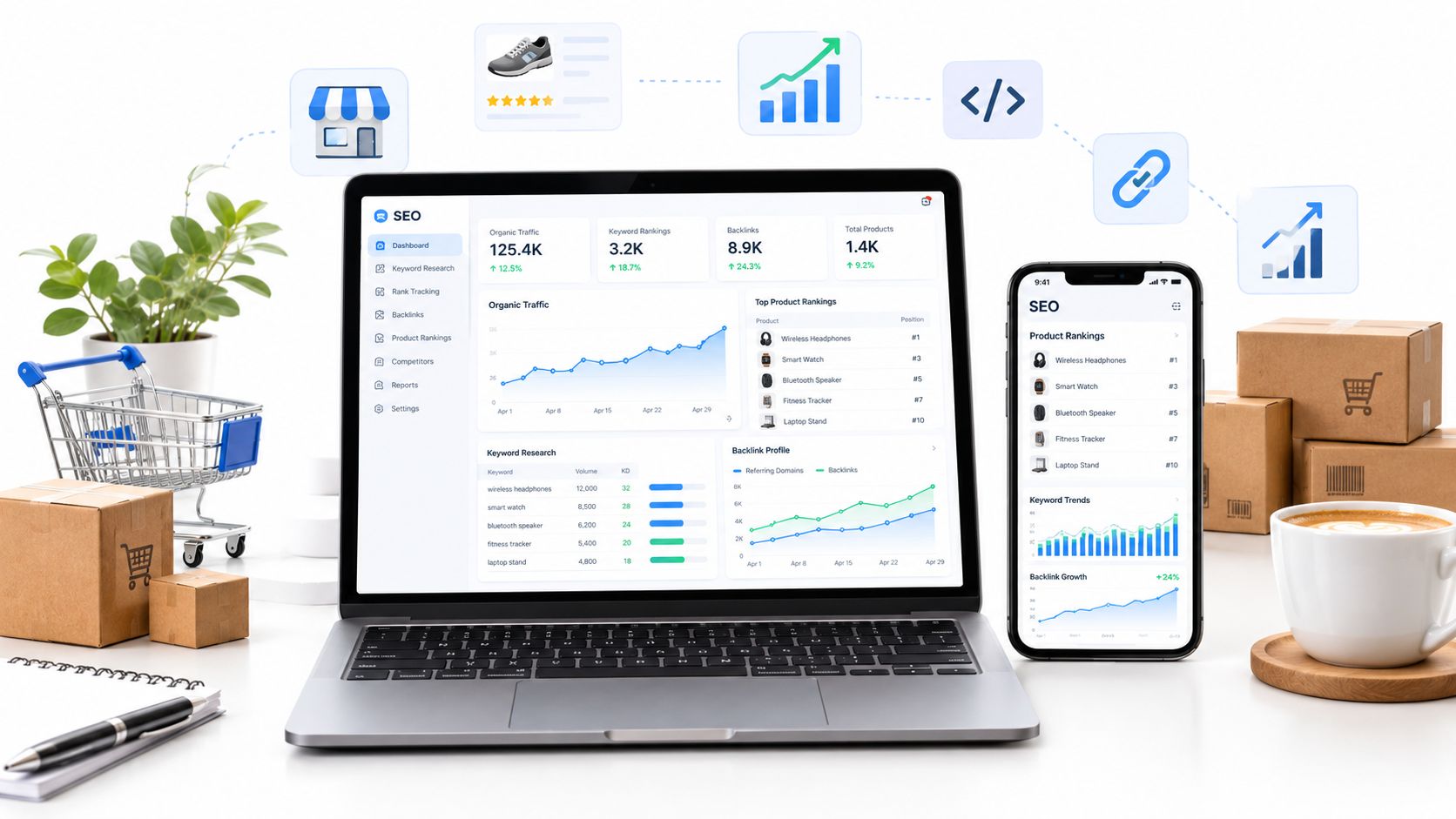
SemDash is the strongest starting point for competitive keyword, backlink, SERP, clustering, and AI Overview research, with a 6.6 billion keyword index, a 2.7 trillion-link index, and 600 million refreshed SERPs. Google Search Console is the essential free companion, while a dedicated crawler or enterprise platform becomes necessary as catalog complexity and operational risk grow.
The popular advice is to buy the longest feature list and call it an ecommerce SEO stack. I don't agree. A large suite can expose thousands of reports without helping you decide which collection page should target a query, which filter URLs should stay out of the index, or whether Google is crawling the product pages that matter.
I rank the best SEO tools for ecommerce by the problems they solve in a working store. That means looking at product and collection page research, faceted navigation, indexation, internal linking, backlink acquisition, SERP monitoring, structured data, log analysis, AI visibility, and reporting. Organic search remains a foundational acquisition channel for ecommerce, with one industry source attributing 43% of ecommerce traffic y 23.6% of all orders to organic search, while also reporting a 317% ROI y una base de datos de 9-month break-even period for ecommerce SEO. See the analysis of top affordable SEO tools for 2026 for broader tool-selection context.
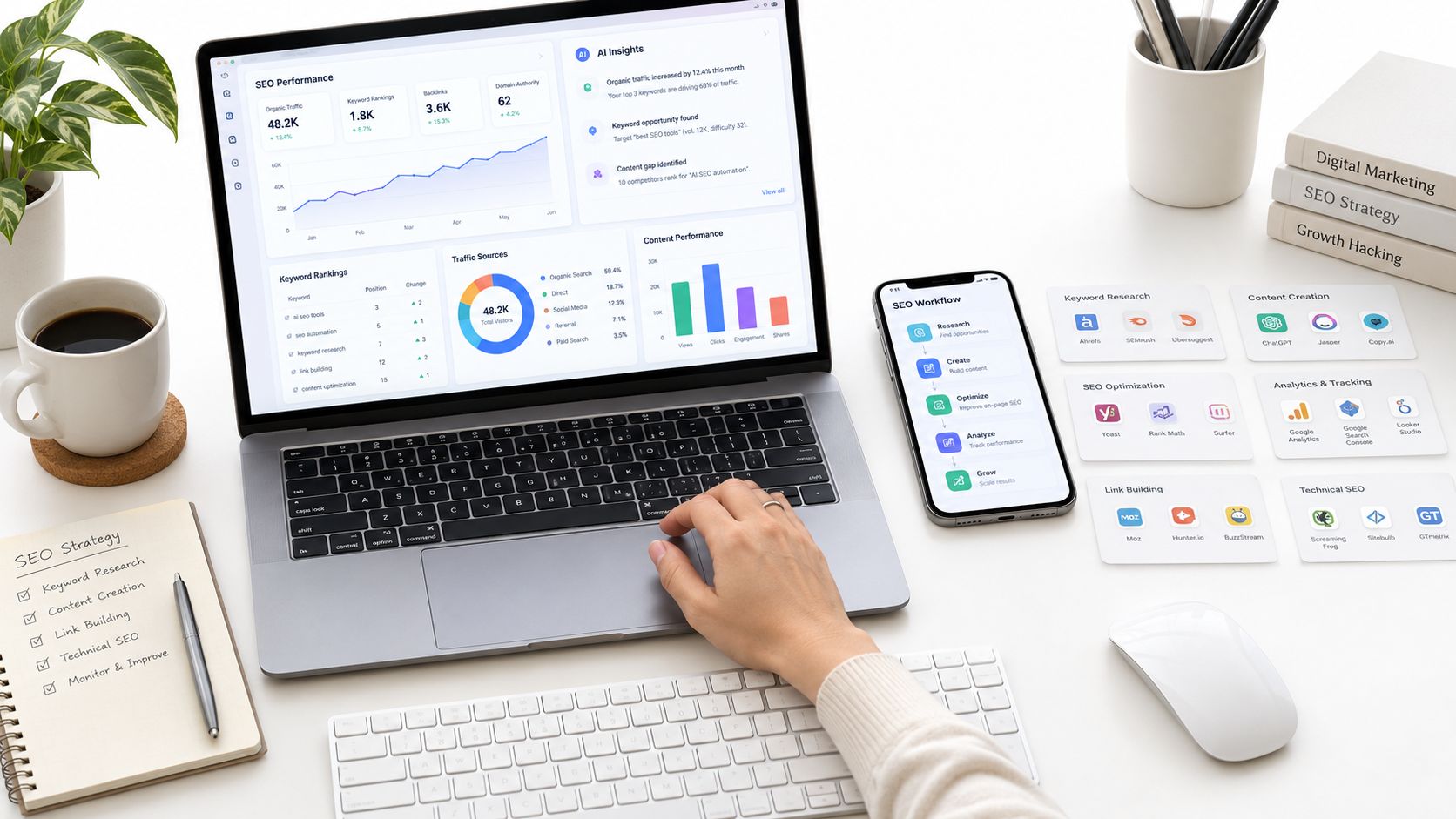
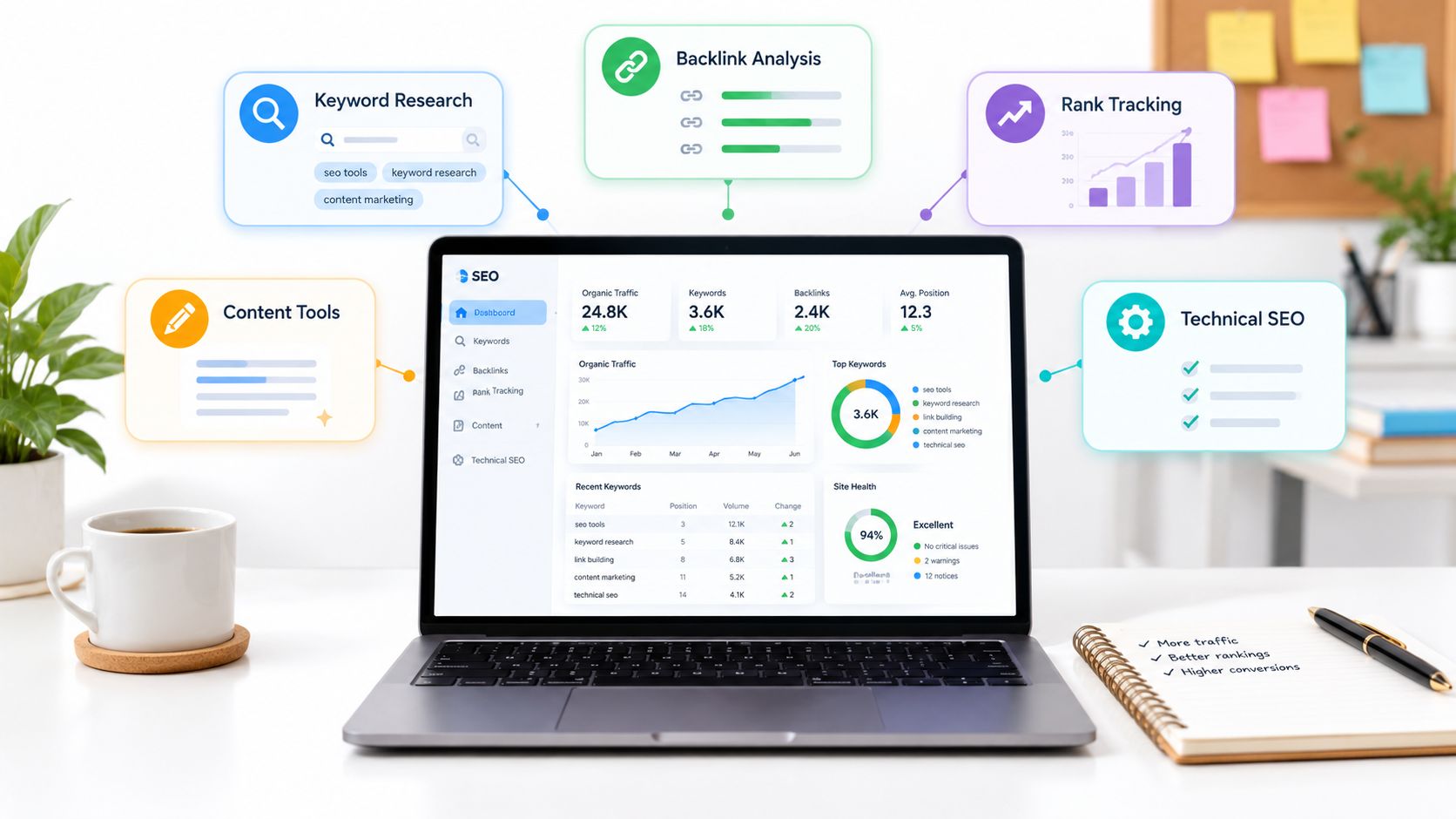
My preferred stack starts with first-party Google data and competitive discovery. I add crawling when templates, filters, JavaScript, and duplicate variants create risks that keyword tools can't diagnose. Enterprise log analysis and centralized monitoring come later, when the site and team can use them. Check each vendor's current plans before buying, because limits, credits, modules, and packaging can change.
Tabla de contenido
- 1. SemDash
- 2. Semrush
- 3. Ahrefs
- 4. Google Search Console
- 5. Screaming Frog SEO Spider
- 6. Sitebulb
- 7. Botify
- 8. Lumar
- 9. Oncrawl
- 10. Conductor
- Top 10 eCommerce SEO Tools, Feature Comparison
- Choose the Smallest Stack That Solves the Problem
1. SemDash
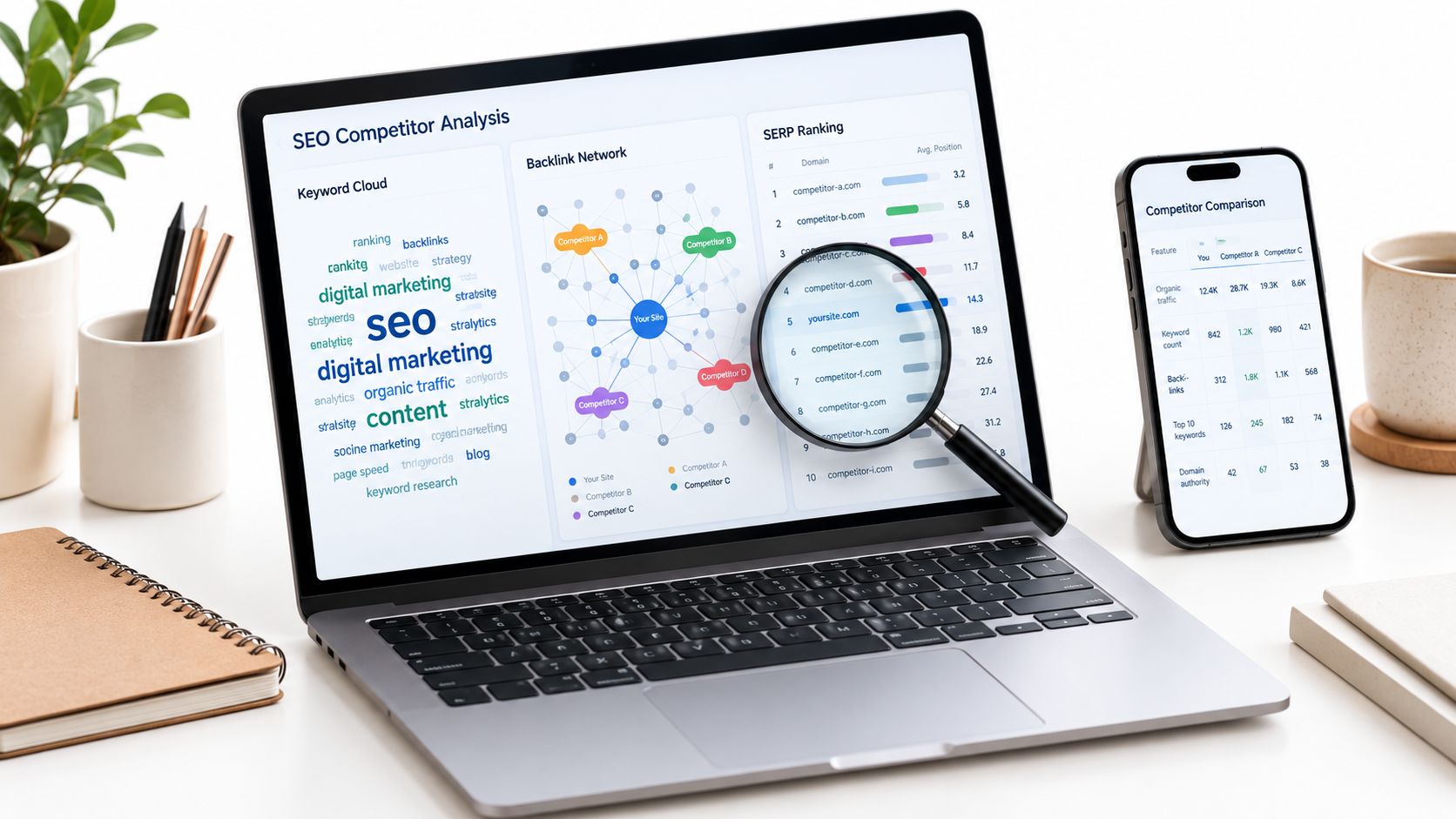
SemDash is my strongest starting point when the first ecommerce problem is deciding what to target and which page should target it. It combines domain and keyword gap analysis, URL-level rankings, competitor top pages, traffic-share research, backlink gaps, SERP history, clustering, content briefs, and AI Overview citation research in one cloud workspace.
The scale is useful when I need to reverse-engineer a category rather than inspect a handful of terms. SemDash works with 6.6 billion Google keywords updated monthly, una 2.7 trillion-link backlink index, including 15 billion or more links crawled in the last 24 hours, y 600 millones de SERP actualizadas mensualmente. Those figures are provided by the platform, and the practical benefit is breadth across product, category, comparison, and informational queries.
Where SemDash earns its place
I use Domain Keywords and Keyword Gap to find the terms competitors win with, then inspect the exact ranking URLs. Keyword clustering helps separate queries that belong on one collection page from queries that deserve a buying guide or product detail page. PAA and PASF suggestions help fill supporting content without creating a pile of near-duplicate pages.
The backlink workflow is equally practical. Backlink Gap shows domains linking to competitors but not to the store, while anchor context, unlinked mentions, and broken-backlink recovery make outreach more specific than sending generic link requests. The optional service to get featured on 300+ news sites is available through the platform, but I'd still vet relevance and editorial quality before treating any placement as strategically useful.
Regla práctica: Use the URL-level data to choose the page before you write the brief. A strong keyword list attached to the wrong page type still creates cannibalization.
SemDash also has AI intent classification, live-SERP content briefs, MCP integrations for Claude and ChatGPT, and AI Overview research that shows which queries trigger domain mentions and the exact cited URLs. That matters because Google AI Overviews average 5 cited sources, average 157 words, and overlap with the organic top 10 only 52% of the time, según a large-scale AI Overviews study. The platform is fast, accessible, and good value for freelancers, agencies, and growth teams. I wouldn't position it as a complete replacement for every enterprise workflow. Teams requiring heavy multi-domain batch analysis should confirm feature parity first.
2. Semrush
Semrush is the safer choice when an ecommerce team wants a mature all-in-one suite covering competitive research, position tracking, audits, backlinks, content, and AI visibility. A 2026 survey of more than 40 ecommerce SEO professionals across 24 countries identified Semrush, Ahrefs, Google Search Console, and Screaming Frog among the most widely used tools, and described Semrush as the dominant all-in-one platform. The ecommerce SEO survey also found that technical SEO remains the core focus area.
Best use in a store workflow
I'd use Position Tracking for product and category URLs across locations, devices, and search engines, then use Keyword Gap to compare the store against direct competitors. Site Audit and backlink reports provide a broad hygiene layer, while ecommerce-oriented workflows reduce the setup time for teams that don't want to build every project from scratch.
The trade-off is operational cost. Semrush can consolidate several tools, but pricing and add-on modules can expand as you add users, markets, keywords, AI visibility, or enterprise requirements. That makes it a strong fit for an established team with recurring reporting needs, not automatically the best first purchase for a small store.
For a more detailed comparison of the two research platforms, I'd use SemDash vs. Ahrefs while testing the exact domains and categories that matter to the business. Semrush works when breadth, integrations, and stakeholder familiarity outweigh the need for a simpler interface.
3. Ahrefs
Ahrefs remains one of my preferred tools for deep competitor and backlink investigation. Site Explorer lets me move from a competitor domain to a specific product, collection, or editorial URL and inspect organic keywords, linking pages, and backlinks. That page-level workflow is more useful than reviewing a domain-level visibility score in isolation.
What I'd investigate first
I'd start with a competitor's top pages and filter for pages matching the store's commercial model. A retailer can separate collection pages from guides, identify terms attached to product detail pages, and see whether competitors earn links to commercial pages or supporting content. Keywords Explorer then expands the seed set with phrase-match, autosuggest, and related ideas.
Ahrefs also has Site Audit for technical checks, which is useful for finding broken links, redirect chains, duplicate metadata, indexability problems, and template-level issues. I'd still validate important findings against Google Search Console and a crawler before changing thousands of URLs.
The main limitation is access. Full keyword research functionality requires a paid plan, and the free tier isn't enough for serious catalog research. Ahrefs is worth the cost when backlink intelligence and competitor discovery drive the strategy. If the immediate problem is first-party diagnosis or a relatively small technical audit, Google Search Console or a desktop crawler may deliver more useful information sooner.
4. Google Search Console
Google Search Console is the tool I connect before I buy anything else. It provides first-party information about how Google crawls, indexes, and surfaces the store, including Shopping reports for product snippets and merchant listings. No competitive suite can replace that direct view.
Start with the URLs Google actually knows
Page Indexing shows which pages Google has indexed and which it has excluded. URL Inspection lets me check a live URL, inspect the selected canonical, review detected enhancements, and request a recrawl when a meaningful page change is ready. Crawl Stats helps diagnose discovery patterns and server response issues, especially when a release changes internal links or creates a large set of filter URLs.
The Shopping reports deserve attention because product structured data and merchant visibility can fail independently of ordinary organic rankings. I use them to prioritize fixes, then connect the findings to SemDash, Analytics, or a crawler for broader analysis.
Google Search Console tells me what Google saw. It doesn't tell me everything the site contains.
That distinction matters. Search Console reporting can lag, and it isn't a full crawler or keyword research platform. It won't reliably expose every orphaned URL, every internal redirect, or every possible competitor gap. Still, it should remain the control layer for an ecommerce stack. If a paid tool recommends a change that conflicts with indexation evidence or live URL inspection, I investigate before implementing it.
5. Screaming Frog SEO Spider
Screaming Frog SEO Spider is the desktop crawler I reach for when an ecommerce site needs a detailed technical diagnosis without an enterprise contract. It can render JavaScript, validate structured data, generate XML sitemaps, compare crawls, store crawl data in a database, and connect with Search Console, Google Analytics, and PageSpeed Insights.
A typical product-catalog crawl starts with indexability, canonicals, status codes, titles, descriptions, headings, and response times. I then segment product pages, collection pages, search results, filters, and discontinued URLs. That separation makes it easier to see whether a problem comes from a template or from a small group of exceptions.
Where it beats a general suite
Screaming Frog is particularly effective for faceted navigation. I can identify parameter combinations creating crawlable duplicates, inspect canonical patterns, find internal links pointing to filtered URLs, and test whether structured data is present on the rendered page rather than merely in the source HTML. Its crawl comparisons are also useful after a platform migration or template release.
The desktop model is the main trade-off. Long crawls consume local machine resources, and the free version is limited to 500 URLs, según la SEO Spider product documentation. For a larger store, database storage and careful configuration help, but I still plan crawls around hardware, render settings, and crawl limits.
I also use the principles in web page architecture for ecommerce SEO when interpreting internal-link and depth reports. The crawler finds the pattern. It doesn't decide whether a filter deserves indexation or whether a collection page has enough commercial purpose to remain live.
6. Sitebulb
Sitebulb is the crawler I choose when the technical findings need to be understood by people who don't live in crawl exports. Its visualizations, guided explanations, architecture maps, JavaScript diagnostics, content extraction, keyword overlays, and Single Page Analysis make it easier to connect a technical issue to a page type and business decision.
Strong for diagnosis and communication
The Response versus Render reports are valuable on JavaScript-heavy stores. A product name, price, availability signal, internal link, or structured-data element may appear after rendering but not in the initial response. That difference can explain why a page looks complete in a browser while crawlers or search systems receive incomplete content.
I use the visualizations to inspect internal-link structure and identify categories that sit too deep in the architecture. For a merchandising or development team, a crawl map often communicates the problem faster than a spreadsheet containing thousands of URLs. Content extraction also lets me compare templates for missing product attributes, repeated copy, or inconsistent headings.
Sitebulb has Desktop and Cloud editions. Desktop crawls require the machine to stay available, while Cloud is better for collaboration and very large sites, including sites with millions of URLs. Cloud pricing varies by requirements, so I'd validate the actual crawl volume, users, rendering needs, and retention period before making a commitment.
The tool is less compelling when the store only needs a quick URL sample or first-party indexation data. It earns its operational cost when the team must explain why a technical issue matters and agree on a fix.
7. Botify
Botify is built for the point where a normal crawl no longer explains how search bots interact with a very large catalog. It combines cloud crawling with server log analysis, machine-learning prioritization, and activation workflows designed to connect recommendations with implementation and impact.
Use logs when crawl assumptions aren't enough
A crawler tells me what it can discover under a defined configuration. Log analysis shows which URLs search bots request, how often they return, where they spend crawl activity, and whether important product or category sections receive attention. That distinction is critical for stores with extensive filters, changing inventory, multiple regions, and frequent template updates.
Botify's Analytics, Intelligence, and Activation suites support a more mature operating model. I'd use the platform to segment crawl behavior, prioritize waste or missed coverage, and coordinate fixes across technical and product teams. Enterprise onboarding and success support also matter when SEO changes involve infrastructure, release management, and multiple markets.
The downside is clear. Pricing is quote-based and typically suited to enterprise budgets. A small or moderately sized store won't benefit just because Botify can process more data. It needs a specific operational question, such as whether crawl activity is being diverted from valuable pages or whether a large-scale release changed bot behavior.
I wouldn't buy Botify to replace SemDash or Search Console. SemDash handles competitive discovery and demand research, while Search Console supplies Google's first-party view. Botify earns its place when actual bot behavior and activation at scale become the limiting factors.
8. Lumar
Lumar is a strong fit for organizations that want technical SEO monitoring alongside performance, accessibility, and AI-search considerations. Formerly known as Deepcrawl, it offers an enterprise-grade crawler with custom segmentations, reporting, and guidance for complex ecommerce issues such as faceted navigation, duplicate variants, and crawl-budget management.
Good for multi-pillar technical governance
I'd use Lumar to separate product, collection, editorial, regional, and filtered URL groups, then monitor each segment for changes. That makes a large audit more actionable than a single sitewide health score. A rise in duplicate product variants may require a different owner and response from a drop in indexable collection pages.
The platform's broader coverage is useful when SEO shares responsibility with engineering, accessibility, and performance teams. Core Web Vitals, accessibility checks, and AI-search guidance can sit within the same governance process, although the value depends on whether those teams use the reports.
Lumar is generally more appropriate for mid-market and enterprise organizations, with pricing commonly handled through a quote. I wouldn't add it to a small store's stack just because it has more monitoring categories. If the team has no repeatable process for reviewing alerts, assigning fixes, and validating releases, another dashboard will create noise rather than control.
For a complex catalog, though, Lumar can make recurring technical work more structured. It works best when segmentation and reporting are treated as part of release management, not as an occasional audit performed after traffic changes.
9. Oncrawl
Oncrawl is the right choice when an ecommerce team needs to connect crawling, server logs, analytics, and business reporting across very large site sections. Its SEO Crawler and Log Analyzer support bot detection, including AI bots, while integrations with Search Console, GA4, and Adobe help link technical findings to performance data.
Connect crawl data with outcomes
The useful workflow is cross-analysis. I can compare crawlable URLs with bot visits, organic performance, internal-link depth, page type, and conversion-related segments. That helps answer questions such as whether a large product group is technically available but rarely crawled, whether filtered URLs absorb attention, or whether a template issue affects a commercially important segment.
Segmentation is central to the platform. Instead of asking whether the whole site is healthy, I'd isolate products with inventory, high-value collections, seasonal landing pages, discontinued products, and regional versions. Stakeholders usually need that level of detail before they'll approve a technical change.
Oncrawl is designed for complex sites and large URL volumes, so quote-based enterprise pricing is a limitation for small catalogs. It can also become overkill if Search Console, a crawler, and a basic analytics connection already answer the questions the team has.
The platform earns its cost when SEO reporting must show more than rankings. It can help explain how technical changes affect discoverability and performance across distinct site sections, provided the data model and segments are maintained carefully.
10. Conductor
Conductor is suited to multi-brand or multi-market ecommerce teams that need centralized visibility, content workflows, competitor monitoring, and AI-search measurement. Its platform combines market and competitor tracking with category and content optimization, real-time monitoring, reporting, education, and integrations.
Choose it for coordination
I'd consider Conductor when several teams need one operating view of search demand and performance. Brand teams can monitor market movement, content teams can prioritize category opportunities, and SEO leads can report on organic and AI visibility without stitching together separate exports for every market.
Its tiered platform includes Essentials, Growth, and Enterprise options, with usage quotas, AI Search credits, and real-time monitoring varying by plan. Because pricing is quote-based and onboarding is generally enterprise-oriented, the buying decision should start with workflow complexity rather than a feature checklist.
The key question is whether centralized coordination will save enough time and reduce enough reporting friction to justify the platform. A single-store team may get more practical value from Search Console, SemDash, and a crawler. A global retailer with several brands, markets, and stakeholder groups may value Conductor's governance layer more than another standalone keyword database.
AI visibility deserves separate measurement. Google launched AI Overviews in the U.S. on May 14, 2024, and one Ahrefs summary reported that they appeared for 9.46% of all keywords y 16% of U.S. desktop keywords. The Google AI Overviews summary supports treating that surface as a recurring monitoring requirement rather than a one-time content adjustment.
Top 10 eCommerce SEO Tools, Feature Comparison
| Herramienta | Características principales | Puntos de venta únicos ✨ | Experiencia de usuario / Calidad ★ | Ideal audience 👥 | Precio / Valor 💰 |
|---|---|---|---|---|---|
| SemDash 🏆 | Keyword & backlink research, SERP history, AI briefs, gap & clustering | URL-level keyword mapping, AI Overviews, fast UI, backlink recovery ✨ | ★★★★☆ (fast, simple) | 👥 Freelancers, agencies, growth teams | 💰 Budget-friendly; free tier & trial |
| Semrush | Position tracking, Keyword Gap, Site Audit, ecommerce workflows | All-in-one suite with ecommerce workflows & AI visibility ✨ | ★★★★☆ | 👥 Agencies, mid‑market ecommerce | 💰 Mid–high; modular add‑ons |
| Ahrefs | Site Explorer, Keywords Explorer, Site Audit | Deep backlink & keyword intelligence, robust explorer ✨ | ★★★★☆ | 👥 Content teams, SEOs, agencies | 💰 Mid; paid plans for full features |
| Google Search Console | Indexing reports, URL Inspection, Shopping & Merchant data | First‑party Google signals for prioritization ✨ | ★★★☆☆ | 👥 All site owners, essential for ecommerce | 💰 Free |
| Screaming Frog SEO Spider | Desktop crawler, JS rendering, sitemaps, integrations | Detailed technical audits and integrations ✨ | ★★★★☆ | 👥 Technical SEOs, in‑house teams | 💰 Low cost; free ≤500 URLs |
| Sitebulb | Desktop & Cloud crawling, visualizations, JS diagnostics | Clear visual reports and guided issue explanations ✨ | ★★★★☆ | 👥 Teams needing stakeholder‑friendly reports | 💰 Desktop/cloud tiers; moderate |
| Botify | Cloud crawling, log analysis, activation tooling | Enterprise ML prioritization and activation workflows ✨ | ★★★★☆ | 👥 Large enterprise ecommerce | 💰 Quote‑based (enterprise) |
| Lumar (Deepcrawl) | Enterprise crawler, CWV & accessibility monitoring | Multi‑pillar monitoring with ecommerce guidance ✨ | ★★★★☆ | 👥 Mid‑market & enterprise sites | 💰 Quote‑based |
| Oncrawl | Cloud crawler, log analyzer, GSC/GA4 connectors | Cross‑analysis linking SEO to business metrics ✨ | ★★★★☆ | 👥 Data teams, very large sites | 💰 Quote‑based |
| Conductor | Market & competitor tracking, AI visibility, content ops | Centralized enterprise workflows and AI search credits ✨ | ★★★★☆ | 👥 Multi‑brand, enterprise teams | 💰 Quote‑based |
Choose the Smallest Stack That Solves the Problem
Start with Google Search Console. Verify indexation, canonical selection, Shopping enhancements, merchant listings, crawl behavior, and representative URLs before interpreting any third-party score. Search Console won't provide the whole competitive picture, but it gives you the first-party evidence needed to distinguish a real Google problem from a tool-specific warning.
Add SemDash for competitive discovery and planning. Use Domain Keywords and Keyword Gap to identify competitor demand, then inspect the exact URLs ranking for those terms. Use clustering to assign queries to product pages, collection pages, comparison pages, and buying guides without forcing every variation onto one template. SERP history helps reveal volatility and intent changes, while backlink gaps, anchor context, unlinked mentions, and broken-link recovery turn link building into a more targeted workflow.
I'd also use SemDash for content briefs based on live SERPs and AI Overview citation research. Google AI visibility isn't interchangeable with ordinary rankings. One independent analysis found that only about 17% of AI Overview sources also ranked in the organic top 10, and reported that 62% of ecommerce citations came from sources ranking outside the top 100 organic results. That AI Overviews analysis is a practical reason to compare the URL cited in an AI answer with the URL ranking in the classic result.
Add Screaming Frog or Sitebulb when you need dedicated technical diagnostics. Screaming Frog is particularly efficient for inspecting duplicate URLs, faceted navigation, internal links, canonicals, structured data, and migration changes. Sitebulb is often better when visual explanations and cross-team communication matter. Test both on the same representative pages before choosing: one product page, one collection page, and one faceted or filtered URL.
Reserve Botify, Lumar, and Oncrawl for organizations that can use cloud crawling, log analysis, large-scale segmentation, and repeated monitoring. Choose Conductor when multi-market reporting, centralized workflows, competitor intelligence, and AI-search visibility need to serve several teams or brands. These platforms aren't automatically better for a smaller store. They're better when the organization has the data volume, technical ownership, and operating process to act on their findings.
Test decisions, not dashboards
Before committing to any platform, document the decisions you need it to improve. Examples include whether to index a filtered collection, whether to consolidate two competing pages, whether a product template exposes valid structured data, whether a competitor has earned links from relevant domains, and whether an AI answer cites the page you intended to promote.
Then run the same test in each shortlisted tool. Compare the pages discovered, the keyword-to-URL mappings, the technical findings, the segment controls, the export quality, and the time required to move from finding to implementation. A tool that produces fewer reports but leads to a clear fix can be more valuable than a suite that generates a larger volume of unresolved recommendations.
The market is moving toward workflow orchestration rather than one-tool selection. Ecommerce's share of retail sales was cited as 7.4% in 2015 and projected at 21.8% by 2024, a nearly threefold increase described in this ecommerce SEO tools analysis. As catalogs and search surfaces become more competitive, the right stack is the smallest combination that connects demand discovery, page decisions, technical validation, implementation, and measurement.
Don't let a vendor's feature count decide the architecture. Let the store's failure mode decide it.
SemDash brings keyword discovery, URL-level competitor research, clustering, backlink gaps, SERP history, content briefs, and AI Overview citation tracking into one practical workspace for ecommerce SEO. Test it against a product page, a collection page, and a filtered URL, then visit SemDash to see whether it improves the decisions your current stack leaves unresolved.