%20(1)-B86R08ZzwhPzS6UZbG3mSxRWPCwGwn.png)



Most startups don't need the biggest SEO suite first. They need a reliable sequence: discover demand, validate search intent, fix indexation, publish focused pages, and measure what happens afterward. A dashboard full of keyword estimates won't compensate for skipping that sequence.
That's the contrarian point behind this list of SEO tools for startups. I'm evaluating each platform by the job it performs, the cost pressure it creates, the depth of its data, how well it scales, and the failure modes I'd watch for before committing budget. A startup stack should grow from a workflow, not from a vendor's feature page.
Start with first-party performance data, then add research depth when competitor discovery or content planning becomes the constraint. A focused tool can be enough for months, while an all-in-one platform can be wasteful if nobody uses its reports. For broader browsing across keyword, backlink, and SERP research, this SEO tool collection is a useful starting point, but the decision is which process your team will run every week.
Tabla de contenido
- 1. SemDash
- 2. Ahrefs
- 3. Semrush
- 4. SE Ranking
- 5. Mangools
- 6. Serpstat
- 7. Moz Pro
- 8. Ubersuggest
- 9. Screaming Frog SEO Spider
- 10. Google Search Console
- Top 10 Startup SEO Tools Comparison
- Build the Smallest Stack You Can Trust
1. SemDash
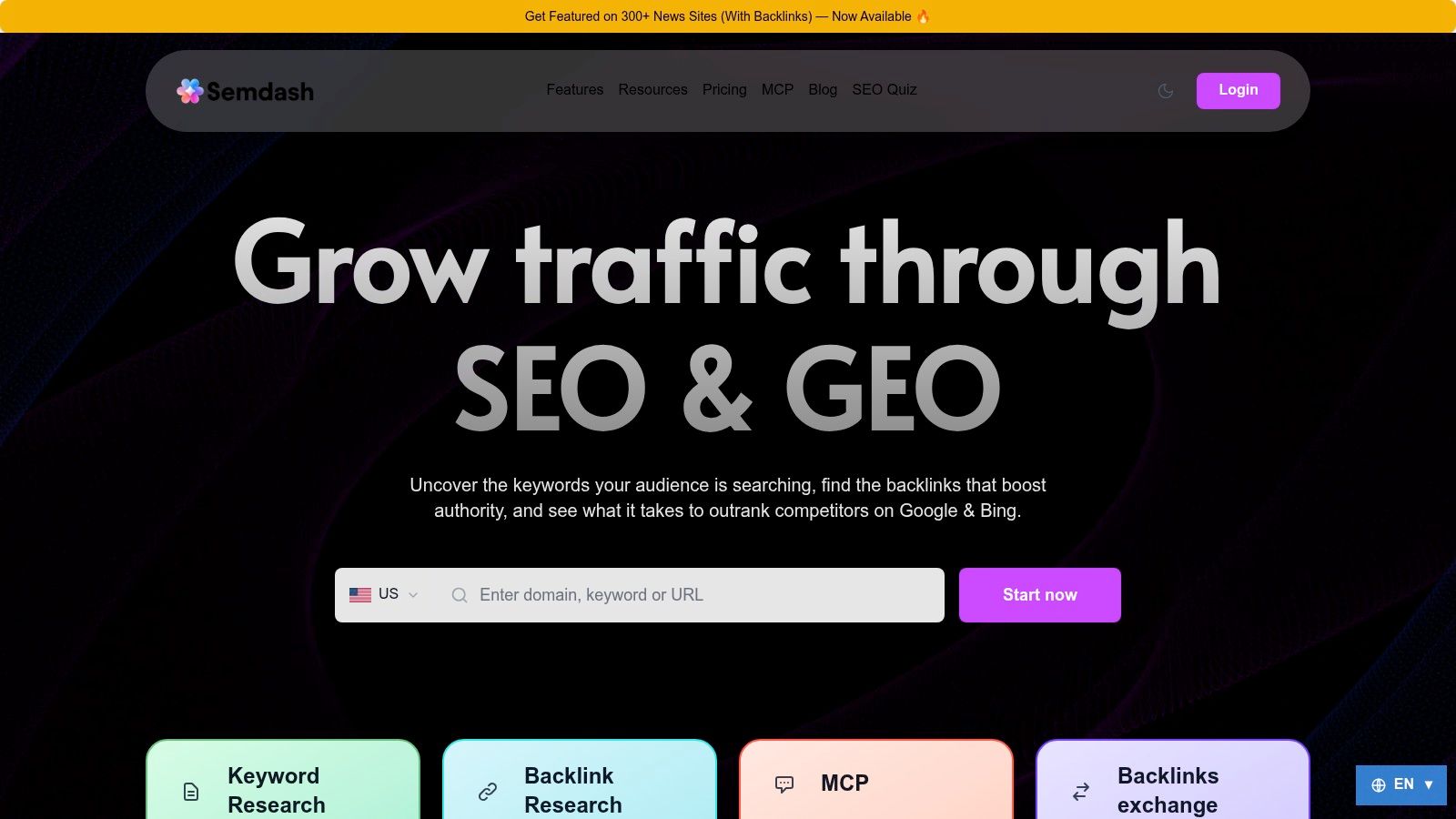
SemDash fits a startup that needs competitor reverse-engineering, content planning, backlink research, and AI-search visibility in one cloud workspace. It consolidates keyword, backlink, and SERP data, so the team can run related research in one place rather than maintain several point-tool workflows.
Its database is broad. SemDash reports 6.6 billion Google keywords updated in the last 30 days, a 2.7 trillion backlink index with more than 15 billion links crawled in 24 hours, and 600 million SERPs refreshed monthly. These figures come from SemDash's published information. Before relying on them, verify coverage for the countries, search engines, domains, and export limits relevant to your market. Database size does not guarantee equal depth for every site.
The practical workflow starts with Domain Keywords, Top Pages, Traffic Share, Keyword Gap, and Backlink Gap. Together, they connect competitors with the pages and queries worth reviewing. URL-level rankings identify which page ranks for a query, while keyword difficulty and traffic estimates help narrow the opportunity list. The Historial de SERP de 12 meses can also show whether a ranking decline followed an intent change instead of a straightforward technical problem.
Where SemDash earns its place
AI visibility is the clearest reason to test SemDash alongside first-party data. AI Overviews can show which queries trigger a domain mention and which URLs receive citations. That creates a reviewable task: identify the query, inspect the cited page, compare the competing source, and decide whether your page needs a content, structure, or positioning change.
SemDash includes an MCP integration for querying its data through Claude or ChatGPT. Use it for repeatable analysis, not unsupervised strategy. For example, it can collect a competitor's top pages, group related terms by intent, and prepare a review queue. A person should still inspect the SERP, product fit, conversion value, and evidence before approving a content brief.
Regla práctica: Use SemDash to narrow the worklist. Don't let its AI features decide which pages deserve investment without a human review of intent, conversion value, and product fit.
The link-building workflow suits small teams with limited outreach capacity. Backlink Gap, anchor context, unlinked brand-mention detection, and broken-link recovery help filter prospects before anyone sends an email. 55% of pages have zero backlinks and 94% of published content receives no external backlinks, según link-building research summarized by The Dutch Link Builder. Prioritize pages that already attract links, reclaim relevant lost opportunities, and avoid generic outreach to every referring domain.
Content teams get long-tail terms, People Also Ask, People Also Search, AI-assisted briefs, and keyword clustering. Clustering can reduce overlap between articles targeting the same intent. The interface is relatively simple, and its learning resources include an SEO Academy, YouTube tutorials, a public roadmap, and live calls.
The main trade-off is coverage consistency. Some users report fewer keywords for individual domains than they find in Ahrefs, so compare the same competitor set in both platforms before replacing an existing tool. Confirm bulk multi-domain needs and enterprise limits as well. SemDash offers free access and a free trial path. Check paid tiers, limits, and add-ons on the SemDash website. Evaluate its optional Get Featured on 300+ news sites with backlinks service separately from the core software workflow.
2. Ahrefs
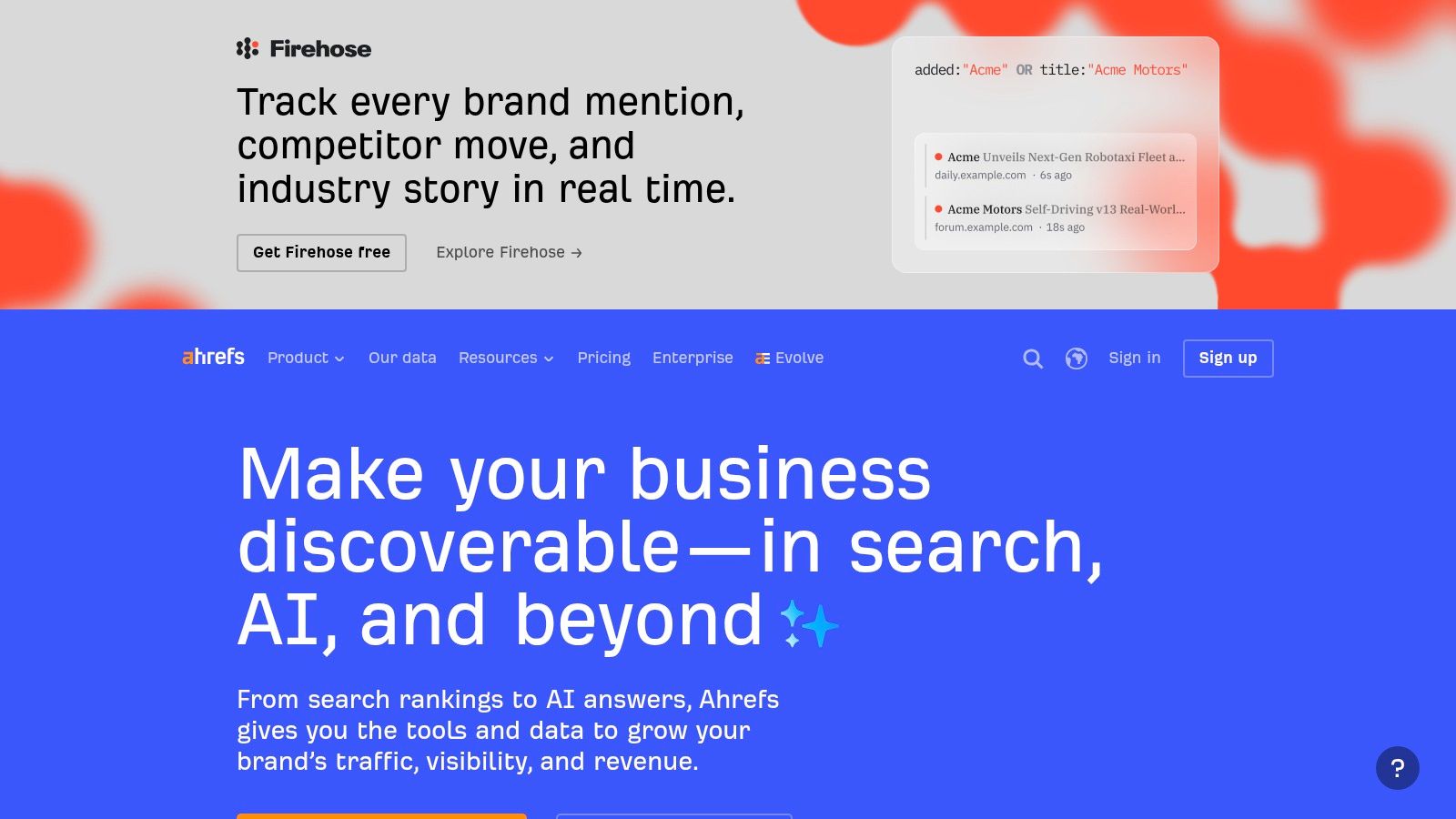
Ahrefs fits startups whose main bottleneck is deep competitor and backlink research, especially when the team can turn third-party estimates into specific content or outreach decisions. Site Explorer, Keywords Explorer, Content Gap, Link Intersect, Rank Tracker, and Site Audit support one research workflow instead of forcing the team across unrelated tools.
Start with first-party data in Google Search Console. Use Ahrefs when you need questions that your own account cannot answer: which competitor pages attract organic visibility, which domains link to several competitors but not your site, and whether a ranking page has a meaningful link profile. That distinction keeps the platform focused on external research rather than duplicating free performance reporting.
For a SaaS startup entering a crowded category, this workflow can shape a realistic content plan. Compare competitor URLs, inspect their linking domains, and filter gaps by search intent and business relevance. High-volume keywords alone are not enough if the competing pages have stronger topical coverage and links.
Ahrefs has added AI-era visibility features, including Brand Radar and tracking for Google AI Overviews and AI Mode. Use those as a separate reporting layer. AI citations and classic rankings behave differently, so improvement in one does not automatically produce improvement in the other.
Cost considerations
Ahrefs can be difficult to justify for a very early-stage team. Subscription cost is only one part of the decision. Additional users, credits, tracked keywords, and optional add-ons can increase operating cost, so define the weekly research jobs first and compare them with each plan's usage limits.
The expanded free tier for verified site owners supports first-party work, but it does not replace competitor intelligence. Google Search Console reports your own search performance, while Ahrefs estimates competitor visibility through its crawl and models. Validate important findings against the pages and links you can inspect directly.
Teams comparing research platforms can use this guide to compare Ahrefs alternatives for startup SEO workflows. Choose Ahrefs when competitor reverse-engineering and link data are the bottleneck, not because a large feature list looks reassuring.
Visita Ahrefs and test your actual competitors before buying. Check whether the URLs, backlinks, and keyword relationships required by your workflow appear at useful depth.
3. Semrush
Semrush makes sense when SEO sits beside content marketing, reporting, paid-search research, or broader marketing operations. Its strength is breadth: keyword research, competitor analysis, backlink tools, technical site health, rank tracking, content briefs, AI assistance, integrations, and scheduled reporting all live in one ecosystem.
For a startup with a growing marketing team, that consolidation can reduce handoffs. A content lead can use keyword and topic research, a technical marketer can monitor site health, and a founder can receive a scheduled report connected to Google Analytics and Google Search Console. The platform's App Center and reporting integrations are helpful when stakeholders want one recurring view rather than screenshots from several subscriptions.
The downside is that breadth creates friction. Semrush's packaging and add-ons can be difficult to reason about, especially when a startup needs only competitor research and a modest rank tracker. Entry limits may also push active users toward higher tiers before the team has a mature publishing process.
The workflow I'd use
I'd begin with one commercial segment, a defined competitor set, and a short list of technical issues that could block crawling or conversions. Then I'd build a report around non-branded queries, priority landing pages, and completed actions. I wouldn't activate every content or AI module on day one.
The platform's content toolkit can create briefs and optimization recommendations, but it shouldn't become a substitute for first-hand product knowledge. A startup that publishes pages built from competitor averages can end up matching the market without giving searchers a reason to choose it. Use the tool to expose missing topics and SERP patterns, then add original evidence, product experience, and clear positioning.
For teams evaluating the platform against a more focused research product, this comparison of Semrush alternatives gives another route. The Plataforma Semrush is a strong fit when the organization will use its adjacent marketing capabilities. It's a poor fit when nobody has time to learn the interface and the only recurring task is checking a few rankings.
4. SE Ranking
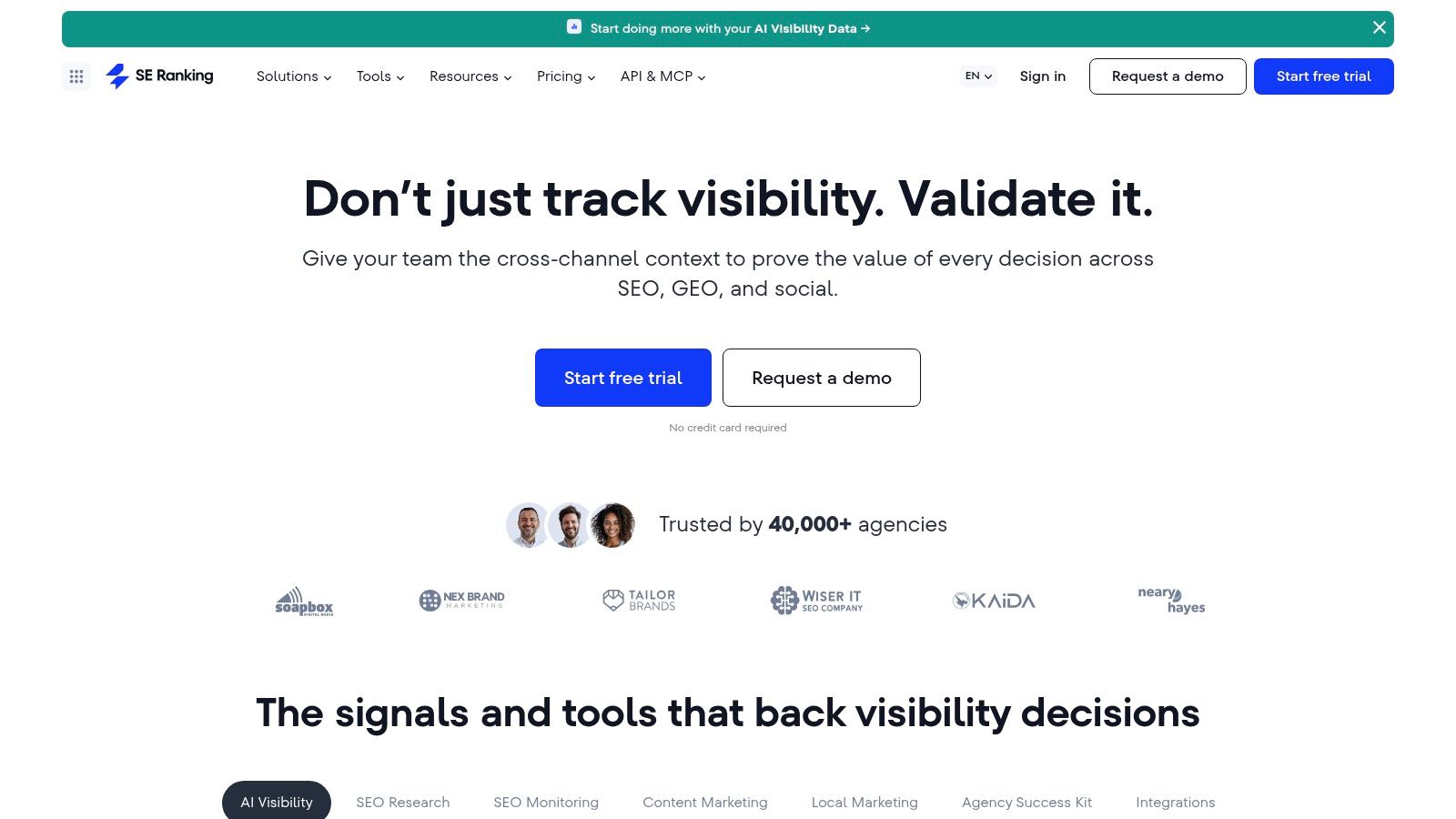
SE Ranking is a value-oriented option for startups and small agencies that need rank tracking, audits, competitor research, backlinks, geo-specific research, and reporting without immediately paying for an enterprise-style platform. Its pricing structure is flexible, and the product leaves room to increase projects and tracked terms as the operation grows.
The rank tracker supports daily monitoring across engines, keyword grouping, and SERP analysis. Website and on-page audits provide broad technical coverage, while integrations with Google Search Console, Google Analytics, Data Studio, and Looker can connect research with reporting. API access and MCP support are useful when a team wants to pull recurring data into another workflow rather than manually export every report.
Why agencies often like it
SE Ranking becomes more compelling when one person manages several sites or client projects. A startup with a single domain may not use the project structure enough to justify the subscription, but an agency or fractional SEO team can benefit from centralized tracking and reusable reports.
El 14-day free trial with no credit card makes it easier to test a real workflow instead of judging the interface from a demo. I'd create a project, connect first-party data, add a representative keyword set, run an audit, and export the report. That process reveals more than browsing feature pages.
The trade-offs are mostly operational. Advanced enterprise-style requirements may need a sales-scoped plan, and public pricing is displayed in euros on some pages, so confirm currency and billing details before forecasting cost. I'd also compare rank tracking against Google Search Console impressions and clicks rather than assuming every position estimate matches actual search behavior.
If you need a scalable, practical platform with integrations and reporting, review Clasificación SE. If you're a founder managing one early website and still validating demand, Google Search Console plus a lighter research tool may be enough.
5. Mangools
Mangools works well when the person responsible for SEO isn't a specialist and needs a clean path from keyword idea to SERP inspection to basic tracking. The suite includes KWFinder, SERPWatcher, SERPChecker, LinkMiner, and SiteProfiler, so a startup can cover essential research without learning a dense enterprise interface.
I'd use KWFinder for long-tail discovery, then open the SERP in SERPChecker to inspect the ranking pages and intent. That second step matters. A keyword can look attractive in a list yet return product pages, comparison pages, forums, or local results that don't match what your startup can realistically publish.
SERPWatcher handles rank tracking, with update frequency and limits depending on the plan. LinkMiner is useful for quick backlink checks, while the SERP volatility checker and AI Search Watcher provide additional context for changing search surfaces. The free mini tools can support early exploration before a subscription becomes necessary.
The point where it stops being enough
Mangools' biggest advantage is also its limitation. The interface makes routine work approachable, but the data coverage is smaller than what I'd expect from a top-tier enterprise suite. Heavy users can reach limits faster, especially when they monitor many locations, keywords, or competitors.
That's not a problem for a pre-seed content workflow. It becomes a problem when the team needs broad historical analysis, complex backlink gap work, or large-scale exports. I'd keep the tool if it helps a non-specialist consistently complete the weekly process. I'd upgrade only after the team can name the missing data that blocks a decision.
Empieza con Mangools if usability is more important than maximum dataset breadth. It's a sensible lightweight option for keyword discovery and SERP interpretation, but don't mistake a friendly interface for complete competitive coverage.
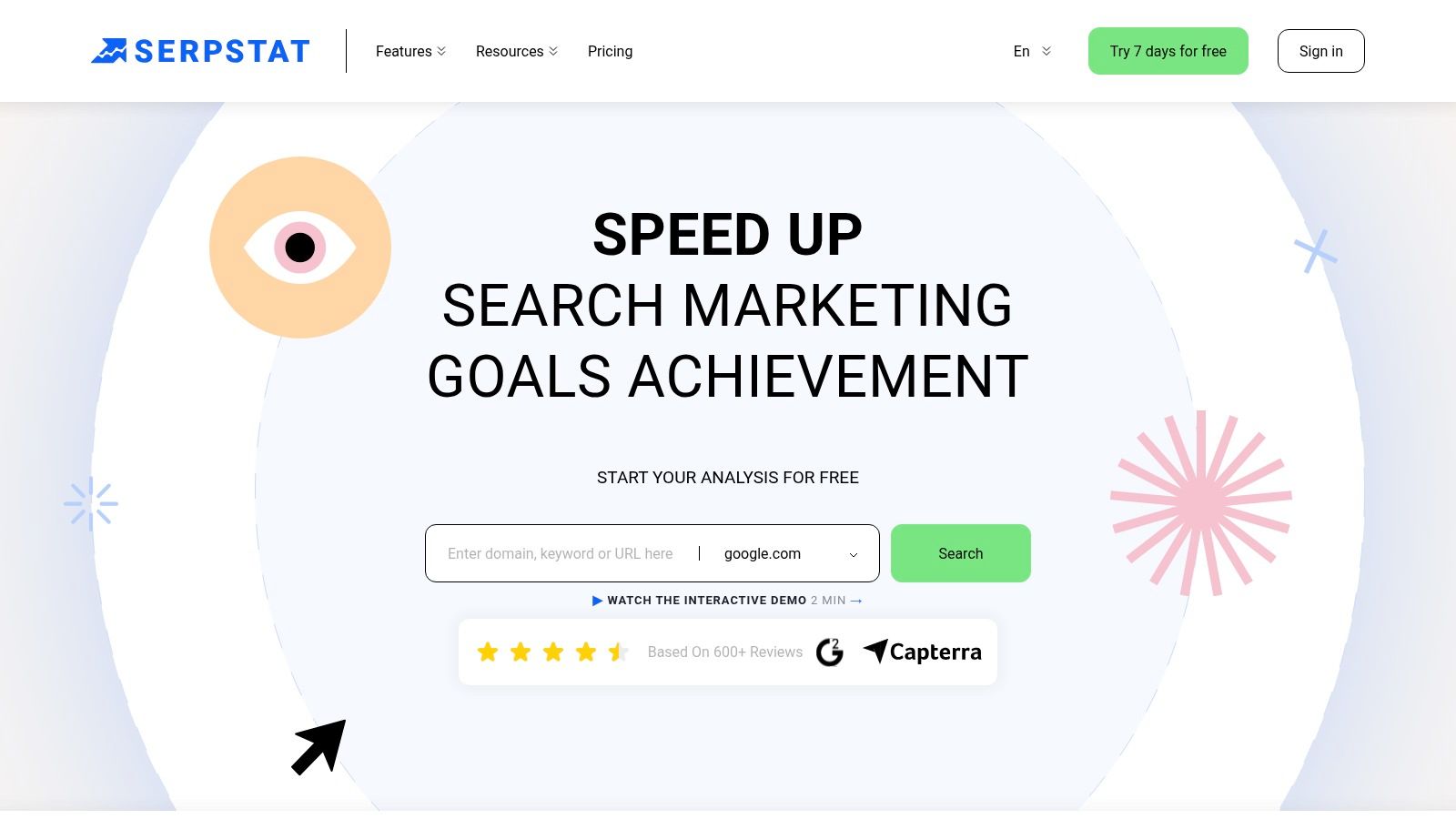
6. Serpstat
Serpstat suits startups that want an all-in-one research platform with keyword discovery, competitor analysis, rank tracking, audits, clustering, backlink analysis, and international databases. Its keyword and site analysis spans more than 230 regional databases, which is useful for teams launching across multiple countries or researching markets beyond their home region.
The product supports clustering and batch reporting, while Rank Tracker provides daily updates and a large monthly check allowance. Site audits and backlink analysis add technical and authority workflows, and API access begins on Team plans. White-label reporting is available on higher tiers, so agencies can use the platform as a delivery layer as well as an internal research tool.
What I'd verify before committing
Serpstat emphasizes annual pricing, so monthly cost and limits may be less transparent during the initial evaluation. I'd calculate the full annual commitment and confirm export, crawl, user, and API allowances before comparing it with a month-to-month alternative.
The interface can feel denser than Mangools or SemDash. That isn't automatically bad. Experienced users may prefer having more controls visible, but a founder who opens the platform occasionally could struggle to turn the data into a short action list.
I'd test three tasks: cluster a real group of product-related queries, export a competitor comparison, and generate a technical audit a developer can use. If the outputs are easy to interpret, Serpstat can be cost-effective for a team planning consistent usage. If the team spends more time configuring reports than acting on them, the lower subscription cost won't matter.
Review the current plans and capabilities on Serpstat. Its strongest case is breadth at a controlled cost, especially for teams that need international research and collaboration rather than a minimal keyword tool.
7. Moz Pro
Moz Pro remains a good training platform for startups building their first repeatable SEO process. Keyword Explorer, Campaigns, rank tracking, site crawls, link analysis, and MozBar Premium cover the standard operating rhythm without requiring advanced technical knowledge on day one.
Its educational layer is a genuine advantage. Moz Academy, the blog, and onboarding resources help a new marketer understand concepts such as Domain Authority, Page Authority, Spam Score, keyword intent, and crawl findings. Those metrics shouldn't replace first-party data, but they can make stakeholder conversations easier because many teams already recognize them.
A steady process over maximum depth
Campaigns provide ongoing site and competitor monitoring with weekly automated insights. That cadence can work well for a small team that needs a regular review rather than constant dashboard checking. Keyword Explorer groups suggestions by intent, which helps turn a broad topic into content categories.
The trade-off is coverage. Moz's link index and keyword data are often perceived as smaller than the strongest competitors, so I'd compare a few important domains before relying on it for exhaustive backlink discovery. Exact tier pricing and limits can also require checking dynamic pages or in-app flows.
I'd choose Moz Pro when onboarding, education, and reporting matter more than the deepest available competitive dataset. It's especially useful when a founder wants the marketing team to develop good habits without being overwhelmed. Visit Moz Pro and evaluate whether its explanations make the team more capable, not just whether its dashboard contains more metrics.
8. Ubersuggest
Ubersuggest is built for the startup that needs basic keyword ideas, rank tracking, site auditing, and backlink visibility without taking on a complex recurring subscription. The interface is simple, and the lifetime-license option can appeal to teams trying to control ongoing software costs.
I'd use it for a focused workflow: generate keyword ideas for a product category, inspect the SERP, review a small competitor set, and monitor whether published pages begin moving. The location-based rank tracking and Chrome extension make quick research accessible to people who don't live in SEO tools.
Keep expectations realistic
Ubersuggest's limitation is depth. Power users may outgrow the usage limits and backlink coverage, particularly when they need extensive competitor research, large exports, or advanced local workflows. Its local and Google Business Profile functionality is also limited compared with tools designed specifically for local SEO.
Lifetime and promotional pricing can vary by region and offer, so I'd verify the current terms before treating a one-time purchase as a permanent solution. A lifetime license also doesn't solve the strategic problem of unused data. If nobody has a weekly research or measurement task, low cost is still wasted cost.
There's a free tier with capped usage, alongside monthly, annual, and lifetime options. Explore the current product on Ubersuggest. I'd recommend it for basic startup execution, not for a team that already knows it needs deep backlink intelligence or large-scale international competitor analysis.
9. Screaming Frog SEO Spider
Screaming Frog is the specialist tool I'd bring in when the question is technical: which pages are blocked, where canonicals conflict, whether hreflang is implemented correctly, what JavaScript renders, which internal links are weak, and whether metadata problems exist across the site.
Unlike cloud all-in-one platforms, it runs on a desktop. That gives technical SEOs detailed extraction controls, custom extraction, JavaScript rendering, bulk exports, scheduling, and integrations with PageSpeed Insights, Search Console, and Analytics. It's particularly useful during migrations, large template changes, faceted-navigation reviews, and internal-linking audits.
Why it belongs in a lean stack
The free tier crawls up to 500 URLs, a limit documented on the Screaming Frog SEO Spider website. That's enough to diagnose many early startup sites before paying for advanced features. A paid annual license removes the crawl limit and provides deeper capabilities.
I've seen startups spend on a broad suite while leaving obvious indexation problems unresolved. Screaming Frog is less polished for executive reporting, but it exposes the details developers need. I'd export the findings into Sheets or a BI tool, group issues by template, and avoid handing engineering a flat list of hundreds of URLs.
The weaknesses are practical. Long crawls use local machine resources, and collaboration requires external tools. It's also less approachable than a cloud audit for non-technical users. Choose Screaming Frog when technical diagnosis is the constraint, not as a replacement for competitor research or first-party performance measurement.
10. Google Search Console
Google Search Console should be the first tool in almost every startup SEO stack. It's free, first-party, and tied to your own Google Search presence. Verify the domain before publishing heavily, submit the sitemap, inspect important URLs, and use Performance and indexing reports to decide what deserves attention.
The product shows queries, pages, countries, devices, clicks, impressions, and average position. URL Inspection helps diagnose indexing and request crawling. Coverage, enhancements, rich-result reporting, manual-action alerts, security notifications, link reports, and Core Web Vitals insights give the team a direct view of how Google sees the property.
Use it as the operating baseline
Search Console won't tell you which competitor owns a topic or which domains link to them. That's why it works best as the foundation, not the whole stack. Paid research tools estimate external markets, while Search Console tells you what your pages earn in Google.
I use the Performance report to find pages gaining impressions without enough clicks, queries where the current page appears for an unintended intent, and URLs losing visibility that need a content or technical review. I also compare branded and non-branded patterns before claiming that SEO is driving new demand.
Google Search Console tells you what happened on your property. It doesn't tell you what your competitors are doing.
Average position needs careful interpretation because it aggregates different queries, devices, locations, and appearances. Treat it as a directional metric and pair it with impressions, clicks, landing pages, and conversions from your analytics setup.
Set up Google Search Console before buying anything else. It gives a startup the evidence needed to decide whether the next investment should be content research, technical crawling, competitor intelligence, or no new tool at all.
Top 10 Startup SEO Tools Comparison
| Herramienta | Core Features ✨ | Quality (UX) ★ | Value / Pricing 💰 | Best For 👥 | Unique Edge / Wins 🏆 |
|---|---|---|---|---|---|
| SemDash 🏆 | KW/Backlink/SERP consolidation, URL-level mapping, AI-assisted briefs, backlink recovery | ★★★★☆ fast, clean UI | 💰 Competitive; free tier + deal pricing | 👥 Agencies, in-house teams, solo SEOs | 🏆 Massive fresh datasets (6.6B KW / 2.7T links), AI Overviews, backlink gap & unlinked-mention recovery |
| Ahrefs | Site Explorer, Keywords Explorer, Link Intersect, rank & content research | ★★★★★ industry-leading coverage | 💰 Premium | 👥 Agencies, SEO teams needing depth | ✨ Deep link & SERP index; clear scaling & add-ons |
| Semrush | Keyword & competitor research, content toolkit, technical SEO & reporting | ★★★★☆ comprehensive UI | 💰 Mid–high, add-ons may apply | 👥 Marketing teams, agencies | ✨ Broad integrations, scheduled reporting, content workflows |
| Clasificación SE | Daily rank tracking, audits, backlinks, API & integrations | ★★★★ reliable & practical | 💰 Competitive, scalable plans | 👥 Startups & agencies on budget | ✨ Flexible pricing, API access, good scaling limits |
| Mangools | KWFinder, SERPWatcher, LinkMiner, SERPChecker | ★★★★ approachable & simple | 💰 Great bang-for-buck | 👥 Beginners, small teams | ✨ Clean UI, quick setup for non-specialists |
| Serpstat | Keyword/site analysis, clustering, rank tracker, API & white-label | ★★★☆ dense but capable | 💰 Cost-effective annual plans | 👥 Teams needing exports & collaboration | ✨ Generous exports/crawls; team sharing features |
| Moz Pro | Keyword Explorer, campaigns, site crawls, DA/Spam metrics | ★★★★ easy onboarding | 💰 Gama media | 👥 New teams, stakeholder reporting | ✨ Recognized DA/PA metrics, strong educational resources |
| Ubersuggest | Keyword ideas, basic audits, rank tracking, Chrome extension | ★★★ simple & user-friendly | 💰 Very low entry; lifetime option | 👥 Bootstrapped startups, beginners | ✨ Lifetime license promos; easy UX |
| Screaming Frog SEO Spider | Desktop crawler, JS rendering, advanced extraction & exports | ★★★★ technical power | 💰 Annual license; high value for audits | 👥 Technical SEOs, devs | ✨ Deep technical crawl & custom extraction (desktop) |
| Google Search Console | Performance, indexing, URL inspection, coverage & links | ★★★★ essential (first‑party) | 💰 Free | 👥 All verified site owners | ✨ Direct Google search data for diagnostics and prioritization |
Build the Smallest Stack You Can Trust
The right startup stack usually starts smaller than founders expect. Begin with Google Search Console for first-party performance and indexing data. Add one research platform based on the actual constraint, whether that's competitor content discovery, backlink analysis, SERP history, international research, or AI-visibility tracking. Introduce a dedicated crawler or broader all-in-one suite only when the workflow requires it.
That order matters because SEO software is now a major global category. One independent forecast estimates revenue of USD 74.6 billion in 2024 and USD 154.6 billion by 2030, with a projected 13.5% compound annual growth rate from 2025 to 2030. The same forecast puts the United States market at USD 20.8 billion in 2024 and USD 35.9 billion by 2030, with a projected 10.1% CAGR, as reported by Grand View Research's SEO software market analysis. That growth means more choice, not that every startup needs a larger subscription.
A practical buying decision should answer six questions:
- Data quality: Does the tool return the countries, competitors, URLs, links, and SERPs you need?
- Usage limits: Will exports, tracked terms, crawls, credits, users, or API calls restrict the weekly process?
- Integration needs: Can the platform connect with Search Console, Analytics, your CMS, Looker, or an automation layer?
- Team skill: Can the person using it interpret the output, or will the dashboard create work without decisions?
- Recurring cost: Does the subscription fit the current acquisition budget, and have you checked annual commitments and add-ons?
- Weekly process: What will someone do every week, inspect declining pages, find competitor gaps, recover links, validate indexation, or report conversions?
The evidence supports a low-friction approach. One 2026 industry summary reports that 73% of small and mid-sized businesses use Google Search Console as their only regularly used SEO tool, while 61% rely on free or freemium tools, según Digital World Institute's SEO tools usage summary. The same source indicates that most SMB stacks are only 2 to 4 tools deep, which reinforces the case for consolidation instead of subscription collecting.
Budget pressure makes the decision even more practical. 43% of B2B SEOs cite limited budget as their biggest obstacle, 20% of SMBs identify ROI or attribution tracking as a major challenge, and 23% say they don't know what drives results, según startup SEO tool guidance from The Stacc. If your team can't connect a tool to a decision and an outcome, keep the stack lean and fix measurement first.
AI search adds another filter. An Authoritas study of 11,203 palabras clave found AI Overview ranking volatility of 0.68 over roughly eight weeks and 0.73 over roughly thirteen weeks, compared with organic ranking volatility of 0.49 and 0.55 over the same periods, as summarized by Hire a Writer's SERP volatility analysis. Track both classic ranking URLs and AI citations when that visibility matters to your category. A cheap rank tracker that cannot expose emerging citation changes may not be the leanest option.
Keyword research also needs breadth beyond obvious head terms. 94.74% of keywords receive 10 or fewer monthly searches, and 15% of Google searches are new every day, según Search Atlas's summary of keyword research statistics. For a startup, long-tail discovery, intent grouping, and page-level clustering can produce a more realistic publishing plan than chasing a small group of competitive phrases.
Finally, treat backlink data as a freshness problem. Ahrefs' link-rot study found that 66.5% of backlinks created since 2013 are now dead, based on 2,062,173 sites, as reported by LinkWatchr's link-building statistics guide. A backlink tool should help you distinguish live links from historical ones before you build reports or outreach lists.
My default stack is therefore simple: Search Console first, one research suite second, and a crawler or automation layer only when the team has enough technical or publishing activity to use it consistently. SemDash is a strong candidate when keyword, backlink, SERP, competitor, and AI Overview workflows need to live together. Ahrefs or Semrush can be justified when their depth or broader marketing ecosystem matches the team's weekly work. SE Ranking, Mangools, Serpstat, Moz Pro, and Ubersuggest fit different levels of budget, usability, and scale, while Screaming Frog solves a specific technical problem that general suites often handle less effectively.
Before you subscribe, open a real competitor, a real page, and a real reporting question. If the tool can't help you make a decision you'll act on this week, don't buy it because the dashboard looks impressive. For additional reputation-focused workflow ideas, review these best review management platforms.
SemDash brings keyword, backlink, SERP, competitor, content clustering, and AI Overview citation research into one cloud-based workflow, which makes it a practical fit for startups building a focused SEO stack. Visit SemDash to test the platform against your own competitors, pages, and weekly growth priorities.