%20(1)-B86R08ZzwhPzS6UZbG3mSxRWPCwGwn.png)



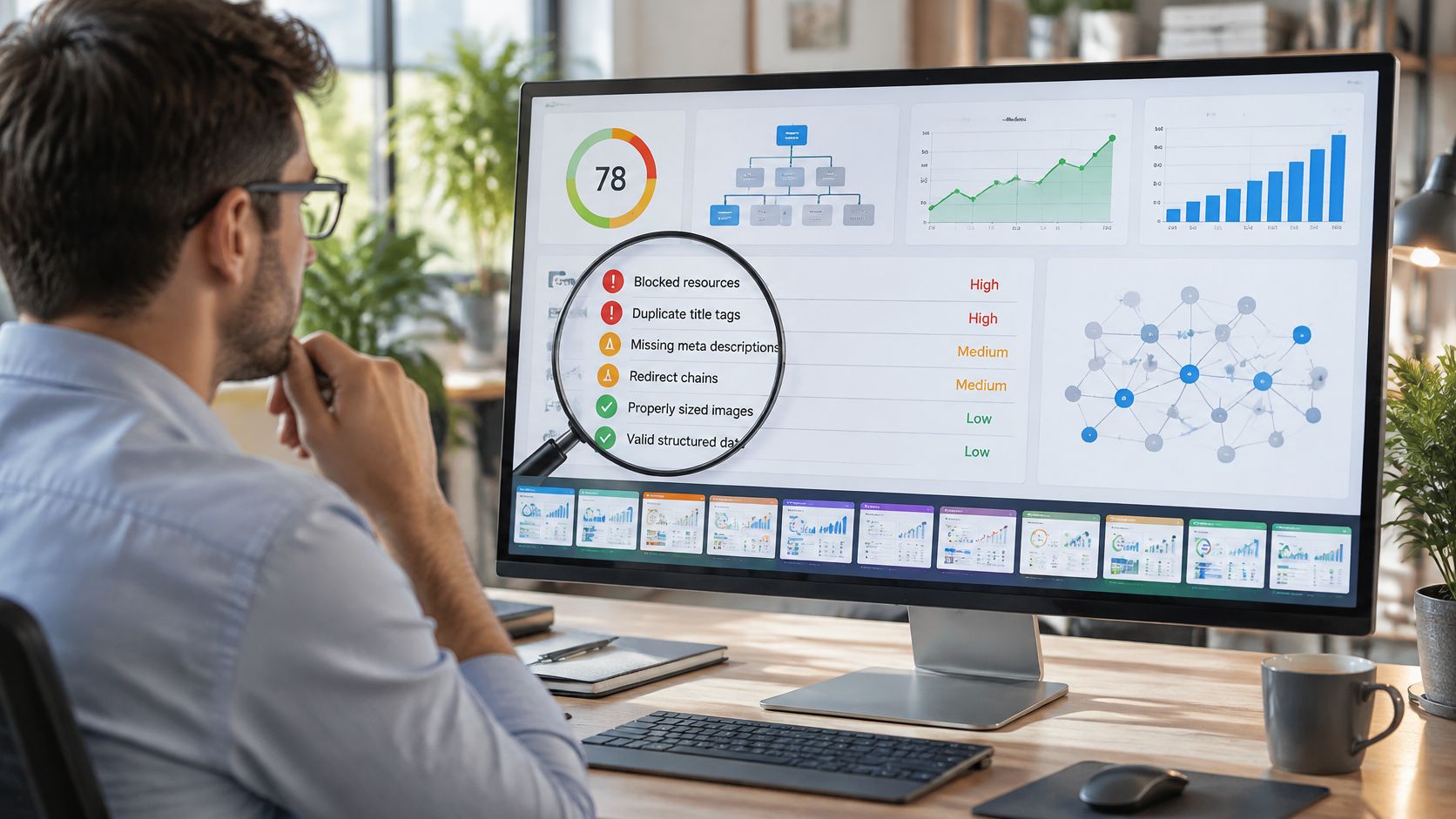
Finding a broken backlink is the easy part. The hard part is confirming it's real, figuring out whether the dead URL deserves recovery, matching it to the right replacement, and deciding if the opportunity is worth outreach at all. In practice, I treat broken backlink finder tools as one piece of a larger recovery workflow, not as magic lists of dead URLs. A backlink index helps me discover prospects, a crawler or live check validates the status, and a clean outreach workflow turns that evidence into a specific request.
That's also where a lot of popular advice falls short. If you only hunt for 404s, you end up with noisy reports, false positives, and pages that no longer deserve attention. The better workflow is to separate descubrimiento, validation, priorización, monitoring, y outreach preparation, then use the right tool for each job. That matters because link decay is common even on high-traffic sites, and a 2024 arXiv-indexed study found that 35.2% of the top 88,000 homepages from the Majestic Million had at least one broken link (link decay study summary).
I've had the best results when I start with a broad index, verify the source context manually, and only then decide whether to restore, redirect, or pitch a replacement. SemDash fits into that flow well because it handles broken-link recovery, unlinked mentions, competitor research, and outreach prep in the same workspace. The tools below are compared by the job they perform in recovery, not by generic feature lists.
Tabla de contenido
- 1. SemDash
- 2. Ahrefs
- 3. Semrush
- 4. Majestic
- 5. Moz Pro
- 6. Mangools LinkMiner
- 7. SE Ranking
- 8. Screaming Frog SEO Spider
- 9. Sitebulb
- 10. SEO SpyGlass
- Top 10 Broken Backlink Finder Tools Comparison
- Turn Broken Links Into a Repeatable Recovery System
1. SemDash
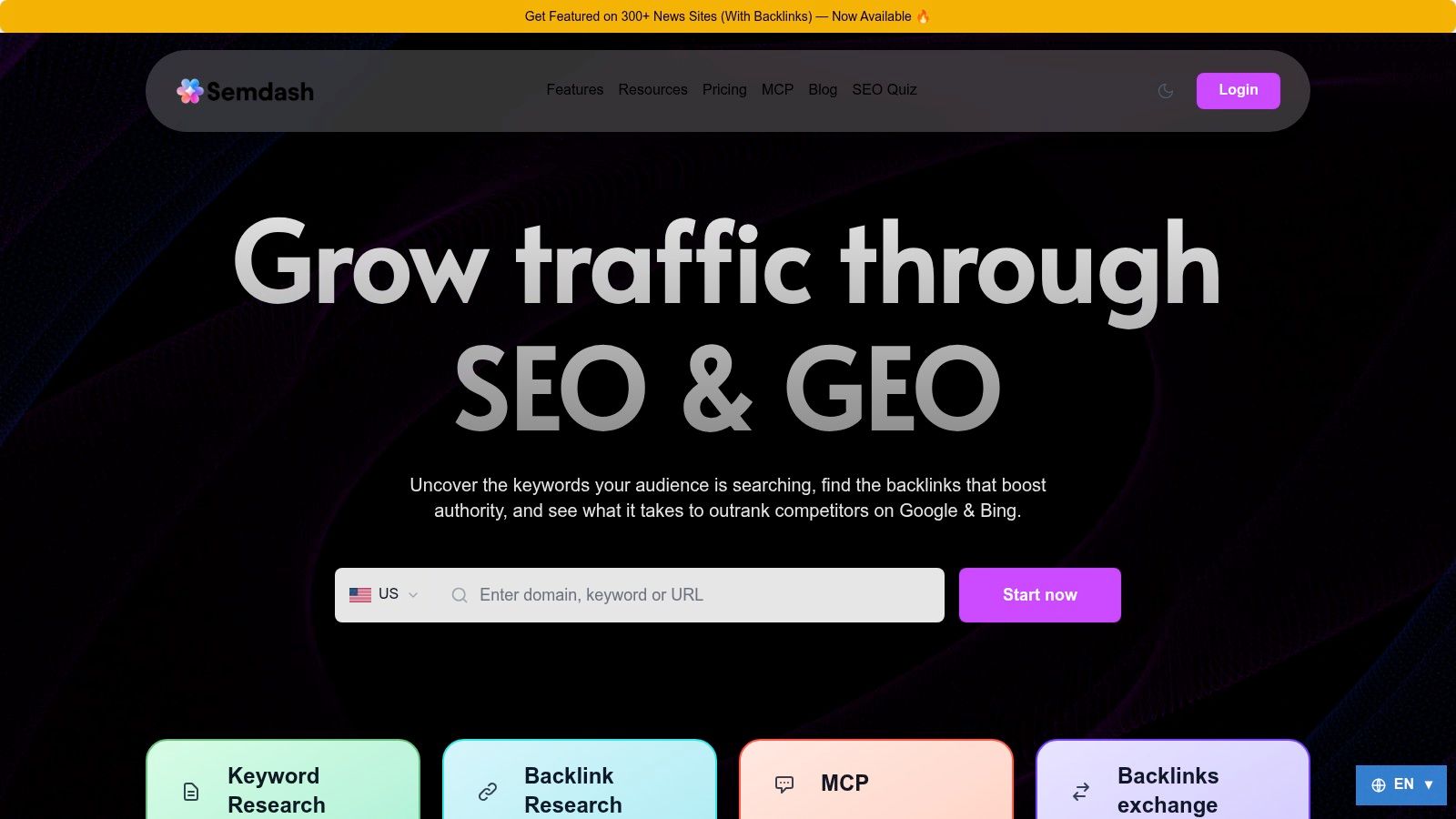
SemDash is the first tool I open when the recovery job needs more than a raw list of dead URLs. I use it to discover backlink opportunities, sort them by likely value, and prepare outreach with anchor context and related mentions. That matters because a broken backlink is only useful if I can trace why it existed and whether the target still deserves attention.
I also rely on its scale to keep the workflow efficient. SemDash says it has 6.6 mil millones de palabras clave de Google actualizadas en los últimos 30 días, una índice de 2.7 billones de enlaces, y 600 millones de SERP actualizadas mensualmente (SemDash). That breadth helps when I am separating a single stale reference from a wider pattern across a niche or a competitor set.
Dónde SemDash funciona mejor
SemDash is strongest at the front end of recovery, where discovery and prioritization happen together. I can use backlink gap analysis to find domains linking to competitors but not me, then layer in broken-backlink recovery and unlinked-mention checks to reclaim authority without starting from zero. The Resúmenes de IA visibility layer also helps when I want to see whether a domain is already surfacing in Google's AI answers, since that affects which pages I prioritize for outreach.
Regla práctica: I use SemDash to decide what deserves a human check, then I validate the final target with a crawler or live response check before outreach.
The product is also practical for smaller teams because the interface stays cleaner than many enterprise suites, and the support setup is unusually hands-on, with an Academy, YouTube channel, public roadmap, and free live calls. If you want one workspace for discovery, competitor research, and broken-backlink recovery without stitching together separate tools, SemDash fits that workflow well.
Mejor para: discovery, prioritization, and recovery planning in one place.
Cuidado con: users who need very granular enterprise reporting may still want a dedicated crawler or a second backlink index.
Sitio web: SemDash
2. Ahrefs
Ahrefs is the classic discovery-first broken backlink finder because its backlink index is broad and its Broken Backlinks report is easy to work with. I still use it when I need to see which referring pages point to my 404s, then sort by anchor text, URL, or link metrics before I decide what to restore.
The biggest practical benefit is that Ahrefs separates two jobs cleanly. One report helps me find inbound links pointing to dead pages on my site, and another helps me find broken outbound links on a page or across a site. That makes it useful for both reclamation y broken-link building.
Why I still check the report manually
The raw report is good, but I never trust a broken flag until I confirm the page behaves the way the tool says it does. Crawl timing, redirects, and temporary errors can all muddy the picture. Ahrefs is best when I'm already near the finish line and need a strong backlink index to surface candidates fast.
Ahrefs also works well for prioritization because I can find pages with backlinks, filter to 404 status, and see which dead pages are most likely to justify a redirect or restoration. That's especially useful when the goal is to preserve earned authority instead of chasing every missing URL.
Mejor para: broad discovery and prioritizing dead URLs with real link equity.
Cuidado con: some broken or redirect flags need manual confirmation, especially when a page is in transition.
Sitio web: Ahrefs
3. Semrush
Semrush is strongest when broken backlink work sits inside a broader SEO audit process. I like it for teams that already use the suite for rank tracking and site auditing, because the broken-link workflow doesn't feel isolated from the rest of the account. The Backlink Audit y Backlink Analytics views make it easier to move from problem detection to next action.
The useful part for me is the Target Pages view, where broken and lost links can be watched over time. That helps separate a real loss from a temporary crawl issue. It also makes Semrush practical for competitor broken-link building, because the Broken Pages filter can surface dead targets worth replacing with your own relevant page.
What Semrush does well in practice
I've found Semrush useful when the recovery path is already clear and the team needs a place to coordinate the fix. If a link points to a dead page on my site, I can decide whether to update the target, restore the page, or redirect it. If the dead page belongs to a competitor, I can use it as outreach material for replacement pitching.
- Broken target detection: Good for finding pages that need a direct recovery decision.
- Suite integration: Strong if you already live in site audit and rank tracking.
- Workflow fit: Better for teams than solo prospecting from scratch.
The trade-off is that Semrush can feel like a large system with overlapping modules. That's not a flaw if you need the whole suite, but it does slow down simple broken backlink triage if you just want a quick list.
Sitio web: Semrush
4. Majestic
Majestic is the tool I use when I care more about link graph depth than about a polished all-in-one interface. Its Fresh and Historic indexes, plus new and lost reporting, make it valuable for tracking link decay over time instead of just reacting to a single crawl.
That matters because broken backlinks aren't static. A link can survive for a while, then disappear later because the page gets removed, the URL changes, or a site gets reorganized. Majestic helps me see that longer-term pattern, especially when I'm comparing how a backlink profile has changed across multiple checks.
Why Majestic is a prioritization tool
I don't use Majestic to collect every possible link and call it a day. I use it to decide which broken links are worth attention. Trust Flow and Topical Trust Flow give me a way to triage candidates so I'm not wasting time on low-value or off-topic links that won't move the needle.
The API is also useful if you're running a repeatable monitoring workflow across multiple sites. That's the point where Majestic starts acting like a research layer instead of just a report.
Mejor para: deep link analysis, historic comparison, and topical prioritization.
Cuidado con: the interface and metrics are more specialized, so there's a learning curve.
Sitio web: Majestic
5. Moz Pro
Moz Pro, through Link Explorer, is the kind of tool I use when I want accessible reporting without getting buried in complexity. It doesn't present broken backlinks as a flashy standalone concept, but it does surface lost links and status cues that let me infer where a referring page has gone bad.
That distinction matters. A lot of teams search for a “broken backlinks report” when what they need is a lost-link triage view with enough authority data to prioritize action. Moz gives me that, especially when I'm trying to separate a real recovery opportunity from a low-value disappearance.
Dónde Moz ayuda más
The reporting is clear enough for quick decision-making. I can look at inbound links, filter by lost state, and use Autoridad de Dominio y Page Authority to decide whether a fix is worth my time. If I'm dealing with a broken referring page, I want speed and clarity, not ten different overlays.
The best recovery candidates are rarely the loudest ones in a report. They're the links with enough relevance and authority to justify a precise fix.
Moz is also a solid choice for newer teams that want a gentle learning curve and a straightforward way to track lost links over time. The trade-off is that you won't get the same named broken-backlink report structure you'd see in a more specialized workflow.
Sitio web: Moz Pro
6. Mangools LinkMiner
LinkMiner is what I use when I need quick qualification more than database breadth. Its page preview and anchor highlighting make it easy to confirm where a link sits on the page, which matters when a broken-backlink report looks thin or misleading.
That preview helps because broken-link work produces plenty of false positives. A source may still be live, the link may have shifted in the HTML, or the target may not be as broken as the report suggests. LinkMiner lets me verify placement fast before I spend time on outreach.
It fits a smaller workflow, too. For solo SEOs and lean teams, I'd rather have a tool that helps me validate, prioritize, and prepare outreach than one that buries me in extra layers I do not need.
For a practical process that pairs well with LinkMiner, I keep SemDash's broken link building guide handy when I'm building a repeatable prospecting workflow.
Mejor para: quick checks, page-level verification, and lightweight prospecting.
Cuidado con: smaller index and less depth than enterprise-grade tools.
Sitio web: Mangools LinkMiner
7. SE Ranking
SE Ranking's Backlink Monitor is a solid choice when I want ongoing monitoring instead of one-time cleanup. The dedicated Broken filter across links, domains, and pages makes it easy to keep an eye on recovery candidates without rebuilding the report each time.
That's important because broken backlinks age fast. A link that looked healthy during one audit can disappear later, and if you're not rechecking on a schedule, you'll miss the change. SE Ranking handles that better than a lot of tools in its price band because it supports automatic rechecks and Google Search Console import.
Mejor caso de uso
I like SE Ranking for teams that want one system to support research, monitoring, and simple remediation. It's good when you need a steady pulse on link health, not an exhaustive forensic archive. The API also makes it easier to plug the data into recurring workflows.
- Broken filters: Useful across backlink, domain, and page views.
- Automatic rechecks: Helpful for continuous monitoring.
- GSC import: Expands coverage beyond what a backlink index catches alone.
The trade-off is depth. If I'm doing very granular link analysis, I still reach for a larger index or a dedicated crawler. But as an operational monitor, SE Ranking is efficient.
Sitio web: Clasificación SE
8. Screaming Frog SEO Spider
Screaming Frog is the tool I trust when I need to validate a suspected broken backlink. It's not a backlink index, and that matters. I use it to crawl a site, confirm 4xx and 5xx status codes, and inspect the Inlinks so I can see exactly which page is pointing at the broken URL.
That makes it my strongest verification layer in the workflow. Cloud tools can surface a dead target, but Screaming Frog lets me confirm whether the error still exists and which page structure is responsible. When I'm handed a noisy backlink export, List Mode is useful because I can upload a CSV of source URLs, check live status, and sort the results before outreach or ticketing starts. If I need to trace who is linking to a page, I can also move from crawl data into a broader lookup with who is linked to my website.
Why it catches mistakes other tools miss
A backlink index can tell me a link exists. Screaming Frog tells me whether the destination still resolves. That distinction saves time because it separates a real recovery opportunity from a stale flag, a redirect chain, or a page that only looks broken from a database snapshot.
I also use it when the next step is operational. If the fix belongs with a developer, the exported inlinks make ticketing straightforward. If the fix depends on outreach, the crawl results give me a cleaner prospect list to work from.
Regla práctica: I never send a broken-link pitch until a crawler or live check confirms the source page and the destination error. If either side is unclear, I keep validating.
Sitio web: Screaming Frog SEO Spider
9. Sitebulb
Sitebulb is my pick when I want a crawler that's easier to explain to other people. The broken-link reports are visual, the exports are clean, and the Link Explorer makes it easy to inspect anchors, HTTP status, and link types without bouncing around the interface.
That usability matters when you're handing work to a developer or a link-building team. A report is only useful if someone else can act on it without needing a call to decode the output. Sitebulb does a good job of turning crawl findings into something I can hand off directly.
Where it fits in the process
I use Sitebulb after discovery, or instead of discovery when I'm auditing my own site structure. It's especially good for checking external link status during a crawl, which helps when I want to know whether a source page is dead before I build an outreach list around it.
The Cloud option also makes sense for teams that want larger or more continuous crawl workflows. If the same URLs keep surfacing in audits, having a crawler that supports recurring checks is easier than rebuilding every report from scratch.
Mejor para: clean validation, reporting, and developer handoff.
Cuidado con: it's still a crawler, not a proprietary backlink index.
Sitio web: Sitebulb
10. SEO SpyGlass
SEO SpyGlass works well when I need backlink auditing inside a desktop workflow, especially for broken-target checks that I want to validate by hand. Its Linked Pages module lets me filter by status code, anchor text, and target URL, so I can isolate broken backlinks instead of staring at a full export and guessing what matters.
I use that filter set after importing links from Google Search Console or another crawler. In practice, that means I can pull a suspect list, sort by status, then check whether the linking page still exists, whether the anchor still matches, and whether the target should be reclaimed or left alone. For evaluating high-authority backlinks, I also check whether the linking page still carries real value before I spend time on outreach.
Scheduled rechecks help if the same domains keep resurfacing in audits, but the trade-off is freshness. Desktop data only stays useful when I reimport and rerun checks often enough, and it is slower than a live cloud index for finding brand-new losses.
Mejor para: validation, filtered review, and repeatable desktop audits.
Cuidado con: freshness depends on your recheck cadence.
Sitio web: SEO SpyGlass
Top 10 Broken Backlink Finder Tools Comparison
| Herramienta | Características principales | Experiencia de usuario y calidad | Value & Price | Target audience | Unique selling points |
|---|---|---|---|---|---|
| 🏆 SemDash | All‑in‑one: 6.6B KW, 2.7T backlinks, 600M SERPs; URL‑level mapping, keyword & backlink gap, AI briefs | ★★★★☆, fast, clean UI; very fresh datasets | 💰 Free starter/trial; budget‑friendly tiers | 👥 Solopreneurs, small teams, agencies | ✨ AI Overviews (AI answer citations), MCP/ChatGPT live data, keyword clustering, broken‑link recovery |
| Ahrefs | Large backlink index; Broken Backlinks report, outgoing broken links, API | ★★★★☆, robust, reliable backlink tooling | 💰 Higher‑priced; paid plans needed for full access | 👥 Agencies, enterprise SEOs, link builders | ✨ API + strong broken/link‑history workflows for scale |
| Semrush | Backlink Audit: Broken/Target errors; integrates rank tracking & site audit | ★★★★☆, integrated suite, many features | 💰 Mid–high; plan complexity and add‑ons | 👥 Agencies, in‑house marketing teams | ✨ Unified SEO suite + competitor broken‑link building tools |
| Majestic | Fresh & Historic indexes; GetNewLostBackLinks API; Trust/Topical Flow | ★★★☆☆, specialized link metrics | 💰 Competitive; entry‑level Lite plan | 👥 Link analysts, researchers, SMEs | ✨ Deep link graph with Trust Flow & topical triage |
| Moz Pro (Link Explorer) | Inbound Links with Lost state; DA/PA metrics; lost-link guidance | ★★★★☆, accessible reporting | 💰 Mid‑priced; 30‑day money‑back | 👥 Small teams, consultants | ✨ Clear lost‑link triage + authority metrics for prioritization |
| Mangools LinkMiner | Live page preview with anchor highlight; link strength metrics; Chrome ext | ★★★☆☆, simple, fast workflows | 💰 Affordable; included in Mangools plans | 👥 Freelancers, small SEOs | ✨ Embedded preview + lightweight broken‑link prospecting |
| SE Ranking (Backlink Monitor) | Broken filter across links/domains/pages; auto rechecks; GSC import | ★★★☆☆, solid monitoring cadence | 💰 Generally more affordable | 👥 SMBs, small agencies | ✨ Scheduled checks + GSC import for continuous monitoring |
| Screaming Frog SEO Spider | Desktop crawler: 4xx/5xx, Inlinks per error, List Mode for backlink validation | ★★★★☆, fast verification/local exports | 💰 Free limited / affordable license | 👥 Technical SEOs, developers | ✨ Offline verification layer to de‑dupe cloud false positives |
| Sitebulb | Crawler + Cloud option; broken inlinks export; dev‑ready reports | ★★★★☆, visual reports & exports | 💰 Desktop + Cloud paid plans | 👥 Auditors, dev teams, agencies | ✨ Clear visuals & developer‑friendly exports for fixes |
| SEO SpyGlass (PowerSuite) | Linked Pages status filters; GSC imports; scheduled checks; multi‑site compare | ★★★☆☆, desktop‑centric workflow | 💰 Cost‑effective desktop licensing | 👥 Budget SEOs, consultants | ✨ Multi‑site comparisons + scheduled backlink checks |
Turn Broken Links Into a Repeatable Recovery System
The best broken backlink process isn't a one-off audit. It's a repeatable sequence that starts with descubrimiento, moves to validation, then ends with prioritization and outreach. I'd start with a backlink index like SemDash, Ahrefs, Semrush, Majestic, Moz, SE Ranking, or SEO SpyGlass to surface likely candidates, then run those URLs through Screaming Frog or Sitebulb to confirm the source context and actual HTTP status.
From there, the decision tree should be simple. If the dead URL still deserves to exist, restore it or redirect it to the closest relevant page. If the target is a competitor page, map it to a live substitute on your own site and write the outreach around that exact match. If the page has no value, ignore it and move on.
I'd also log the operational details that many teams forget. Keep track of contacted domains, responses, restored links, redirects, and unresolved technical causes. That turns broken-backlink recovery into an ongoing monitoring process instead of a cleanup sprint that gets repeated every quarter.
The strongest teams I've worked with don't ask, “How many broken backlinks did we find?” They ask, “Which ones are worth recovering, and what's the fastest path to value?” That's the right framing because broken links decay over time, but a clean workflow keeps the opportunity alive.
If you want a platform that handles discovery, prioritization, broken-backlink recovery, and competitor research in one place, start with SemDash. It gives you the backlink and SERP context to choose better prospects, not just bigger lists. If you're ready to tighten your recovery workflow, visit SemDash and see how it fits into your current process.