
Adding your target keyword to the title, headings, and image alt text isn't where I'd start an on-page audit. You can polish every element and still leave Google with a blocked URL, incomplete mobile copy, or conflicting indexing instructions. Fix access and rendering before wording.
For SEO on page optimization, I'd work from the response Google receives toward the experience your visitors get. That means inspecting a representative page template, separating implementation failures from content weaknesses, and fixing shared problems before editing individual pages. A clean checklist won't guarantee rankings, but it gives you a defensible starting point.
Tabla de contenido
- On-Page SEO Checklist and One-Template Audit
- Internal Links and Indexing Directives That Work Together
- Headings and Mobile Content That Google Indexes
- Titles and Meta Descriptions That Match Your Page
- Core Web Vitals Targets and the Fix Order
- Structured Data Without Overpromising
On-Page SEO Checklist and One-Template Audit
Pick one page template and audit it end to end. Choose the page type that contributes the most organic traffic, usually product pages, category pages, or blog posts. The goal is to find failures the CMS repeats across that page type. Isolated editorial mistakes can wait.
I'd check indexing directives and body text before touching titles. If you can't reliably expose the page's primary content, you're optimizing wording that search systems may not receive. Work down the checklist in order, marking each row pass or fail for your sample URLs. A pass column doesn't prove rankings. It proves the page is readable, consistent, and eligible for the next step.
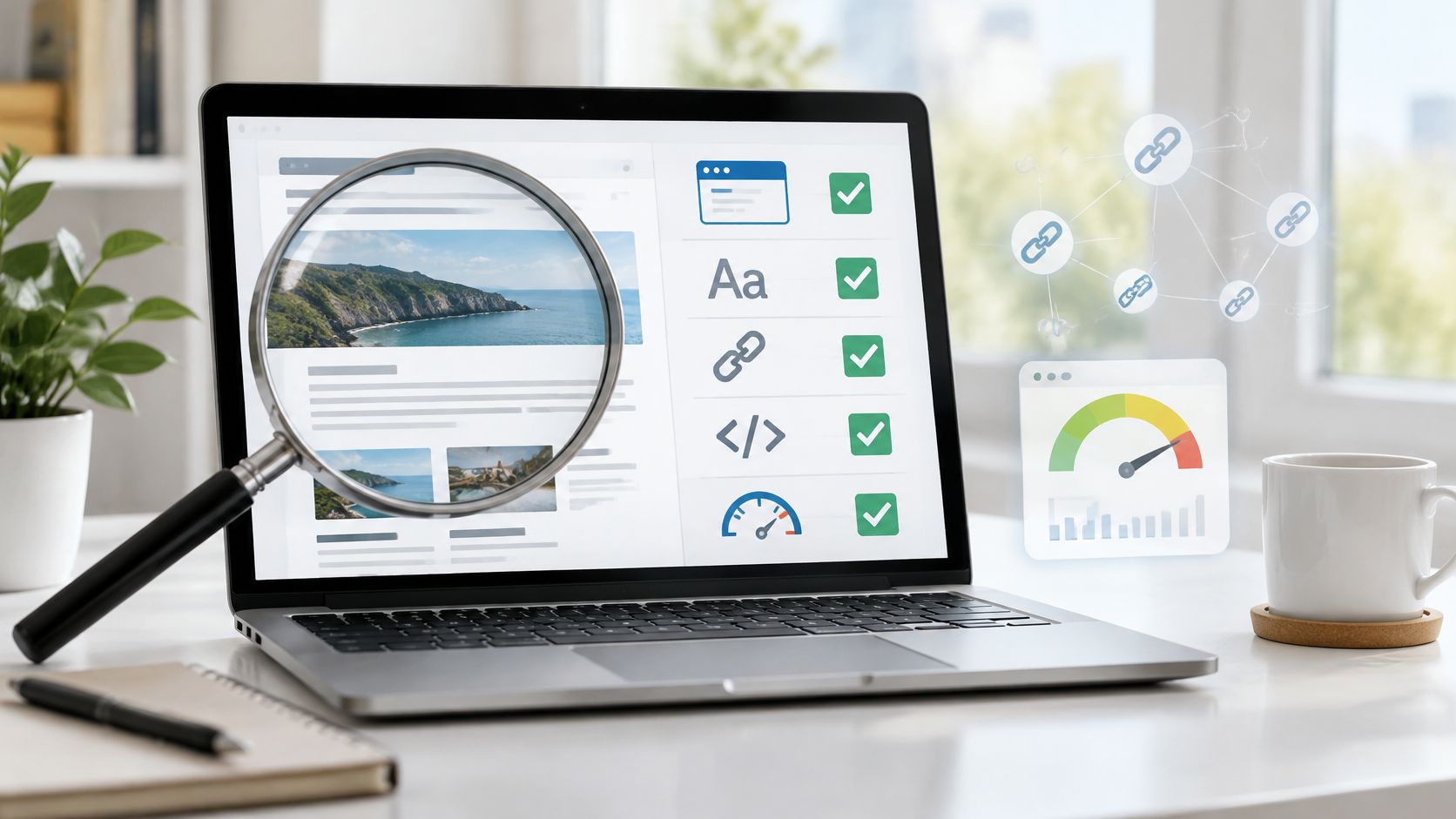
On-page factors checklist
| Factor | What good looks like | Where to check | Common failure |
|---|---|---|---|
| Directivas de indexación | Intended index or noindex visible in the response | Rendered HTML and HTTP headers | Conflicting robots tags or robots.txt blocking a noindex page |
| Body text | Primary copy present in the initial HTML on mobile and desktop | Rendered mobile view | Key copy hidden in tabs or loaded late |
| Title tag | Unique, specific, matches the page topic | View source and rendered HTML | Generic CMS title left in place |
| Meta description | Summarises the page outcome, unique per URL | View source | Template description repeated across pages |
| Heading hierarchy | One H1 matching the title, logical H2 and H3 levels | Rendered outline on mobile | Headings styled to look right but with no real structure |
| URL and internal links | Descriptive slug and descriptive anchor text | Crawl tool and page source | Anchors that say click here or links only added by scripts |
| Image alt text and size | Alt describes the image, width and height reserved | Page source and browser developer tools | Filename as alt text, no dimensions set |
| Structured data | Required properties present and matching visible content | Prueba de Rich Results | Markup describing content that isn't on the page |
| Signos vitales de la red central | Good range in field data | Search Console Core Web Vitals report | Only lab scores checked |
Treat the body-text row as a solid implementation target, not a claim that Google can't render JavaScript. Compare View Source with the browser's Elements panel and Search Console's rendered output. If core product information only appears after an interaction, trace what triggers it. Then confirm whether Google receives it.
Don't mark every collapsed tab as a failure. Mark a failure when the copy is missing from the rendered page or requires a separate request that doesn't fire during rendering. That distinction keeps the audit on missing content rather than design preference.
Turn failures into deployable fixes
Use this workflow to keep the audit manageable:
- Choose the highest-impact template. Use organic landing-page performance to select it, then include ordinary pages and edge cases such as unavailable products or articles with embedded media.
- Test a small representative sample. I'd use three to five URLs as an initial working sample, expanding it whenever a failure appears inconsistent.
- Record reproducible evidence. Save the affected URL, failing element, expected output, and proposed fix. A developer should be able to reproduce the issue without interpreting an SEO score.
- Prioritize shared failures. Fix the component or template when the same problem recurs. Don't manually patch pages that will revert during the next CMS update.
- Deploy and validate again. Check the actual production response, not just a staging screenshot. Allow several weeks for field reporting to reflect changed visitor experiences.
- Schedule a follow-up. As a practical review interval, check again in four weeks, while recognizing that recrawling and reporting won't follow your calendar.
For the broader editorial review that follows the technical pass, use these practical on-page SEO tips for 2026. Keep that review separate from the blocker list so copy improvements don't displace access fixes.
Regla práctica: Write a fix ticket that names the broken output, not a vague instruction to improve SEO.
Finish with a dated change log and baseline numbers for impressions, clicks, and affected URLs outside the good Core Web Vitals range. Also save the displayed title link for comparison. For implementation support, SemDash's SEO Academy offers video tutorials on SEO strategies and using SemDash tools, and SemDash offers free live calls with an SEO specialist.
Internal Links and Indexing Directives That Work Together
Audit internal links and indexing controls together because they fail as a pair. A page can be linked correctly and still carry a directive that keeps it out of results. Start with the crawl path, then verify the instruction Google receives after it fetches the page.
Use descriptive anchor text such as B2B SaaS onboarding checklist instead of click here. Confirm the link is a real anchor with an href, not a button whose destination lives only in an event handler. In the Elements panel, check both the rendered DOM and the source HTML, then follow the link to the final URL. If the destination passes through multiple redirect hops, the internal link is working but the target is not ready for indexing.
Separate discovery from indexing control
Robots.txt controls fetching. It does not remove a URL from the index by itself. For page-level instructions, use a robots meta tag or an equivalent HTTP header. Google's robots meta tag documentation covers indexing and search-preview controls, including the crawlable but excluded case.
Thin internal-search pages are a common example. Allow crawling and apply noindex so Google can read the directive, rather than treating those pages as organic landing pages. For a preview page, limit the snippet without excluding the page entirely. Do not block crawling when you need Google to process a noindex instruction. If Google cannot fetch the page, it cannot reliably see that page-level directive. When you map these controls to your CMS, follow the meta robots tag implementation guide.
Run a conflict check before deployment:
- Inspect the response. Check the initial HTML, rendered HTML, and HTTP headers for indexing instructions.
- Comparar entornos. Make sure staging restrictions have not reached production through a shared template.
- Check CMS ownership. Identify whether a plugin, application component, or server rule generates each directive.
- Retest after rendering. Do not assume a client-side tag will be available when Google needs it.
Adding noindex does not remove a page immediately. Google still has to crawl and process the instruction, so validate the implementation before judging the result. A directive that exists only inside a tag manager event is easy to miss during that check.
Apply the same access checks to AI search
AI Overviews do not need a separate technical playbook. Google's AI features guidance says a page must be indexed and eligible for a normal search snippet, with no additional technical requirements.
Check crawl access, internal discovery, readable primary text, and markup that reflects visible content. Eligibility is not a promise of citation. If a page ranks but is not cited, compare its factual coverage with the cited URLs and inspect whether your most useful answers exist only inside images or interactive components. That is still an on-page problem, not an AI-only problem.
Headings and Mobile Content That Google Indexes
Review the phone-rendered page before approving the desktop layout. Google began rolling out mobile-first indexing on March 26, 2018, and most sites had transitioned by 2023, según Google's mobile-indexing update. Your mobile content therefore needs the same editorial attention as your desktop content.
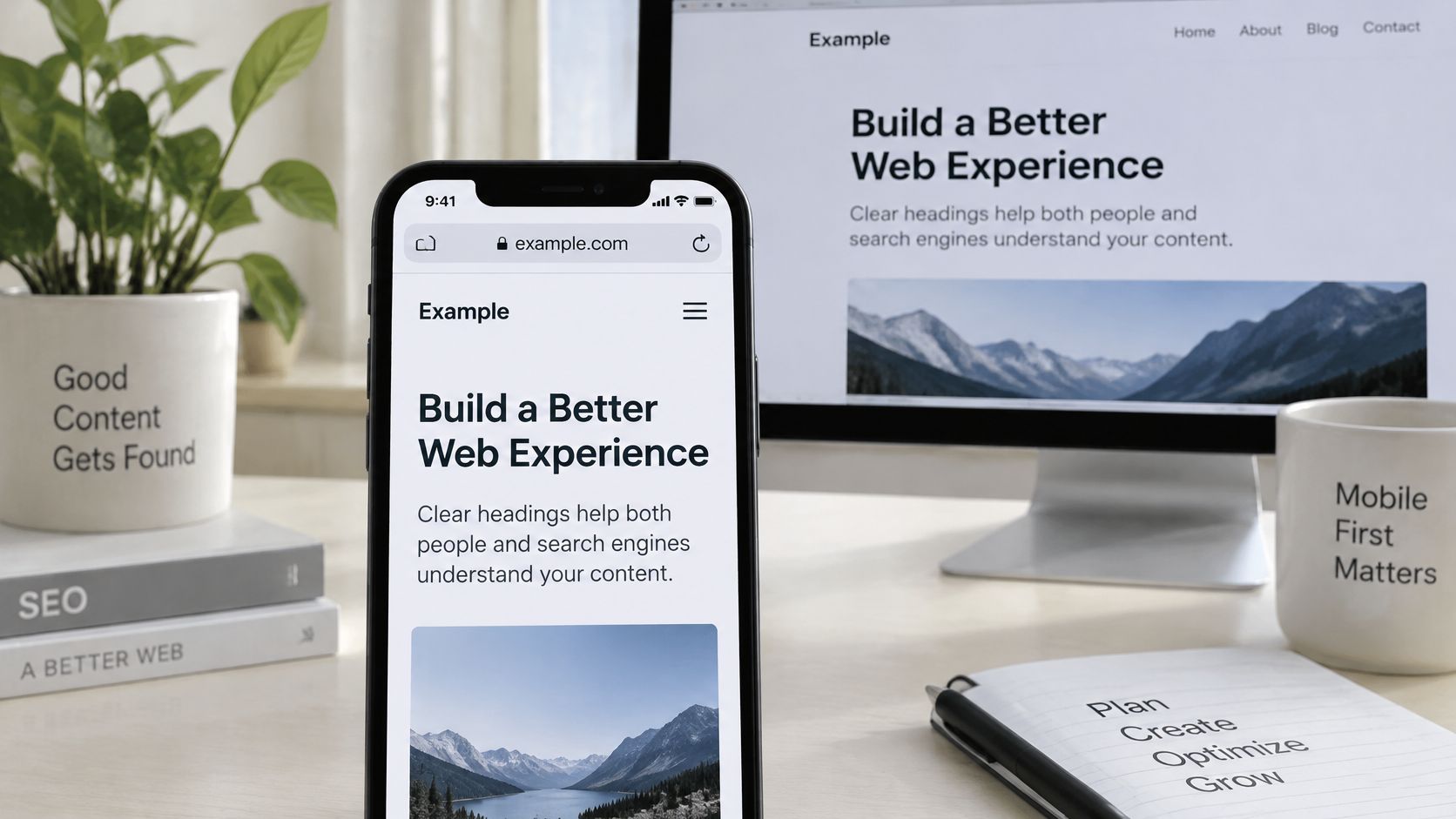
Use a side-by-side device review to find missing copy and mismatched structure.
Build headings around reader decisions
For a product comparison page, I'd use the H1 for the core comparison, then separate sections for pricing, implementation, integrations, limitations, and alternatives. Each heading should introduce a distinct decision, not another variation of the target keyword.
Avoid stacking headings such as best CRM software, top CRM software, and CRM tools when you have nothing different to explain beneath them. You'll get a clearer page by combining overlapping material and giving the useful distinctions more space. Google's SEO Starter Guide recommends organizing long content into navigable sections with helpful headings.
Inspect the actual heading elements, not just their appearance. In the browser's Elements panel, check whether a large visual heading is a real heading or merely a styled paragraph. Then compare the mobile outline with desktop, including content beneath accordions.
For a video-based review alongside your browser checks, use the embedded walkthrough below.
Include accessibility in the same pass
You don't need a redesign to improve semantic headings, meaningful image alternatives, descriptive links, or keyboard navigation. Start with commercially important images and controls that prevent visitors from understanding or using the page. Keep decorative image alternatives empty rather than filling them with keywords.
A 2025 analysis of 10,000 websites, announced by AccessibilityChecker.org through PR Newswire, associated improving accessibility scores with an average 23% increase in organic traffic. Treat that as correlation, not proof that an accessibility edit causes a ranking gain.
Fix accessibility barriers because people need usable content, then measure search outcomes without promising a lift.
Include loading behavior in your mobile review as well. Watch whether banners obscure headings, embeds move the copy, or late-loaded components interrupt reading. You're checking whether visitors can consume the page, not merely whether the layout fits a narrow screen.
Titles and Meta Descriptions That Match Your Page
Say you're optimizing a page about B2B SaaS onboarding. I'd align the title tag, visible H1, and internal anchors around the same promise, such as a practical onboarding checklist. Repeating the keyword in unrelated headings won't resolve a mismatch between a checklist title and a product-sales page.
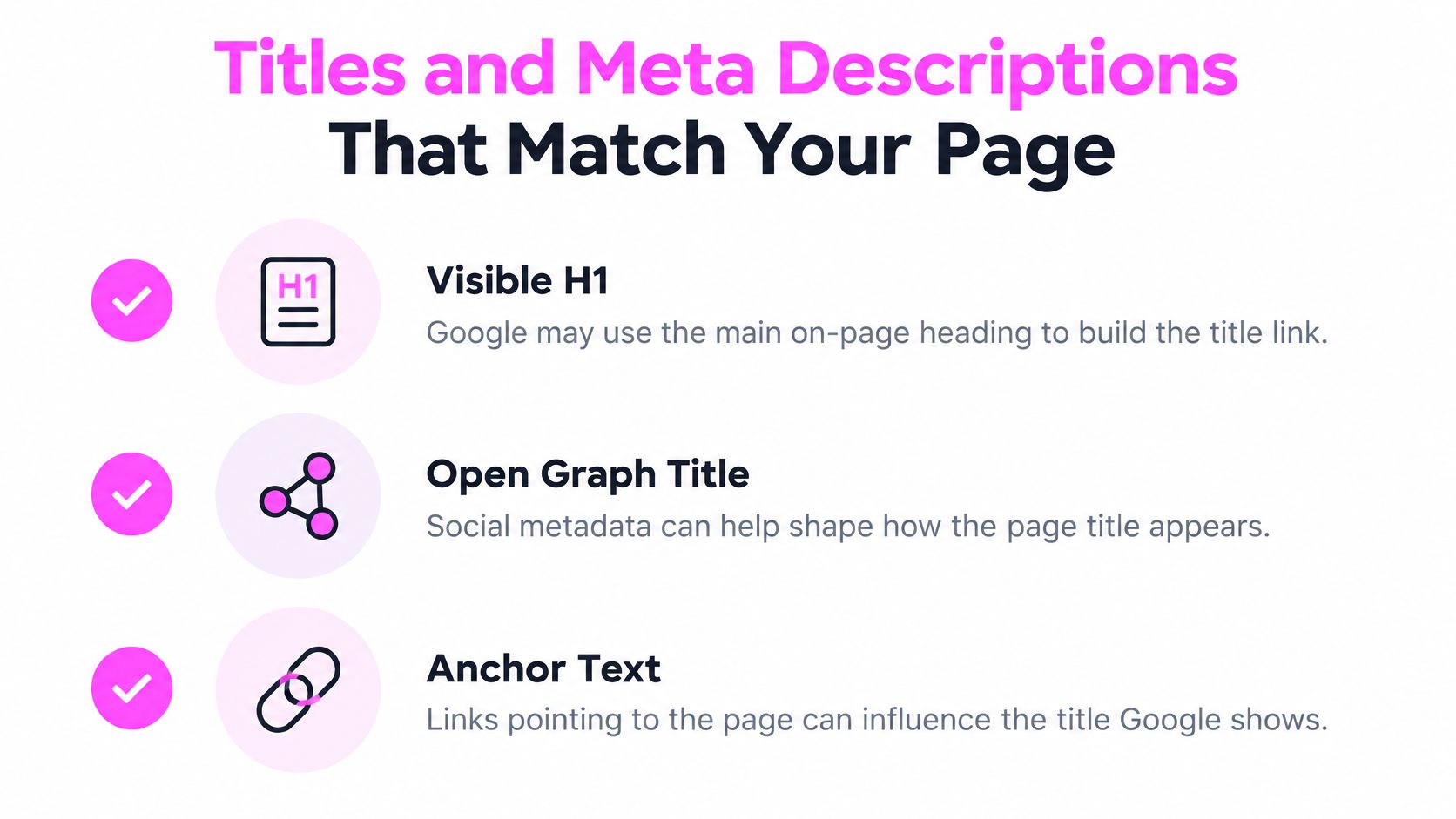
You can't control the search-result title through the <title> element alone. Google's title link documentation names other possible inputs, including the main visual title, headings, Open Graph title metadata, prominent styled text, anchor text from links, and WebSite structured data.
Align the promise before shortening the text
Write the H1 from the visitor's question.
For a checklist page, use a heading such as B2B SaaS Onboarding Checklist for Product Teams. You're defining what the reader will get, so the body needs to deliver a usable checklist rather than a general introduction.Make the title tag closely match that wording.
Put the main topic near the front and add branding only when it remains useful. I'd favor a clear, accurate title over a shorter title that strips away the page's distinguishing purpose.Inspect source HTML and the rendered page for conflicts.
Look for duplicate title elements, an outdated CMS default, or a prominent visual heading that describes a different topic. A specific H1 paired with a generic title such as Resources leaves inconsistent signals.Compare Open Graph metadata and incoming internal anchors.
Check the page'sog:title, then inspect links from relevant category pages and related articles. Don't label the destination an onboarding template if you provide a comparison guide.Write a unique meta description around the outcome.
Explain what the visitor can accomplish and what the page includes. Google may show different snippet text, so don't promise details that exist only in the description.
Use this visual checklist when comparing the signals outside the title element.
Diagnose rewrites instead of chasing character counts
For the example page, a useful description might be: Build your B2B SaaS onboarding checklist around activation milestones, ownership, implementation, and handoffs. Include those subjects only if you cover them.
Don't overwrite distinct descriptions with a boilerplate sentence just to make every CMS field nonempty. For closely related product variants, use the meaningful difference, such as compatibility or intended use, rather than swapping only a product name.
A rewritten title is a diagnostic clue, not automatic evidence that your edit failed.
Compare the displayed wording with the source title, visual hierarchy, and surrounding link context. If everything agrees and the result still differs, avoid repeated cosmetic edits without a clear hypothesis. Judge whether the displayed title accurately represents the page, and monitor clicks alongside impressions rather than evaluating the wording in isolation.
Core Web Vitals Targets and the Fix Order
Use measurable acceptance criteria instead of a ticket that says make the page faster. Start with the thresholds in Google's Core Web Vitals guidance: LCP of 2.5 seconds or less, INP below 200 milliseconds, y CLS below 0.1.
Core Web Vitals thresholds and first fixes
| Métrica | Good threshold | Qué mide | First fix |
|---|---|---|---|
| LCP (Largest Contentful Paint) | 2.5 seconds or less | Loading speed of the largest visible element | Preload or compress the hero image or headline resource |
| INP (Interaction to Next Paint) | Below 200 milliseconds | Responsiveness across visitor interactions | Break up long JavaScript tasks on the main thread |
| CLS (Cumulative Layout Shift) | Below 0.1 | Unexpected visual movement after load | Reserve dimensions for images, ads and embeds |
I'd use those targets to write testable development tickets, not as a substitute for diagnosing the page. An image-heavy category page and a JavaScript-heavy comparison tool can fail for entirely different reasons. Compressing images won't repair an interaction blocked by long-running scripts.
Fix the responsible resource or component
Identify the largest visible element.
Use Chrome DevTools or PageSpeed Insights to locate the LCP element. Don't assume it's your hero image, because a headline block may be responsible.Prioritize only the resource that controls it.
Compress an oversized image, improve its discovery, or consider preloading a critical resource. Preloading everything creates competition rather than a clear priority.Profile slow interactions.
Record menu openings, filters, variant selections, and other meaningful actions in the Performance panel. Break up long main-thread tasks or defer unnecessary work so the interface can respond.Reserve layout space.
Set image dimensions and allocate space for ads and embeds. Test consent banners and dynamic product components too, especially when content arrives after the initial render.Validate against field reporting.
Google's Search Console Core Web Vitals documentation explains real-user reporting and URL grouping, including classification by the weakest measured metric. Recheck the affected group rather than declaring success from a local test.
The common trap is improving the first render while leaving buttons unresponsive and content unstable. You may feel the improvement immediately without resolving the full page-experience problem.
A single lab run can also miss device, network, and interaction differences. Use controlled tests to diagnose and real-user measurements to confirm the outcome, with our mobile search engine optimization guide as a companion for device-specific checks. Passing Core Web Vitals doesn't guarantee rankings; you still need relevant, useful content that deserves the visit.
Structured Data Without Overpromising
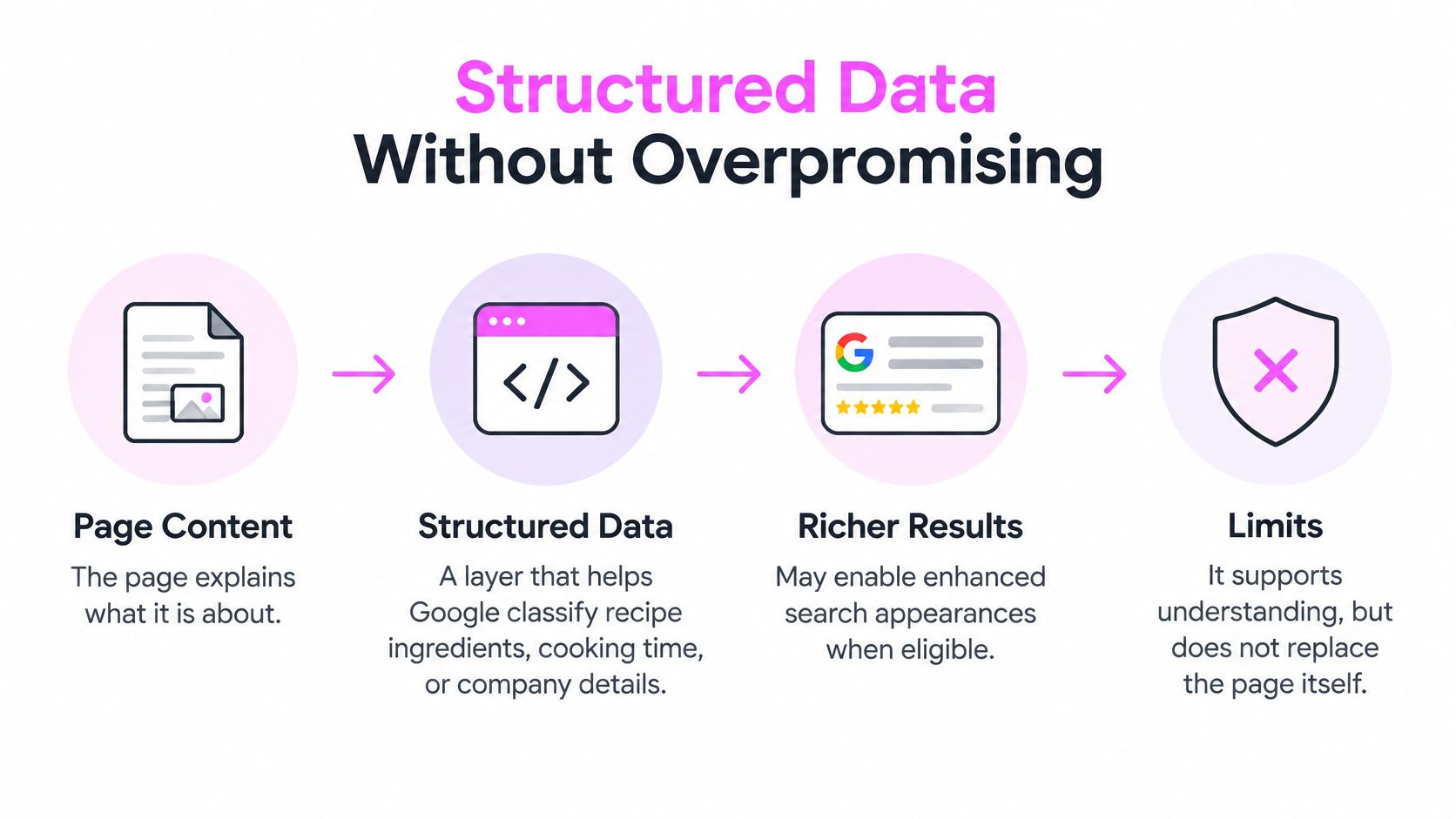
A valid structured-data result means you've cleared a technical check, not secured an enhanced search appearance. Introducción a los datos estructurados de Google recommends JSON-LD, requires markup to represent visible content and follow Search spam policies, and explicitly distinguishes eligibility from guaranteed display.
Use structured data to classify what you already explain on the page, such as recipe ingredients, cooking time, or company details. Don't use it to add claims visitors can't verify. If you're choosing between better buying information and more elaborate markup, I'd fix the buying information first.
The relationship is easier to assess when you keep the page and its markup in the same review.
Generate and validate from shared content
- Generate markup from your canonical data model. Use the same product, article, or organization fields that populate the visible page. Hand-typed copies become stale when editors update the page but forget the JSON-LD.
- Run the Rich Results Test. Resolve missing required properties before polishing optional fields. Include applicable recommended properties when you can supply accurate values.
- Inspect representative template variations. Test products, articles, and localized pages separately. Include edge cases such as missing optional images or unavailable products.
- Monitor enhancement reports after deployment. Confirm that production output remains valid as editors publish new content and developers change shared components.
For application-level checks before release, WebscrapingHQ's JSON schema validation resources can complement your validation workflow. Keep generic JSON validation separate from Google rich-result eligibility: syntactically valid JSON doesn't prove that your chosen search feature is supported or correctly implemented.
Watch template errors and actual appearances
A shared schema generator can repeat the same mistake throughout your site. Check the rendered values as well as the validator result, particularly when localization changes currencies, company details, or page language. Don't assume a passing article template tells you anything about a product template.
Required properties determine whether you meet the relevant eligibility rules. Recommended properties improve completeness where applicable, but you shouldn't invent values just to clear a warning. An accurate omission is preferable to fabricated content.
Finally, measure what appears in search, not just what validates. Record relevant search appearances and inspect representative results after processing. If valid markup doesn't produce a rich result, don't keep adding unrelated schema types in the hope of forcing one.
Use our Keyword Gap, Keyword Clustering, and SERP Checker tools to decide which page deserves the next audit and whether its content matches the search results. Visit SemDash to connect that research with your template-level fix list, then track the specific URLs you improve.