


You've got a site stuck on page two for a promising cluster of terms. A competitor keeps earning links you can't account for. Your keyword export, rank tracker, and Search Console report disagree, and you need to decide whether to rewrite a page, build links, or fix something technical.
Buying another subscription won't automatically settle that decision. You need to know which question each tool can answer reliably, then stop asking it to answer questions outside its strengths. A backlink database won't explain a broken canonical setup. A content score won't tell you whether you're targeting the wrong page.
I'd put these ten tools in a working SEO stack for different reasons, not because they share an overall quality score. My picks depend on the job, the limits you'll encounter, and the cost of acting on a misleading estimate.
- Research mistakes can send you after keywords that don't match your offer.
- Link-analysis mistakes can waste outreach on irrelevant prospects.
- Technical mistakes can leave useful pages inaccessible while you keep rewriting them.
If you're comparing the top ten SEO software options, start with your next deliverable. Do you need a competitor-gap report, a technical diagnosis, a content brief, or dependable campaign monitoring? That's a better buying question than which platform has the longest feature list.
Tabla de contenido
- 1. SemDash
- 2. Ahrefs
- 3. Semrush
- 4. SE Ranking
- 5. Moz Pro
- 6. Serpstat
- 7. Mangools
- 8. Screaming Frog SEO Spider
- 9. Surfer
- 10. SEO PowerSuite
- How the top ten SEO software compares on free access, best use, and main limitation
- Shortlist Three Tools and Test Them on Your Own Data
1. SemDash
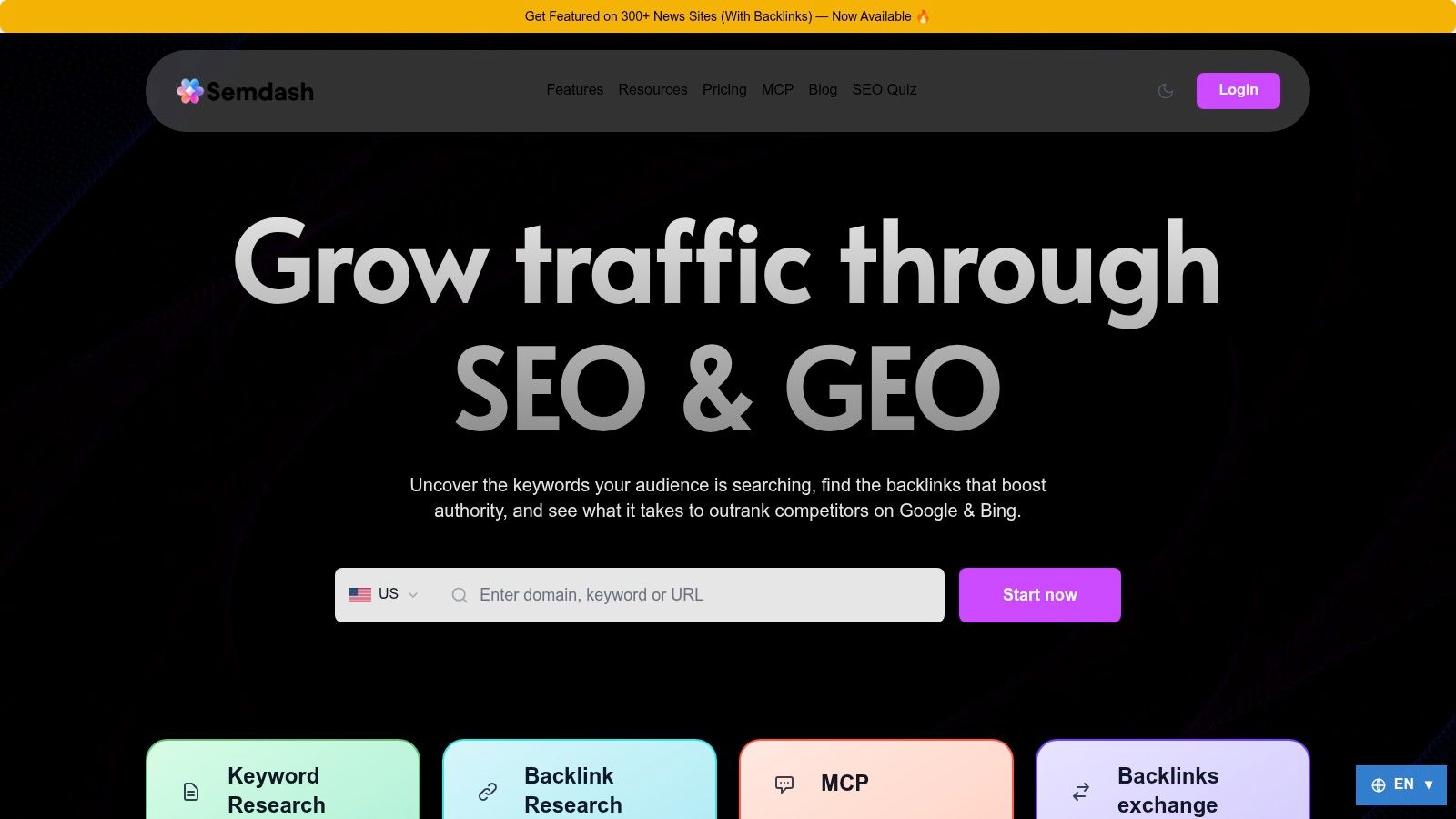
My pick for turning competitor research into a page-level plan. I'd start here when you know who outranks you but can't yet explain which pages, topics, and links account for the difference.
SemDash connects Keyword Gap, Domain Keywords, Top Pages, Backlink Gap, and keyword clustering in one workspace. You can move from a competitor domain to its ranking URLs, group the relevant queries, and build a SERP-informed content brief without reconciling separate research exports. Entering any domain returns the full list of keywords it ranks for, with search volume, monthly traffic, and Keyword Difficulty attached.
Start with the ranking page, not the keyword count
Say you sell subscription billing software. A competitor ranks for invoicing templates, recurring-payment comparisons, and billing implementation questions. I'd separate those intents before choosing targets, because a template library and a product comparison need different pages. Clustering groups the queries into page-level topics so each target gets its own URL, and the People Also Ask and related-search suggestions surface the supporting questions each page should answer.
SemDash's reported datasets cover 6.6 billion keywords, 2.7 trillion backlinks, and 600 million SERPs. Those figures describe coverage, not a promise that every niche query or referring page will appear. Judge usefulness by whether you can identify a credible opportunity and verify the exact ranking URL behind it.
- Content planning: Use clustering, People Also Ask, related searches, and intent analysis to assign topics to pages.
- Visibility diagnosis: Compare ranking changes against 12 months of SERP history and inspect the precise URLs cited in AI Overviews.
- Link work: Separate competitor-gap prospects from broken-backlink recovery and unlinked mentions.
The trade-off is breadth of coverage versus a simpler, faster workflow. One customer calls SemDash "a budget-friendly alternative to the more popular and expensive SEO tools," and other feedback praises the uncluttered interface. Before committing, run your own queries through the keyword and domain reports and check whether the coverage holds for your niche.
I'd switch to Ahrefs when a specific backlink investigation needs a second index. I'd switch to Screaming Frog when crawl behavior, rendering, or canonical implementation becomes the main question. A competitor dashboard shouldn't settle either task alone.
2. Ahrefs
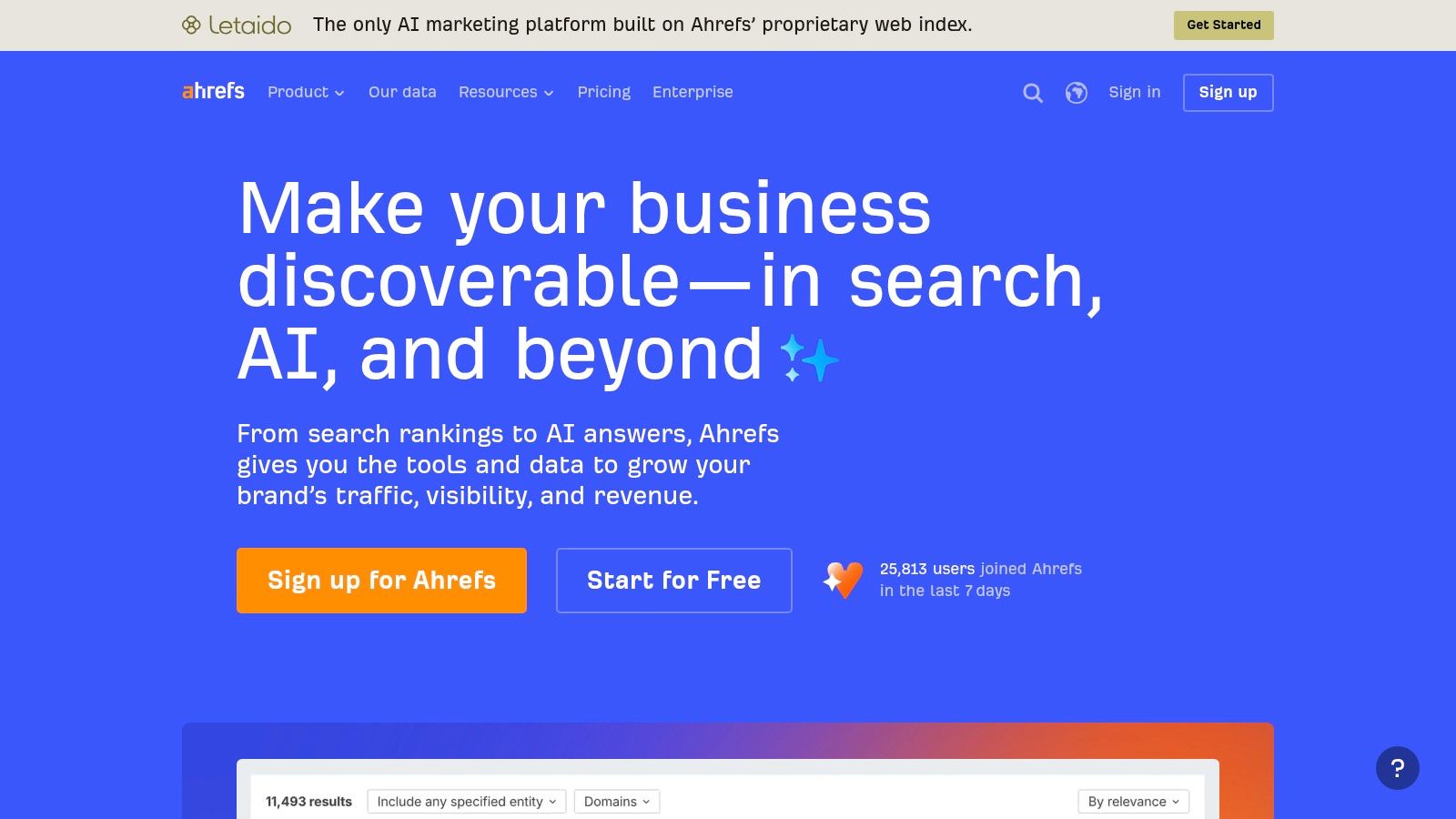
A competitor's referring-domain total doesn't tell you what to pitch. I'd choose Ahrefs when you need to open the linking pages, understand the editorial context, and turn a backlink comparison into an outreach queue.
Start in Site Explorer with the competing page, not just the domain. Inspect its referring pages and anchors, then distinguish links earned by original evidence from directory listings, partnerships, and resource-page inclusions. You'll need a different replacement asset for each.
Regla práctica: A shared competitor backlink is a prospect to investigate, not a link you're entitled to receive.
The distinction matters for recovery work, too. The Ahrefs opportunity-finding guide separates competitor backlink opportunities from broken pages with inbound links, which call for relevant replacements rather than an outreach campaign.
I'd prioritize a broken research page with relevant editorial links over an unrelated dead URL. Before redirecting it, check whether the replacement satisfies the original link's purpose. Sending everything to the homepage isn't a sound recovery strategy.
The strength is investigative depth across links and competitors. Keywords Explorer, Site Audit, and Rank Tracker also support broader work, but research allowances, historical access, and plan limits deserve attention.
I'd switch to Semrush when paid-search comparisons become central. For actual clicks and impressions on your own site, I'd use Search Console rather than treating Ahrefs traffic estimates as analytics.
3. Semrush
I'd choose Semrush when SEO decisions need paid-search context. If you're supporting a growth team that discusses organic landing pages and advertising competitors in the same meeting, broader marketing coverage can justify the extra complexity.
For a SaaS comparison campaign, I'd start with competing domains and keyword gaps. Then I'd separate informational demand from queries that belong on commercial landing pages, and use Position Tracking to monitor the resulting campaign. Site Audit and backlink research provide useful supporting checks.
The advantage isn't having every report open. It's keeping recurring competitor research and campaign monitoring in a shared environment.
Keep estimates separate from measurement
I wouldn't use a competitor's estimated traffic as a forecast for your own site. Query mix, ranking pages, brand demand, and result-page features can all differ. Treat those estimates as a way to choose investigations, then validate your own opportunity with Search Console and business outcomes.
- Choose it for breadth: SEO, paid-search research, competitor monitoring, audits, and content work belong close together.
- Watch the purchase: Historical data, content functionality, seats, and research allowances vary by plan.
- Avoid unnecessary scope: A large platform won't help if your team only needs a focused crawler or content editor.
The failure point is buying breadth without a repeatable workflow. I'd define the report, owner, and decision before configuring dashboards.
I'd switch to Ahrefs for a link-led investigation, or to a simpler research workspace when most of the platform goes unused. If your main deliverable is a technical implementation ticket, I'd move into Screaming Frog instead.
4. SE Ranking
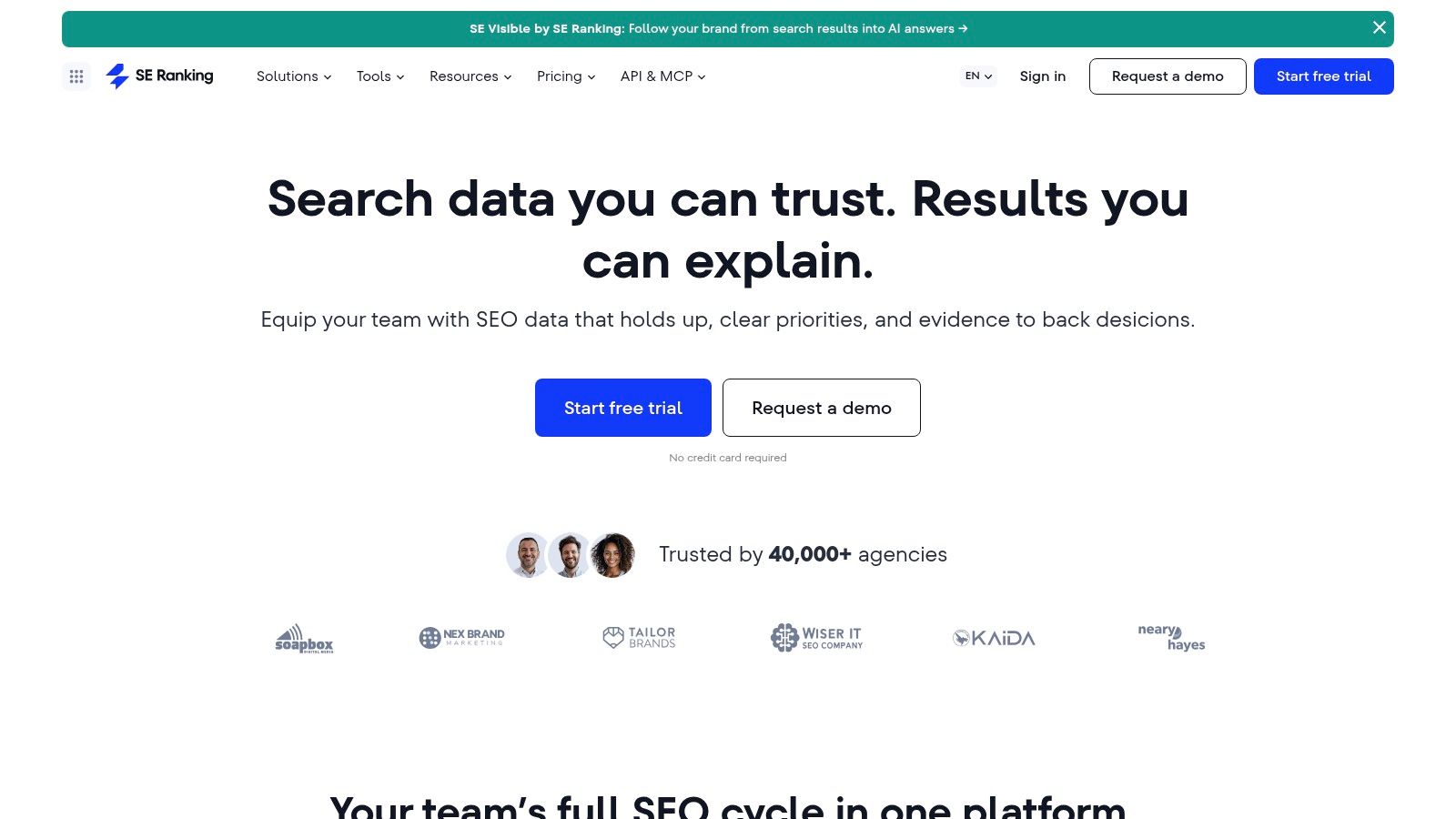
For recurring client monitoring, I'd shortlist Clasificación SE. You can combine rank tracking with keyword research, competitor checks, backlink analysis, audits, local SEO, and content tools instead of rebuilding the campaign view from exports.
The useful moment is the weekly account review. You need to explain which target pages moved, whether the movement affects a particular market or device, and what you'll investigate next. A consistent tracking setup matters more than an impressive opening dashboard.
- Define the location: Don't mix national visibility with a service-area campaign.
- Separate devices: Keep mobile and desktop observations distinguishable.
- Map the intended URL: A ranking gain isn't automatically useful if the wrong page appears.
I'd organize keywords by page type and business purpose. For an e-commerce account, that means separating category pages, product pages, and buying guides. Otherwise, a broad average can conceal the decline that affects revenue.
Buy for your project structure
Project limits, tracked keywords, seats, and included features determine the practical fit. I'd test the actual account setup before committing, including the reports your client or manager expects.
The trade-off is broad campaign management versus specialist investigation. You still need to validate third-party estimates against your own measurements, and the feature range takes time to learn.
I'd switch to Ahrefs when you need to inspect a difficult backlink pattern. I'd switch to Screaming Frog when an audit flag needs a configurable crawl and an implementation-level explanation.
5. Moz Pro
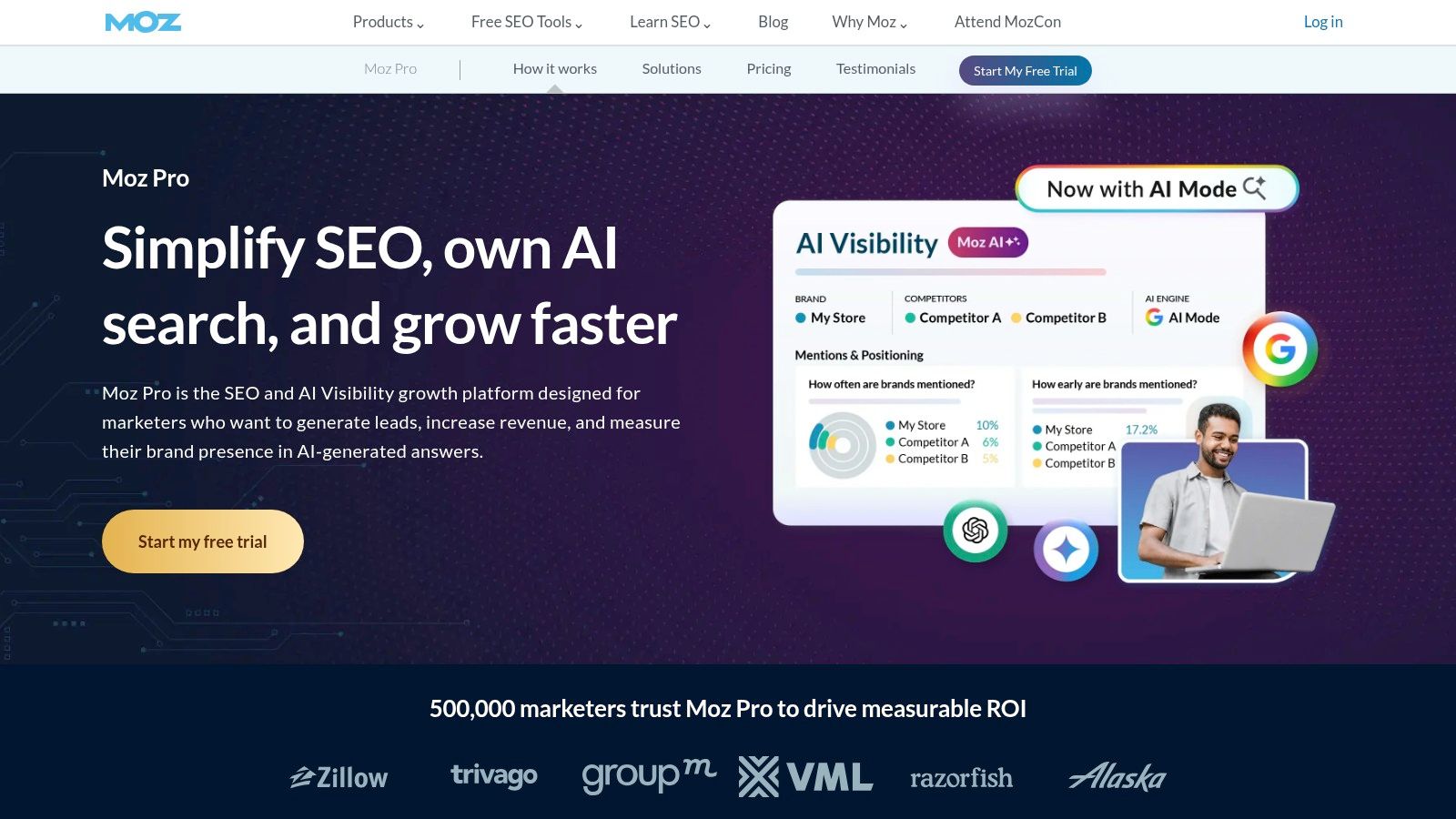
I'd shortlist Moz Pro for a focused core SEO workflow: keyword research, rank tracking, site crawling, and link analysis. You don't always need the broadest marketing suite to manage an established site well.
For a small editorial site, I'd start with existing pages and their intended queries. Use keyword research to identify relevant variations, crawling to surface implementation problems, and tracking to preserve a consistent record of target-page performance.
Use a proprietary authority metric to prioritize investigation, not to declare that Google trusts one page more than another.
That's the important limit with familiar SEO metrics. You can use a common scale to sort prospects or compare candidates within the same tool, but you shouldn't turn it into a ranking explanation.
Keep the workflow narrow enough to finish
I'd rather deliver a short list of page updates, each tied to a search intent and measurable outcome, than export every available keyword. For each candidate, inspect the current results and decide whether you should update an existing page or create something distinct.
The appeal is a recognizable set of core tools. The constraint is capacity: campaigns, tracked keywords, and crawl allowances need to match the site and reporting workload.
I'd switch when the task demands more extensive competitor reverse-engineering or another backlink index. For detailed rendering checks or migration validation, I'd use a specialist crawler rather than stretch the general suite beyond its purpose.
6. Serpstat
My reason to test Serpstat is repeatable research across an agency workflow. Keyword discovery, domain and URL analysis, backlink research, rank tracking, and site auditing sit together, with clustering and collaboration capabilities available according to plan.
I'd evaluate it with a complete deliverable rather than a casual lookup. Build a competitor keyword set, remove irrelevant intents, group the remainder into page topics, and export the result for a writer or account manager.
The important question is whether you can finish that process within the available searches, credits, and export allowances. A platform can feel inexpensive during exploration and become restrictive during production.
- Research capacity: Check what consumes credits and whether repeated checks count again.
- Team workflow: Confirm that the collaboration and API features you need belong to the intended plan.
- Trial terms: Review renewal and cancellation conditions before entering payment details.
For keyword planning, I'd reject the idea that every discovered variation deserves its own page. The Google SEO Starter Guide says Google doesn't use the meta-keywords tag and warns against excessive keyword repetition. Use query lists to understand demand, not to manufacture awkward copy.
I'd switch when metering interrupts normal delivery. If comparing plans takes longer than producing the research, review these Serpstat alternatives against your actual export and collaboration requirements. For complex technical diagnosis, I'd still keep a specialist crawler available.
7. Mangools
You don't need an enterprise-style dashboard to decide whether a blog topic deserves a page. I'd choose Mangools for focused keyword discovery and manual SERP review, particularly when you're working alone or teaching a small team a repeatable process.
Start in KWFinder with a topic closely tied to your offer. Open the results in SERPChecker and inspect what ranks: product pages, tutorials, directories, forums, or comparisons. That page-type check should happen before you accept a difficulty estimate as encouragement.
Make the result page the deciding evidence
Say you sell accounting software and find an apparently accessible invoicing query. If searchers mostly receive downloadable templates, a product landing page may be the wrong answer. You need either a useful template asset or a different target.
SERPWatcher supports ongoing tracking, while LinkMiner and SiteProfiler cover backlink and site investigation. I'd treat the focused tool layout as the main attraction, not assume that simplicity means the underlying SEO decisions become automatic.
- Mejor opción: Smaller research batches, clear keyword exploration, and straightforward monitoring.
- Main constraint: Lookups, tracked terms, backlink rows, and update frequency depend on the plan.
- Buying check: Match the refresh cadence to how quickly you need to investigate changes.
I'd switch when research volume or technical complexity grows. A large competitor export needs enough allowance to avoid constant rationing. A crawling or indexing problem needs Screaming Frog, not another round of keyword lookups.
8. Screaming Frog SEO Spider
I'd reach for Screaming Frog SEO Spider when the question becomes whether your site is implemented correctly. This is desktop crawling software, not a substitute for a competitor keyword database.
A useful starting workflow is to crawl the affected section and inspect status codes, redirects, canonical tags, indexing directives, titles, and internal links. For a migration, compare the intended destination list with the actual responses. For a JavaScript-heavy site, check whether you need rendered crawling to inspect the content and links.
The output should become an implementation ticket, not a giant spreadsheet of warnings. Name the affected template, show an example URL, explain the expected behavior, and define the recrawl that will confirm the fix.
Before chasing AI-specific fixes: Verify crawl access, indexability, canonical selection, and snippet eligibility.
That order follows Google's guidance for AI features: supporting pages must be indexed and eligible to appear in ordinary Search with a snippet, without an additional technical requirement for inclusion.
Configure the crawl around the question
JavaScript rendering, crawl comparison, and integrations with analytics, Search Console, and PageSpeed Insights extend the investigation, subject to licensing. You'll also need to think about desktop resources and crawl scope rather than assuming a cloud service handles everything.
I'd switch back to a research suite once the implementation question is answered. Screaming Frog can help explain why a page is inaccessible or poorly connected. It can't replace market demand research, competitor backlink discovery, or a content brief.
9. Surfer
I'd choose Surfer when you've already selected the right page and need to turn a loose writing assignment into a usable content workflow. Its main role is content planning and on-page optimization, not extensive backlink investigation.
For an existing comparison page, I'd first confirm the audience, competing page types, and commercial purpose. Then I'd use SERP-informed guidance to identify missing explanations, questions, and supporting detail.
I wouldn't optimize toward a score at the expense of the answer. If a suggested term doesn't belong naturally, leave it out. If competing pages repeat an unsupported claim, don't copy it just because it appears frequently.
- Useful output: A clearer brief, better section coverage, and specific revision tasks.
- Human responsibility: Product accuracy, original evidence, examples, and a distinct point of view.
- Purchase constraint: Document allowances, auditing, page tracking, and AI visibility features vary by plan.
Separate writing assistance from visibility measurement
AI search visibility also needs its own observations. Google's explanation of AI Overviews describes summaries with supporting links and notes that AI features appear when its systems judge them helpful. I'd record the query and exact cited URL rather than assume an optimized article will consistently appear.
I'd switch before writing if the target itself is uncertain. Use a keyword and competitor research suite to settle demand and page intent. Use Screaming Frog if the page has an implementation problem that better prose won't fix.
10. SEO PowerSuite
My reason to consider SEO PowerSuite is the desktop-first workflow. If you prefer downloadable utilities for rankings, audits, backlink analysis, and link-building work, the bundle gives you distinct tools rather than a single cloud dashboard.
Rank Tracker handles ranking and keyword work. WebSite Auditor covers crawling and technical checks, while SEO SpyGlass and LinkAssistant support backlink investigation and prospect management.
I'd test the handoff between those jobs. Start with a target page, investigate its technical state, review the relevant links, and decide whether you can preserve the project and produce the reporting you need.
Evaluate the working setup, not the headline rate
The free edition helps with evaluation, but its project-saving limitations matter if you're expecting an ongoing workspace. Paid plans add capacity and reporting functionality, and you should inspect the billing commitment behind any displayed monthly equivalent.
- Buena opción: An individual practitioner comfortable managing desktop applications and project files.
- Potential friction: Shared access, handoffs, machine availability, and team reporting.
- Essential check: Confirm saving, exports, scheduled work, and reporting against the edition you'll use.
I'd switch when collaboration becomes the bottleneck. A technically capable desktop bundle can still be the wrong choice if colleagues need a shared cloud workspace and easy access to the same research.
Compare SEO PowerSuite alternatives around those operational requirements, not just feature counts. Keep it on your shortlist if the desktop model suits how you deliver work.
How the top ten SEO software compares on free access, best use, and main limitation
Read this as a job match, not a league table. Pick the row whose best use is the deliverable you owe next: competitor gaps, backlink prospects, technical crawling, or content work. Then check whether the free access lets you finish that test before credits, project limits, or a desktop setup get in the way. If two rows fit, choose the one whose limitation hurts that job least.
| Item | Free Access | Mejor para | Main Limitation |
|---|---|---|---|
| SemDash | Free start and free tools; Starter, Business and Elite paid plans | SEO research, content planning, and link building | Some individual reviewers have reported fewer keyword results than Ahrefs |
| Ahrefs | Free site-owner tools; Starter plan available | Investigación de enlaces entrantes y competidores | Paid plans can be expensive; usage limits apply |
| Semrush | Trial option available | Teams combining SEO and paid-search research | Broad interface may feel complex; higher tiers can be costly |
| Clasificación SE | 14-day trial, no credit card required | Agencies and teams managing multiple SEO projects | Larger teams may need higher-priced plans |
| Moz Pro | Entry plan available | Users seeking approachable core SEO tools | Lower tiers have tighter limits |
| Serpstat | Limited freemium option and free trial | Agencies needing SEO research and collaboration tools | Searches, credits, and exports are metered |
| Mangools | Free access without a credit card | Solo marketers, bloggers, and smaller teams | Research and tracking limits vary by plan |
| Screaming Frog SEO Spider | Free crawls of up to 500 URLs | Technical SEO audits and site crawling | Desktop tool; not a keyword or competitor research suite |
| Surfer | Free-start option | Content planning and on-page optimization | Not a full substitute for backlink and competitor research |
| SEO PowerSuite | Free edition with limited functionality | Desktop SEO workflows across rankings, audits, and backlinks | Free projects cannot be saved |
Shortlist Three Tools and Test Them on Your Own Data
I'd shortlist SemDash, Ahrefs, and Semrush for broad competitor research, then replace a candidate if your main job is technical crawling or content production. The point isn't to make every tool attempt every task. It's to compare the options you could realistically use for your next deliverable.
Run the same five competitor queries and one backlink gap through each candidate. These are test inputs, not a statistically representative benchmark. Keep country, language, device, competitor set, and observation date consistent so you don't mistake different settings for different quality.
Use a repeatable evaluation
- Choose representative queries: Include a commercial term, an informational question, a long-tail query, a volatile result page, and a term where the wrong URL currently ranks.
- Inspect the ranking page: Check whether the reported URL matches the current results and whether historical observations help explain changes.
- Review the backlink gap: Open the suggested linking pages. Reject irrelevant listings, unavailable pages, and links you can't reasonably replace.
- Produce a deliverable: Build a prioritized page plan or outreach queue, not just an export.
- Record the friction: Note missing data, confusing filters, exhausted allowances, and manual cleanup.
Compare your own query and page outputs against Search Console before paying. Don't expect an exact match between tracked positions, modeled traffic, and Search Console averages. Instead, investigate whether disagreements change the recommendation and whether you can explain them.
For AI visibility, keep domain mentions and exact URL citations separate. A reported study of US searches descubrió que 51.0% of AI Overview citations pointed to URLs already ranking in the organic top ten. I'd therefore test citation reporting directly rather than infer it from conventional rankings.
Make the purchase match the work
Review free-tier limits, trial renewal terms, exports, seats, and historical access. Our free start is the first place to evaluate the workflow; our Starter, Business, and Elite plans each cover keyword research, competition analysis, backlink research, AI SEO, and lead generation.
If your test reveals an implementation problem, pause the content expansion and fix crawl issues holding rankings back. More keyword opportunities won't resolve an inaccessible page.
Choose the tool that helps you make a defensible decision with the least unnecessary cleanup. Keep a specialist beside it when the task demands one. You don't need ten subscriptions. You need a research workflow you can verify and a clear point at which to switch tools.
SemDash brings keyword, competitor, backlink, and SERP research together so you can turn gaps into page plans and link prospects. Visit SemDash, start for free, and run your competitor queries and backlink-gap test before choosing a plan.