%20(1)-B86R08ZzwhPzS6UZbG3mSxRWPCwGwn.png)


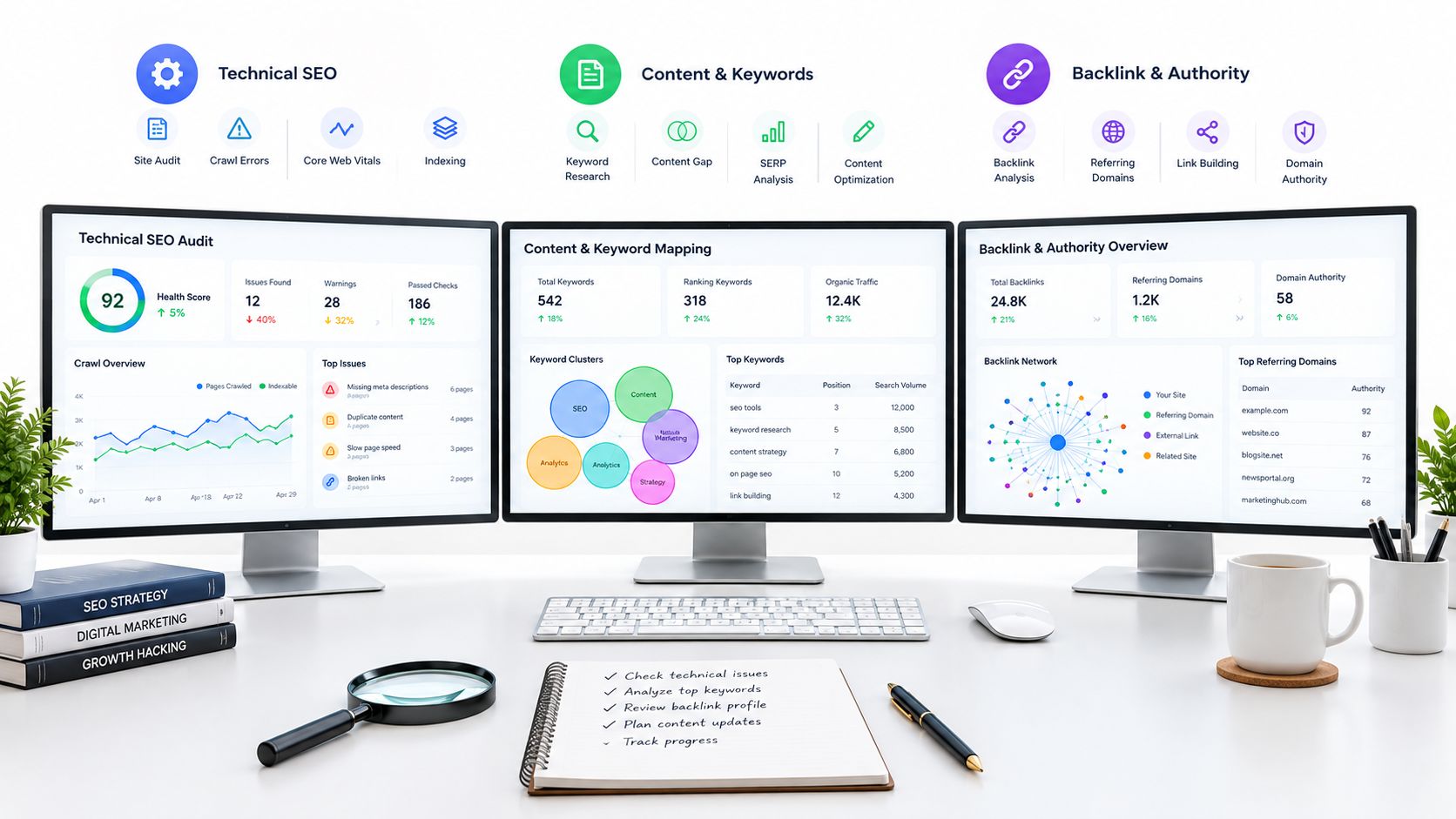
Most advice on top SEO analysis tools still pushes the same shortcut: buy the biggest all in one suite you can afford and force every workflow into it. I don't work that way anymore. The best tool depends on the decision in front of me.
If I'm diagnosing a verified site, I want first party evidence before I touch a keyword database. If I'm looking for competitor gaps, I care more about URL mapping, top pages, and overlap reports than I do about a pretty dashboard. If I'm planning content, I want clustering, SERP history, and a fast way to turn research into page briefs without creating cannibalization. If I'm auditing links, I need page-level link evidence, not just a domain score. And if I'm crawling a giant site, I care about crawl controls, exports, and issue segmentation more than I care about content tools.
That's why I compare tools by job: data source, freshness, workflow depth, scale, usability, and limitations. A lot of teams still assemble a stack this way anyway. One usage survey found 82% of SEO professionals use Ahrefs weekly, 56% use Semrush as their main competitor-tracking tool, and 19.9% use Screaming Frog as a primary site-audit tool. That tracks with what I see in real workflows. Advanced SEO usually isn't one tool. It's a sequence of decisions.
If you want the broader context around tool categories, this guide to website SEO tools is a useful companion. My shortlist below focuses on what gets used when work moves from diagnosis to action.
Tabla de contenido
- 1. SemDash
- 2. Ahrefs
- 3. Semrush
- 4. Moz Pro
- 5. Majestic
- 6. Screaming Frog SEO Spider
- 7. Google Search Console
- 8. SISTRIX
- 9. Serpstat
- 10. Lumar
- Top 10 SEO Analysis Tools Comparison
- Build a Stack Around Decisions, Not Features
1. SemDash
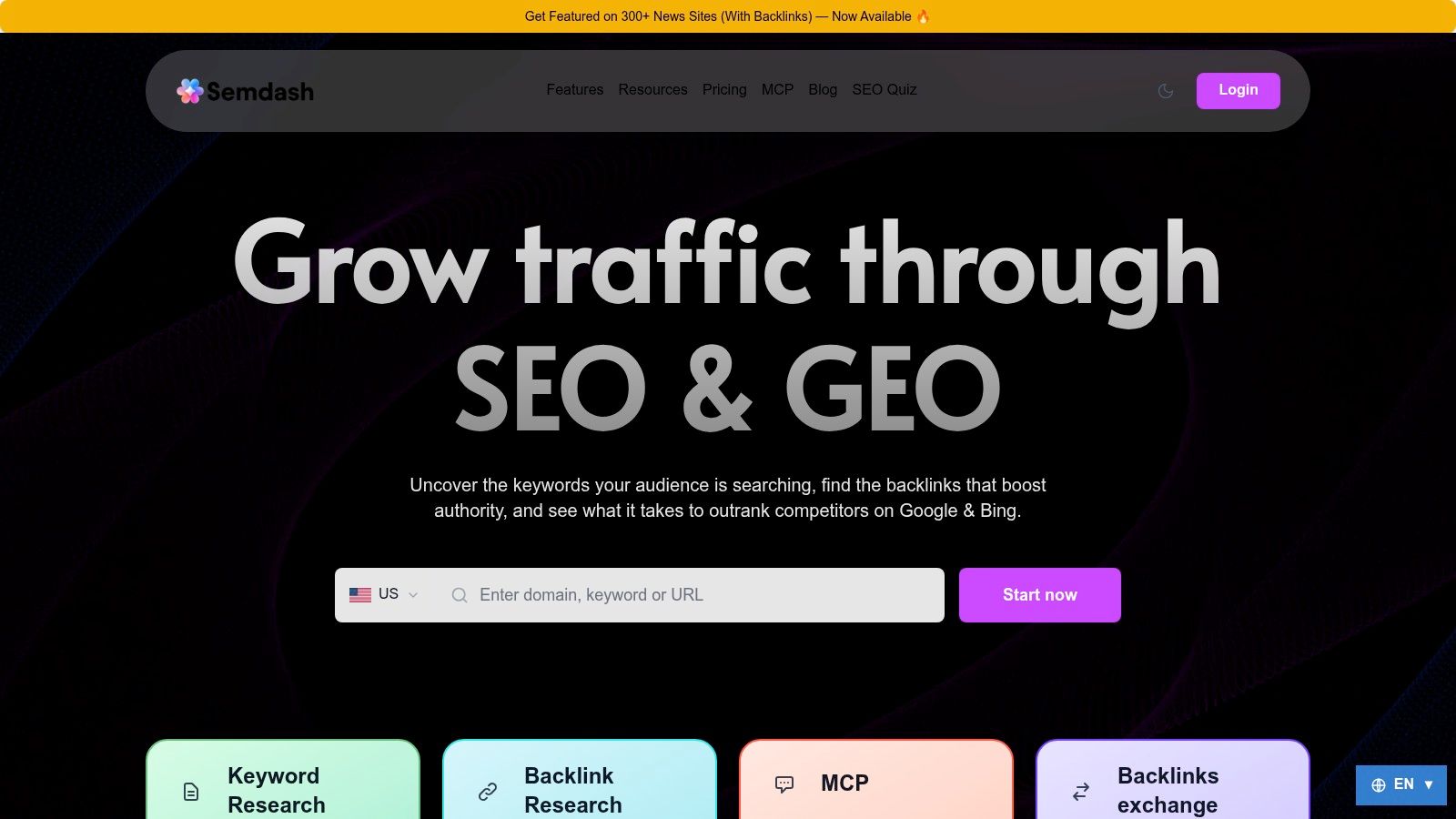
A lot of SEO suites look interchangeable until you try to move from research to a page decision. SemDash earns its place here because it handles that handoff well. I can start with a competitor domain, isolate the URLs that win traffic, map the terms attached to those URLs, check backlink support, review SERP behavior, and turn that into a page plan without bouncing across multiple tools.
That matters more than another all-in-one feature grid.
SemDash is a good fit for agencies, freelancers, and small in-house teams that need one workspace for competitor research, content planning, backlink checks, and URL-level analysis. Its published scope supports that use case. SemDash says it covers 6.6 billion Google keywords updated in the last 30 days, a 2.7 trillion-link index, and about 600 million SERPs refreshed monthly.
Where SemDash fits best
I would not use SemDash as my first stop for verified-site diagnostics. Google Search Console still owns that job because first-party data should come before any third-party estimate. I use SemDash one step later, when the question shifts from "what happened on our site?" to "which pages are taking demand, and what should we build or improve to compete?"
Its strongest workflow is consolidation. Competitor top pages, keyword gaps, backlink gaps, traffic share, SERP history, clustering, AI Overviews, and URL analysis feed the same decision instead of living in separate reports. That reduces tool switching, but the more important benefit is consistency. The same page can stay in view from discovery through brief creation, which makes cannibalization checks and refresh decisions less messy.
What worked best in practice
A few use cases stood out in testing:
- Page mapping for competitive research: SemDash makes it easy to go from a competitor domain to the exact URL winning a topic, then back to the keyword set attached to that page. That is the workflow I want when I am deciding whether to refresh an existing page, merge overlapping content, or create something new.
- Content planning with fewer false starts: Clustering, long-tail suggestions, People Also Ask, and People Also Search are useful because they push planning toward page groups instead of disconnected keywords. That helps prevent publishing three weak pages where one strong hub would do better.
- Backlink investigation tied to pages, not just domains: Broken-link recovery and unlinked brand mentions are practical for reclaim work. They are not glamorous, but they often produce faster wins than starting cold outreach from scratch.
- AI Overviews and SERP context: I treat AI visibility as a supporting signal, not a score to chase. It becomes useful when the tool shows which URL is being surfaced or cited, because then the finding can shape a brief or a refresh plan.
Regla práctica: If AI Overview reporting does not resolve to a specific URL, it is directional research, not an action list.
The trade-off is clear. SemDash is strongest when the job is to connect keyword research, backlink evidence, SERP analysis, and page planning inside one system. If I were doing very broad exploratory mining across a huge topic set, I would still cross-check the universe in another database. Some practitioners will prefer a larger raw export over a tighter set of more relevant matches.
That trade-off is acceptable for the teams SemDash fits best. If the bottleneck is not data access but decision speed, a consolidated workflow usually beats another subscription and another spreadsheet.
2. Ahrefs
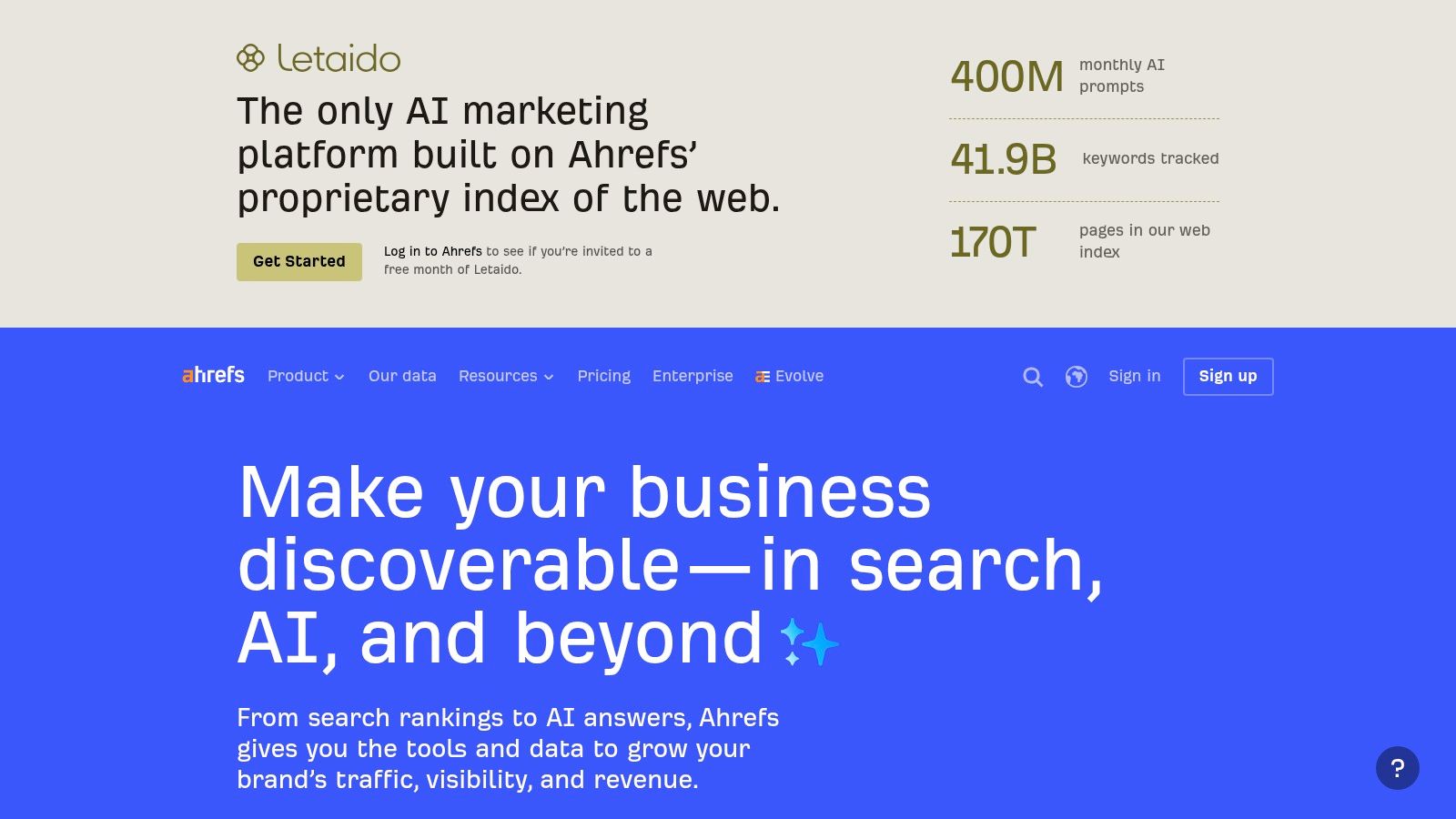
I reach for Ahrefs when the question is competitive pressure at the page level, especially around backlinks and content gaps. It still feels like one of the fastest ways to reverse engineer why a competitor page wins.
Its biggest strength is how much context you can pull without fighting the interface. Site Explorer, Keywords Explorer, Site Audit, and Rank Tracker cover most of the daily work, but the advantage is how smoothly page-level backlink evidence ties back to rankings.
Mejor caso de uso
Keyword difficulty is where Ahrefs' philosophy lines up with how I evaluate competition manually. Ahrefs documents a method that pulls the top ranking pages and counts backlinks to each of them, which is exactly the right mechanic when you're deciding whether a page will need link support before or after publication. You can read that logic in Ahrefs' own explanation of how keyword difficulty uses the top 10 ranking pages and their backlinks.
That page-level thinking is why I still trust Ahrefs for hard calls on difficult topics. Domain authority alone can mislead you. Sometimes a midsize site owns a query because one page has unusually strong links, not because the domain is untouchable.
I don't use Ahrefs' data as a verdict. I use it as a pressure test on whether my content plan is underestimating the link requirement.
One practical drawback is cost creep. Ahrefs is powerful, but extra seats and add-ons can push the total up fast. If you're deciding between the major suites, this breakdown of Ahrefs alternatives vale la pena leerla antes de comprometerte.
For teams that automate exports or pull data into custom systems, the surrounding ecosystem matters too. This Ahrefs scraper tutorial from WebscrapingHQ gives a good sense of how people extend the platform beyond the UI.
3. Semrush
Semrush is the tool I recommend when a team wants broad coverage, shared projects, and fewer excuses about missing a feature. It does a lot. Sometimes that breadth is exactly what you need. Sometimes it's also the reason new users get lost.
I like Semrush most in agency and in-house environments where research, audits, reporting, and competitive monitoring need to sit in one account. Keyword research, top pages, gap reports, site audits, and position tracking are all mature enough to support repeatable workflows.
Where Semrush earns its place
Semrush is especially useful when multiple people touch the same account. Strategists can work from competitor reports, technical SEOs can use Site Audit, content teams can pull topical opportunities, and reporting can flow into other dashboards. That matters because cloud delivery has become the dominant buying pattern in this category. One market report estimates cloud-based deployment at 72.6% of the market in 2025, with North America at 38.4% share and SMEs projected to grow fastest at a 16.8% CAGR through 2034.
That shift explains why Semrush keeps showing up inside collaborative stacks rather than as a solo specialist tool. If you want a close read on how the two biggest suites differ, this Semrush vs Ahrefs comparison is one I'd review before choosing.
What doesn't work as well is simplicity. Semrush can do enough that teams often buy it before they've decided who owns which workflows. Then they end up paying for capacity they don't operationalize. I only recommend it when someone on the team will set standards for projects, tracking, exports, and reporting.
4. Moz Pro
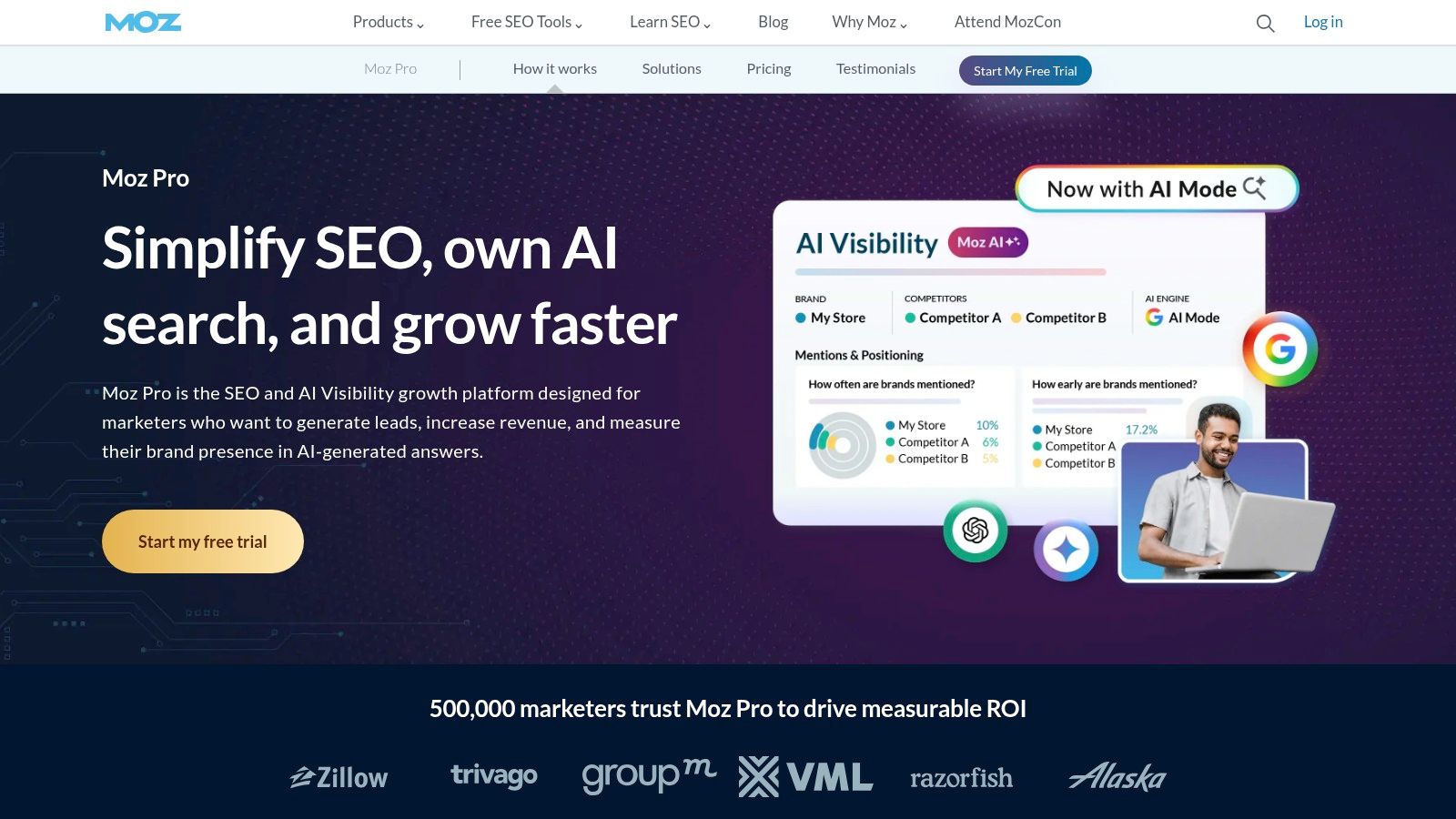
Moz Pro is what I reach for when a team wants an approachable toolkit that still teaches good habits. It doesn't win on raw database depth, but it often wins on adoption because people use it correctly.
The interface is cleaner than many enterprise-leaning platforms, and that matters more than people admit. For SMB teams or junior marketers, a gentler learning curve can produce better work than a more advanced tool that nobody learns past the homepage.
Why I still keep Moz in the conversation
Moz is useful when I need a teachable workflow for keyword research, rank tracking, site audits, and link metrics like Domain Authority and Spam Score. Client education is an overlooked reason to choose a tool, and Moz is still one of the easier platforms to walk through live without constantly translating the UI.
I wouldn't choose Moz as my only platform for aggressive competitor intelligence or deep link prospecting. That's where the larger databases still pull ahead. But for site owners who need issue prioritization, campaign tracking, and understandable link metrics, it's a strong fit.
A common mistake is expecting Moz to behave like a heavy-duty reverse-engineering suite. That's not really where it shines. I use it more when clarity matters more than exhaustiveness.
5. Majestic
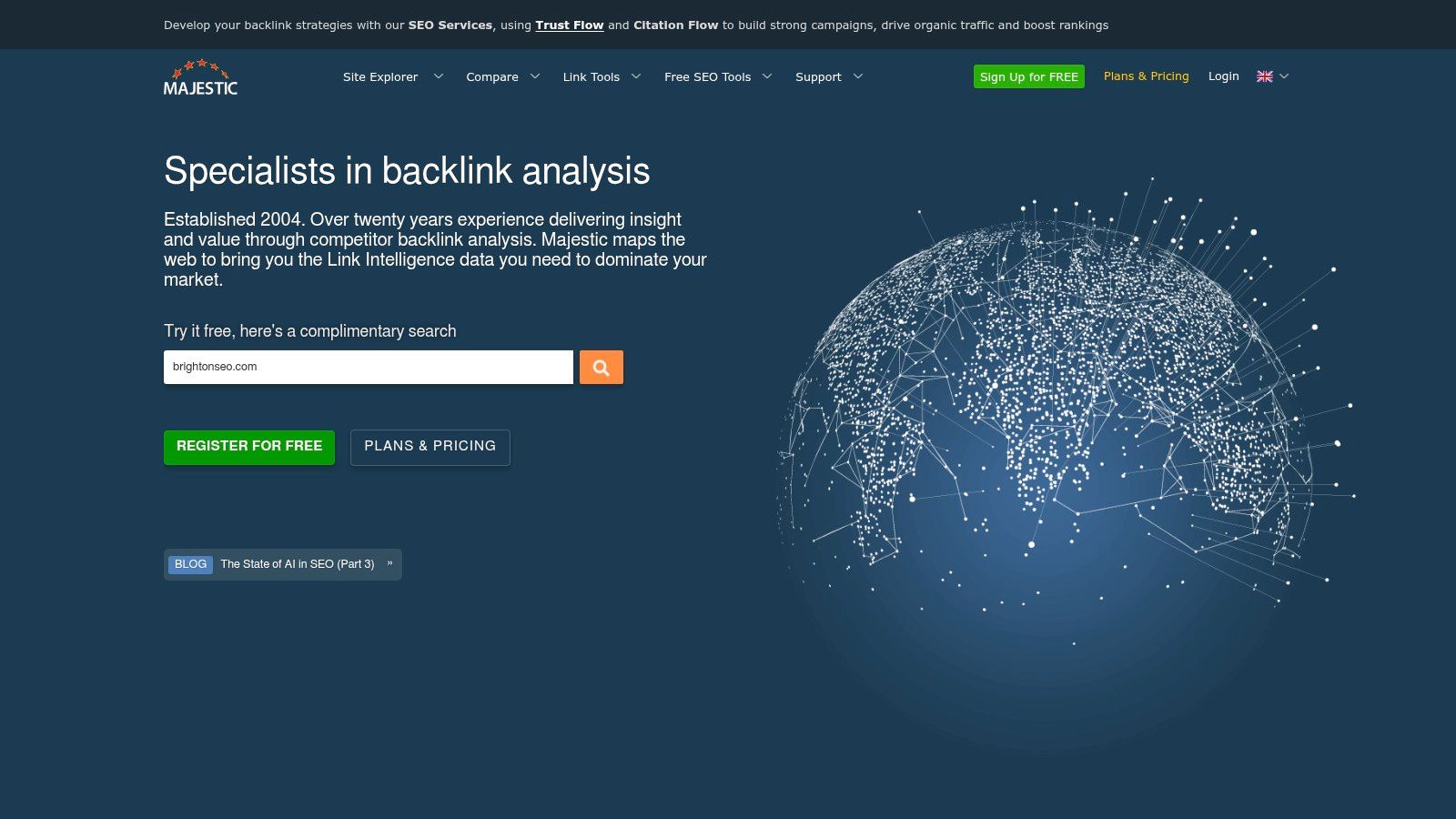
If the job is link intelligence, I still have time for Majestic. It's narrower than the all-in-one suites, but that focus is exactly the point.
Majestic is the tool I use when I want to inspect link neighborhoods, compare topical relevance, and work through link audits with a specialist lens. Trust Flow, Topical Trust Flow, Fresh Index, Historic Index, Link Context, and bulk exports all push the workflow toward deeper link analysis rather than generic SEO reporting.
Best for serious backlink investigation
Majestic works well when you're evaluating whether links are relevant, concentrated around certain topics, or structurally odd. I don't use it for keyword planning. I use it when I need to ask whether a site's authority profile makes sense.
One reason link specialists still value this approach is that page-level competitiveness matters more than broad domain fame. Manual frameworks for keyword analysis make the same point. Advanced Web Ranking's documented method recommends checking average authority of the top 10 pages, referring domains to those individual pages, content depth, and topical relevance. Majestic gives you useful evidence for that kind of review.
Majestic's downside is obvious. It's not trying to be your full SEO operating system. Beginners also tend to find it more utilitarian than friendly. That's fine if your main problem is links. It's not fine if your team expects one subscription to cover every workflow.
6. Screaming Frog SEO Spider
Screaming Frog SEO Spider earns its place in an SEO stack for one reason. It answers site-level questions faster than almost anything else when the problem is technical.
I reach for it when a template rollout changes canonicals, a migration creates redirect chains, or a faceted navigation setup starts producing indexable duplicates. In those situations, keyword databases and rank trackers are secondary. The immediate job is to crawl the site, inspect the patterns, and verify what changed.
Best for technical crawling and release QA
Screaming Frog is strongest in hands-on diagnostic work. You can control rendering, isolate directories, compare crawls, extract elements with XPath or CSS selectors, and connect APIs to pull in extra context while you crawl. That makes it useful for practical checks such as finding orphan candidates, validating hreflang clusters, reviewing internal anchor patterns, or confirming whether noindex rules match what the CMS team intended.
It also fills an important gap between first-party and third-party platforms. Search Console shows what Google has processed on verified properties. Tools like SemDash, Ahrefs, or Semrush help with competitor research, SERP analysis, and page opportunity mapping. Screaming Frog handles the layer in between. It shows what your site is outputting before you wait for Google to react.
One trade-off is that the tool is only as good as the operator. A careless crawl on a large site can waste time, hit traps, or produce thousands of low-value URLs that hide the issue. Large JavaScript-heavy sites also force choices around rendering, speed, and memory usage. Those are manageable constraints, but they matter.
For technical audits, I trust it because the workflow is concrete. Crawl the site. Filter the affected templates. Export the problem set. Re-crawl after fixes. That sounds basic, but it is exactly why Screaming Frog remains a standard tool for migrations, indexation cleanup, and post-release QA.
7. Google Search Console
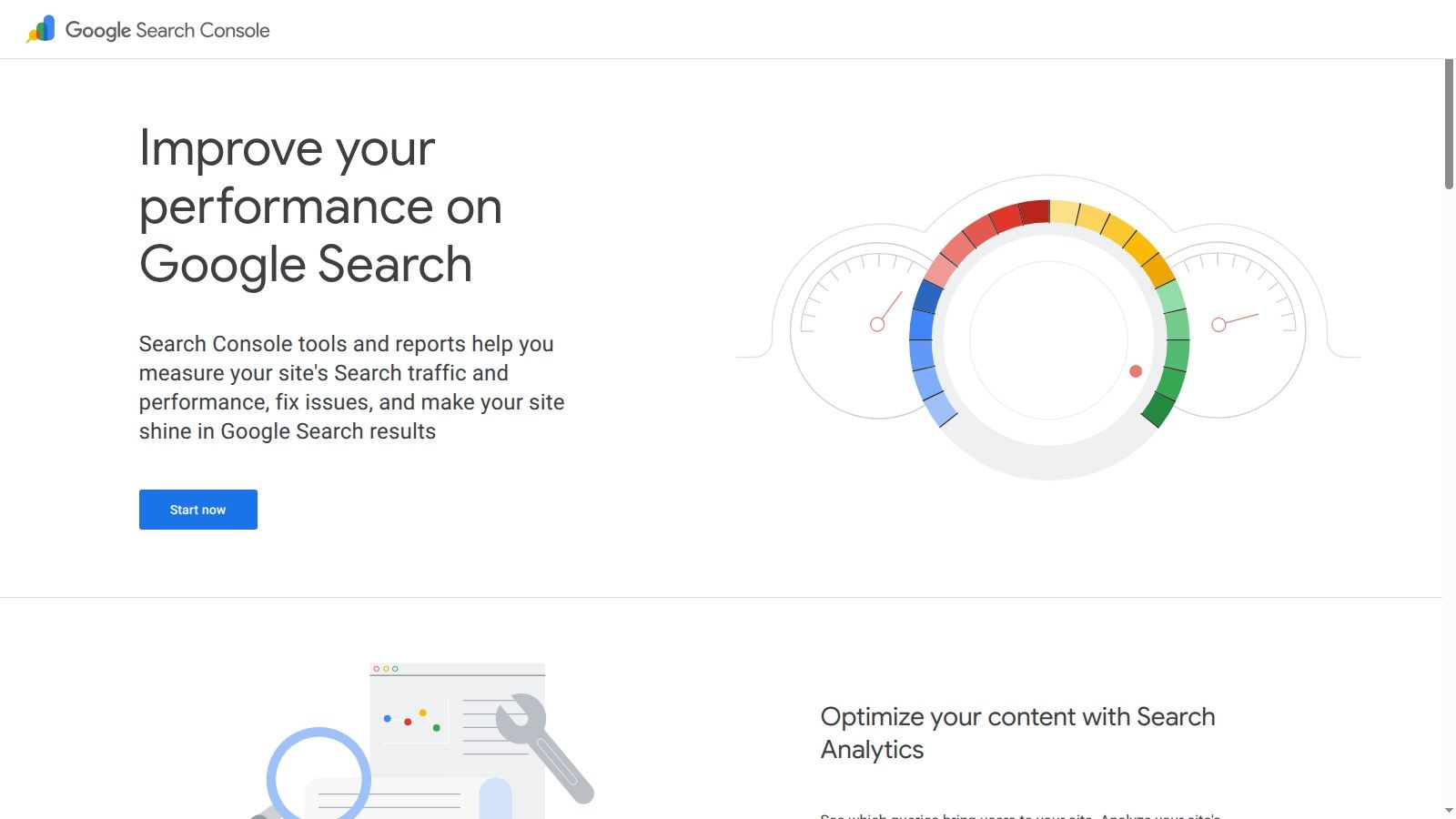
Google Search Console is the tool I trust first when the question is factual. Did impressions fall, or did a rank tracker lose coverage? Is Google indexing the page you just published, or is the problem still sitting in discovery or canonicalization? Search Console answers those questions with first-party data from the property you verified.
That makes it the diagnosis layer for your own site. Performance reports show queries, pages, countries, devices, and CTR patterns. URL Inspection helps confirm indexation status on specific pages. Coverage, sitemaps, enhancements, and Core Web Vitals help narrow down whether the issue is content, technical implementation, or search appearance.
The limitation matters just as much as the strength. Search Console has no competitor view, limited historical depth compared with some third-party platforms, and query reporting that is good enough for decision-making but not complete enough to serve as your only research database. If I need to compare my page against the current SERP, investigate a competitor's backlink support, or map topic gaps across a category, I leave Search Console and move into SemDash, Ahrefs, or Semrush.
That split is why I would never treat all SEO tools as interchangeable. Search Console is for first-party diagnosis. It tells you what Google has processed on your site. It does not tell you what to publish next, which rival is gaining links to a competing URL, or how volatile the result set has become around a money term.
A practical workflow is simple. Start in Search Console when traffic, indexing, or CTR changes. Confirm the affected pages and queries. Then use a research tool to explain the external context. In SemDash, for example, you can move from the underperforming URL into keyword coverage, SERP movement, backlink context, and AI Overviews checks without bouncing across separate tools. Search Console still supplies the ground truth. The other platforms help interpret what to do with it.
8. SISTRIX
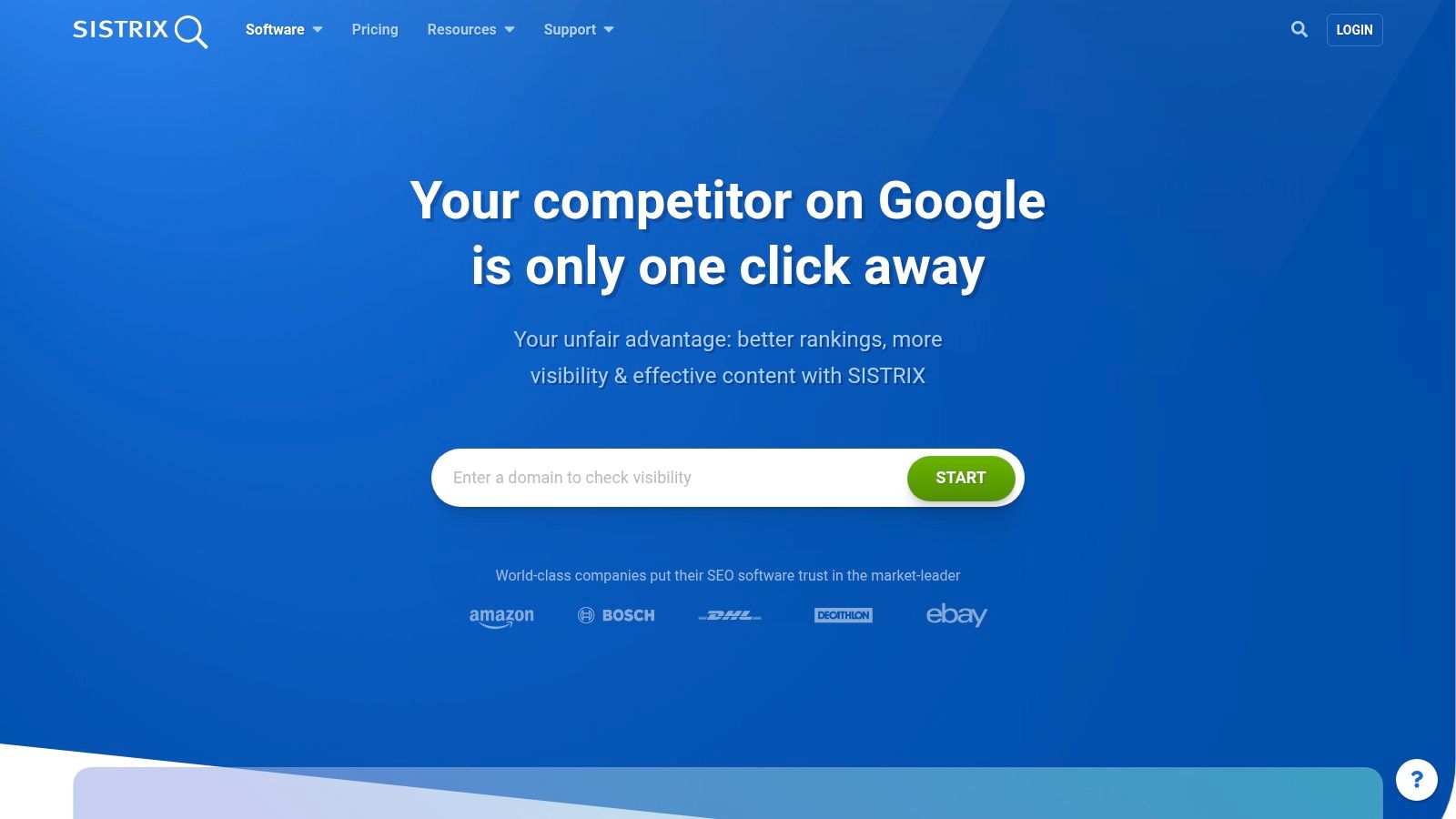
SISTRIX is one of the few tools I like specifically for historical market reading. If you're working across European markets, it's often in the conversation much earlier than US-centric roundups suggest.
Its Visibility Index is the headline feature, but the practical value is trend interpretation. I use SISTRIX when I want to benchmark a domain over time, compare markets, and spot whether a rise or drop looks isolated to one folder, one country index, or a wider shift.
Mejor opción
SISTRIX is strong when your workflow depends on historical context and geographic segmentation. It also helps that the module structure is cleaner than many sprawling suites. Teams can buy into the part they need rather than adopting an oversized tool all at once.
I wouldn't pick it first for someone who wants the biggest US SEO community, the widest tutorial ecosystem, or a deep backlink-specialist workflow. I would pick it for disciplined market tracking, country-specific comparisons, and clear visibility snapshots.
Its newer AI and chatbot visibility modules make sense too, especially if your reporting has shifted from rankings only to broader search presence.
9. Serpstat
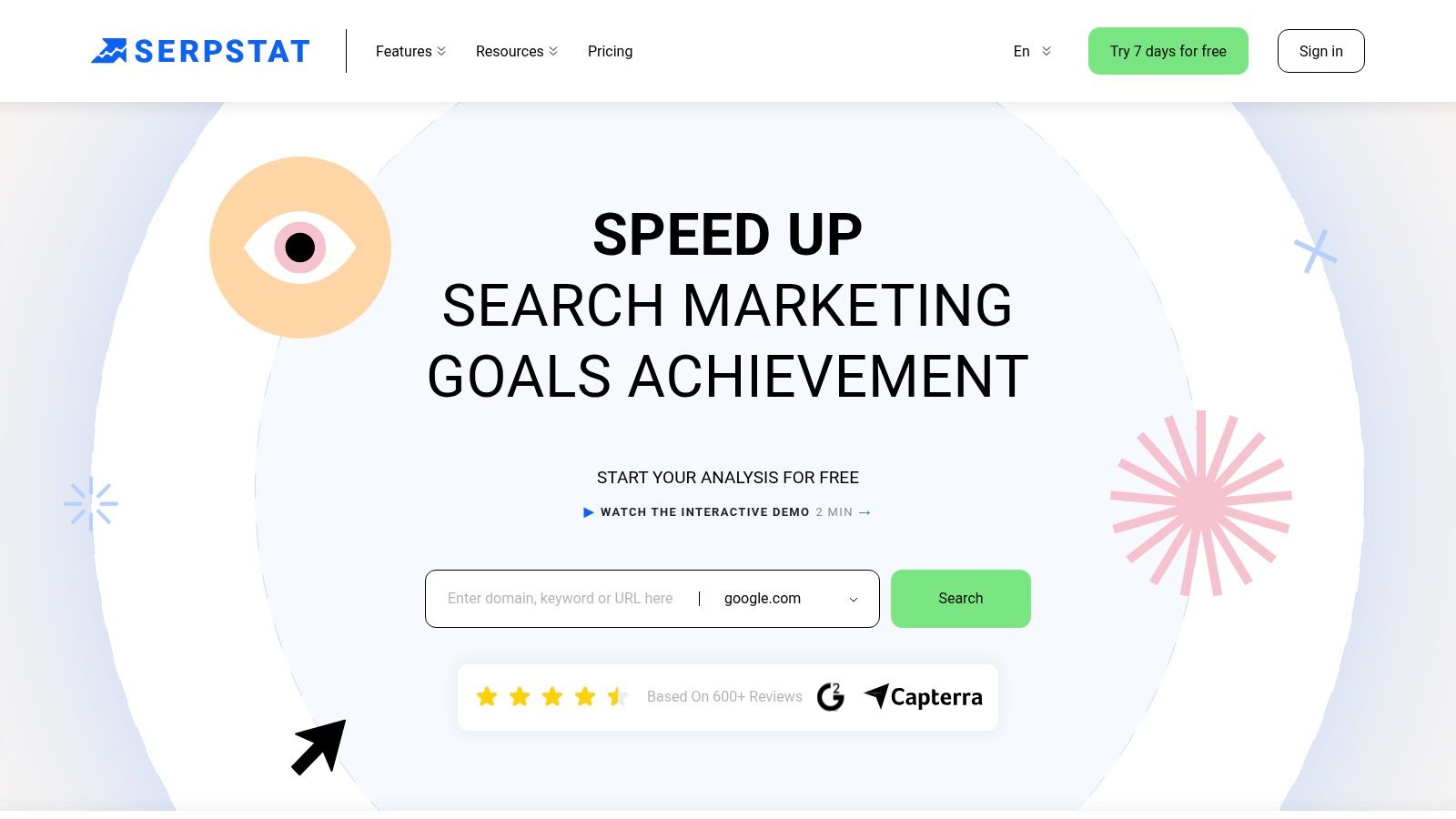
Serpstat is one of the better value plays when an agency needs breadth without paying premium-suite money across every client. It covers keyword research, clustering, rank tracking, backlink analysis, site audits, white-label reporting, and API access in one platform.
That combination makes it practical for budget-conscious teams that still need shareable deliverables. If you're managing many smaller accounts, white-label exports and broad feature coverage can matter more than having the deepest single database in the category.
Where I like it most
I like Serpstat for agencies that need to turn around competent research and reporting without stacking too many subscriptions. Clustering and rank tracking are especially useful when the team needs a content plan plus an ongoing reporting layer.
Its trade-off is database depth and freshness versus the biggest vendors. That's usually where premium suites still separate themselves. But not every account needs the market leader on every metric. Sometimes the better choice is the tool that the team can afford to keep, learn, and standardize.
That matters because tool adoption across businesses is still lower than many people assume. One benchmark source said only 8.7% of businesses were relying on SEO tools in September 2026, with Semrush listed as the most-used vendor and DataForSEO as the fastest-growing vendor. I read that less as a winner-takes-all signal and more as proof that the market still leaves room for practical consolidation plays.
10. Lumar
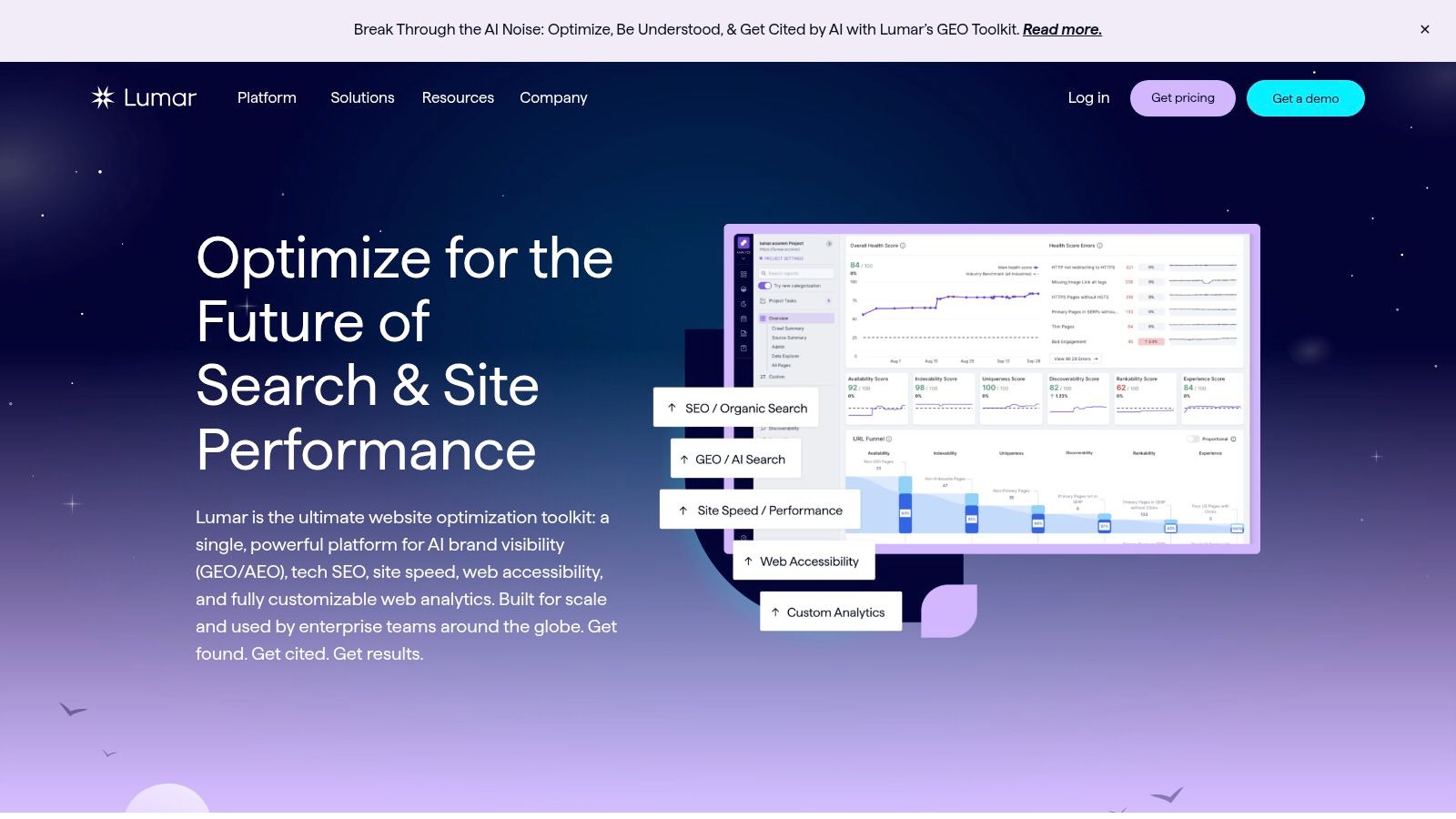
Lumar is what I think about when the crawl itself becomes an operational system, not just an audit. On very large sites, that distinction matters.
Lumar is built for enterprise environments where millions of URLs, multiple stakeholders, recurring monitoring, governance, and issue workflows all need to coexist. It goes beyond SEO into accessibility and site quality, which makes it easier to justify inside bigger digital teams.
Why enterprises still pay for a crawler platform
This isn't a small-site tool. It's for organizations that need health scoring, trend monitoring, alerting, segmentation, and integrations that connect engineering, SEO, and product teams. If a problem appears in one template across a giant catalog, the value is in catching it quickly and routing it well.
The larger market trend supports that enterprise posture. One market estimate valued the SEO software and tools market at USD 74.6 billion in 2024 and projected growth to USD 154.6 billion by 2030, implying a 13.5% CAGR from 2025 to 2030. Another forecast in the same source set is similarly strong. That kind of sustained category growth makes sense when search tooling has become infrastructure rather than a nice-to-have.
Lumar's drawback is also the reason it exists. It's overkill for small sites. If you're not operating at enterprise complexity, you'll get more value from a lighter crawler plus a stronger research suite.
Top 10 SEO Analysis Tools Comparison
| Herramienta | Core strengths | Experiencia de usuario y calidad (★) | Valor y precios (💰) | Público objetivo (👥) | Propuestas de valor únicas (✨) |
|---|---|---|---|---|---|
| SemDash 🏆 | Large fresh datasets (6.6B keywords, 2.7T backlinks), URL‑level mapping, SERP history | ★★★★, fast, simplified UI | 💰 Budget‑friendly, free starter/trial | 👥 SMBs, agencies, freelancers, growth teams | ✨ AI Overviews, live SERP briefs, unlinked‑mention & broken‑link recovery, optional PR backlink service |
| Ahrefs | Deep backlink index, Site Explorer, Keywords Explorer | ★★★★★, industry leader for links | 💰 Premium pricing | 👥 SEOs, agencies, link analysts | ✨ Exceptional link depth, fast UI, Brand Radar |
| Semrush | All‑in‑one marketing suite: keyword research, audits, rank tracking | ★★★★, feature‑rich (can feel broad) | 💰 Mid‑to‑high tiers, scalable | 👥 Agencies, in‑house marketing teams | ✨ Wide tool coverage, GA/GSC integrations, reporting add‑ons |
| Moz Pro | Keyword research, site audits, DA/Spam metrics | ★★★, user‑friendly, teachable workflows | 💰 Lower starting price | 👥 SMBs, agencies, client‑facing teams | ✨ Domain Authority metric, clear onboarding/education |
| Majestic | Backlink specialist: Fresh & Historic indices, Link Graph | ★★★★, link‑centric depth | 💰 Moderate, bulk/API options | 👥 Link analysts, outreach teams | ✨ Trust Flow / Topical Trust Flow, transparent exports |
| Screaming Frog SEO Spider | Desktop crawler for in‑depth technical audits, JS rendering | ★★★★, precise, fast (hardware‑dependent) | 💰 Low cost (desktop licence) | 👥 Technical SEOs, developers | ✨ Advanced extraction, crawl comparisons, API integrations |
| Google Search Console | First‑party performance, index coverage, URL inspection | ★★★★, authoritative Google data | 💰 Free | 👥 Every site owner / webmaster | ✨ Direct Google metrics, Core Web Vitals, sitemap & inspection tools |
| SISTRIX | Visibility Index, keyword & domain analysis across countries | ★★★★, clean modular UI | 💰 EUR modular pricing (by module) | 👥 European agencies, market analysts | ✨ Visibility Index benchmarking, AI/prompt tracking modules |
| Serpstat | Budget all‑in‑one: keywords, clustering, backlinks, white‑label | ★★★, good breadth for price | 💰 Value‑oriented, generous limits | 👥 Budget agencies, freelancers | ✨ White‑label reporting, bulk SERP/API options |
| Lumar (Deepcrawl) | Enterprise‑scale crawling, technical health & accessibility | ★★★★, enterprise grade | 💰 Quote‑based (enterprise) | 👥 Large enterprises, very large sites | ✨ Massive crawl scale, A11y & performance alongside SEO |
Build a Stack Around Decisions, Not Features
The cleanest way to choose from the top SEO analysis tools is to start with the decision you need to make next, not the feature list that looks best in a demo. I still build stacks in layers.
Start with Google Search Console. It gives you verified performance, indexing, and query evidence for the sites you control. If a page lost impressions, if coverage changed, or if a submitted URL isn't behaving the way you expect, that's where I want confirmation first. I don't let third-party estimates overrule first-party evidence.
Then add a crawler. That means Screaming Frog. For very large organizations, that may mean Lumar. The reason is simple. Search Console can tell you there's a problem, but it usually won't map every duplicate title cluster, internal redirect chain, orphaned section, or rendering issue the way a proper crawl will.
The next layer is the competitive suite. The choice gets more personal. If you want a broad platform with mature reporting and lots of adjacent tools, Semrush is a safe pick. If your workflow leans heavily on page-level backlink analysis and hard competitive reverse engineering, Ahrefs is still excellent. If you work in European markets and care about visibility benchmarking over time, SISTRIX deserves more attention than it gets in generic US lists.
SemDash is the efficient choice when you want consolidation without giving up the workflows that matter in execution. I like it for teams that need keyword research, backlink analysis, SERP checking, URL-level mapping, clustering, top pages, gap reports, and AI Overviews in one place. That combination reduces tool switching in the middle of planning. It also helps smaller teams avoid the common trap of discovering opportunities in one platform, validating them in another, and then manually rebuilding the brief in a doc.
A specialist tool is still worth the extra subscription when the problem is unusually concentrated. Majestic makes sense when link investigation is the core job. Moz Pro makes sense when usability and teachability matter more than maximum data depth. Lumar makes sense when enterprise monitoring and governance are part of the deliverable, not just technical diagnosis.
I wouldn't commit to any platform based on a generic trial click-through. Test representative projects. Import a real site. Run your usual exports. Check keyword limits, crawl limits, user seats, project structure, and reporting friction. Try the actual handoff too. Can the strategist get to the writer? Can the technical findings get to engineering? Can the account manager turn the output into something a client understands?
Don't always need the most famous tool. The need is for a tool stack that gets from evidence to action with the fewest wasted steps. Keeping that standard makes the right choice clearer fast. For readers working on local search alongside broader SEO, a dedicated local SEO tool can also complement the stack where location-specific workflows matter.
If you want one platform that pulls competitor keywords, backlinks, SERP history, URL-level mapping, clustering, and AI Overviews into the same workflow, SemDash is worth testing on a real project. It's a practical option for teams that want fewer tab changes and faster decisions, especially when content planning and competitive analysis happen at the same time.